Photos to every attendee, in real time.
Each person gets their photos by text as they are taken, on your company’s brand and ready to post on LinkedIn.
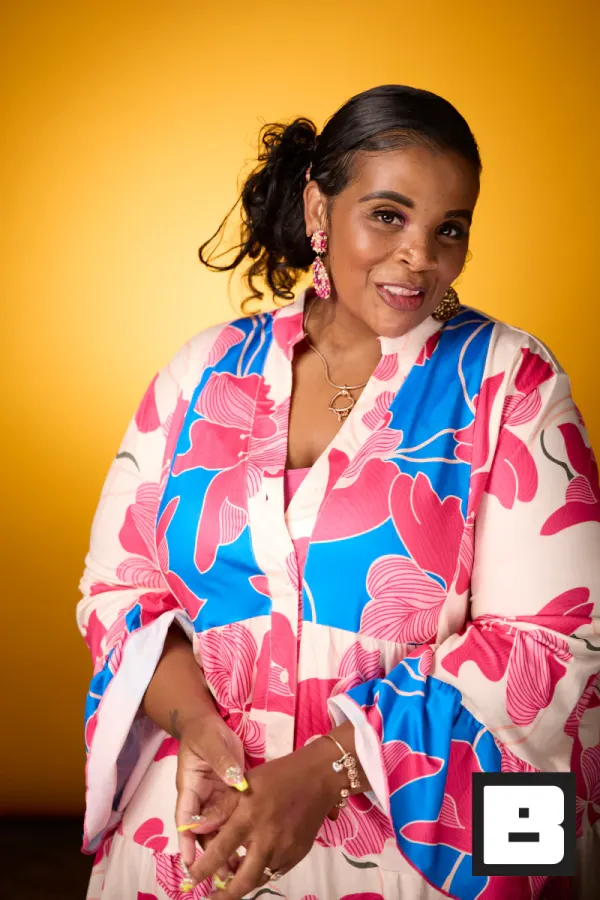
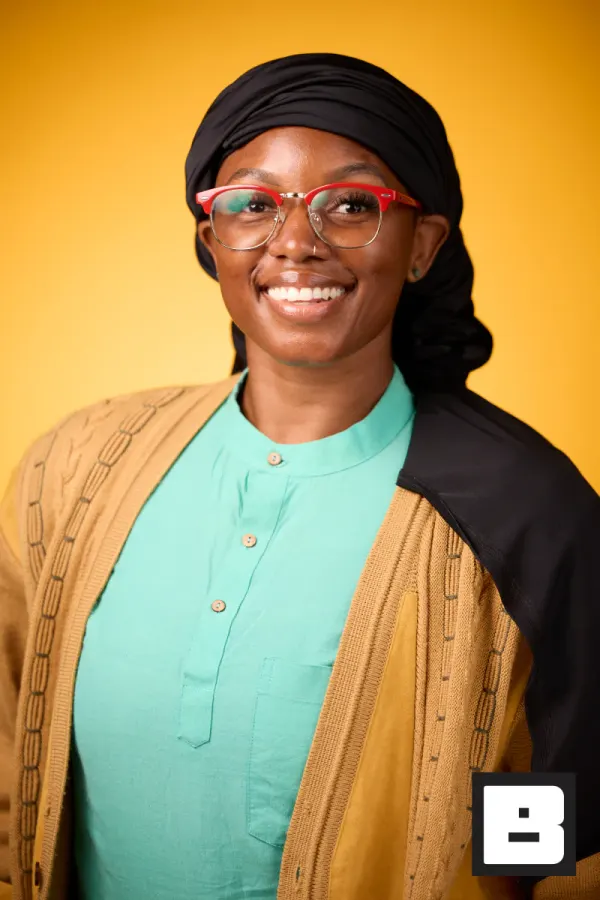
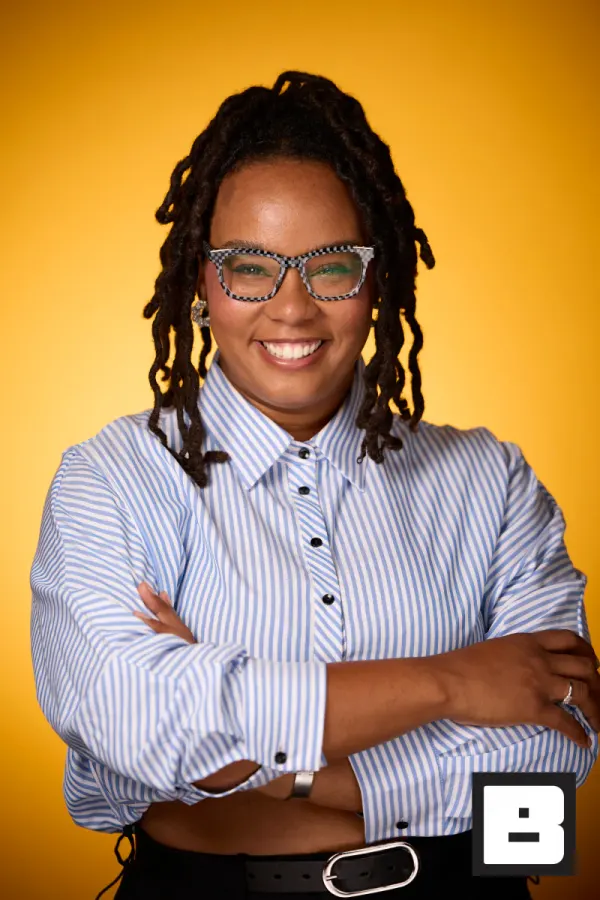
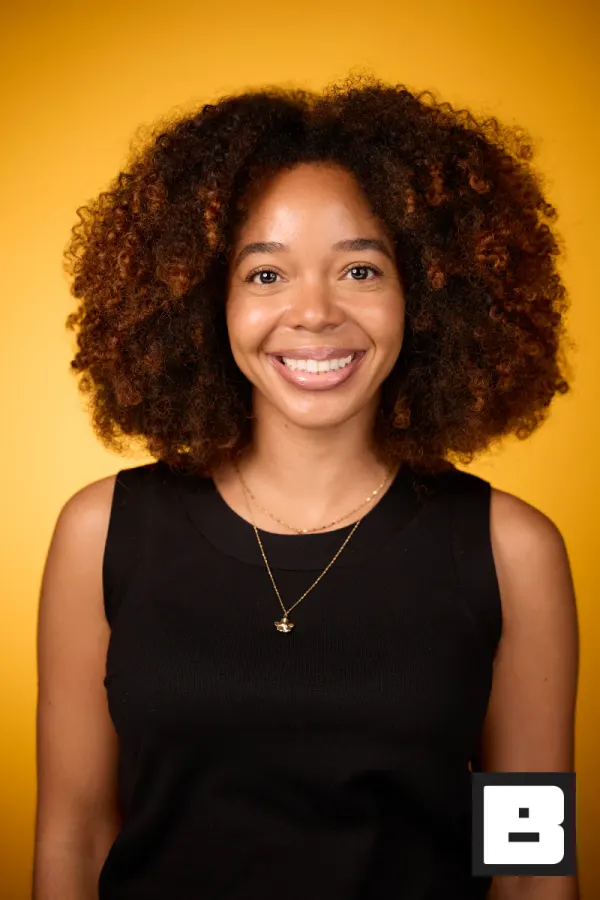
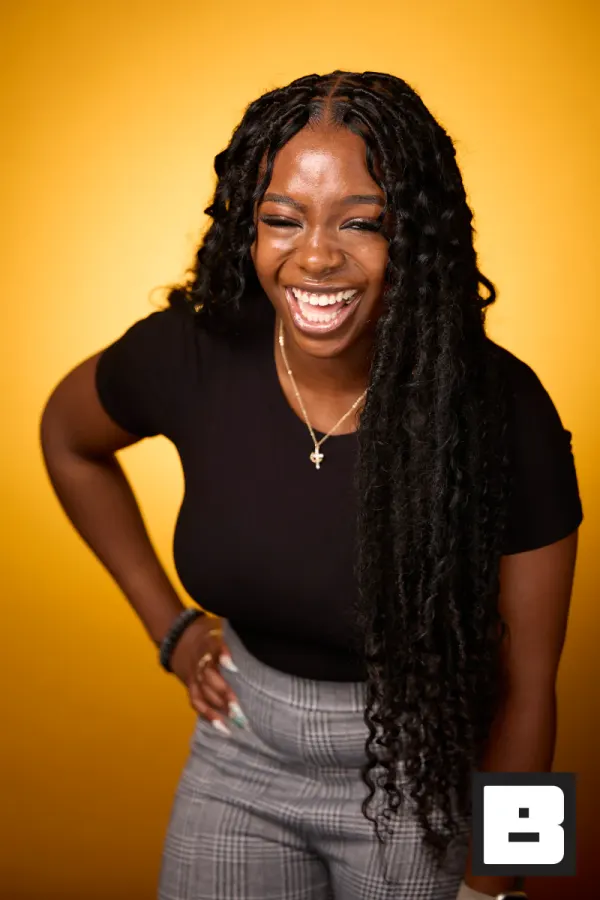
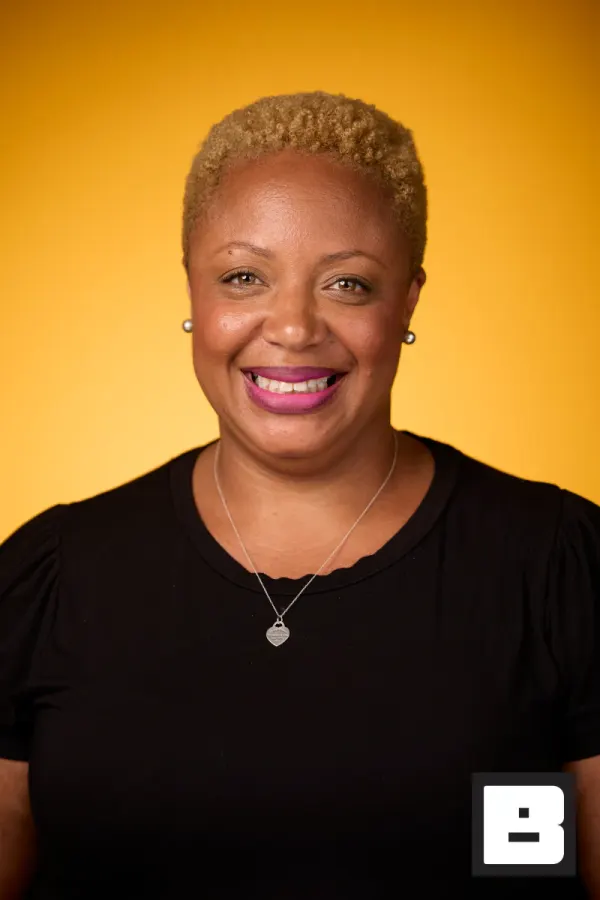
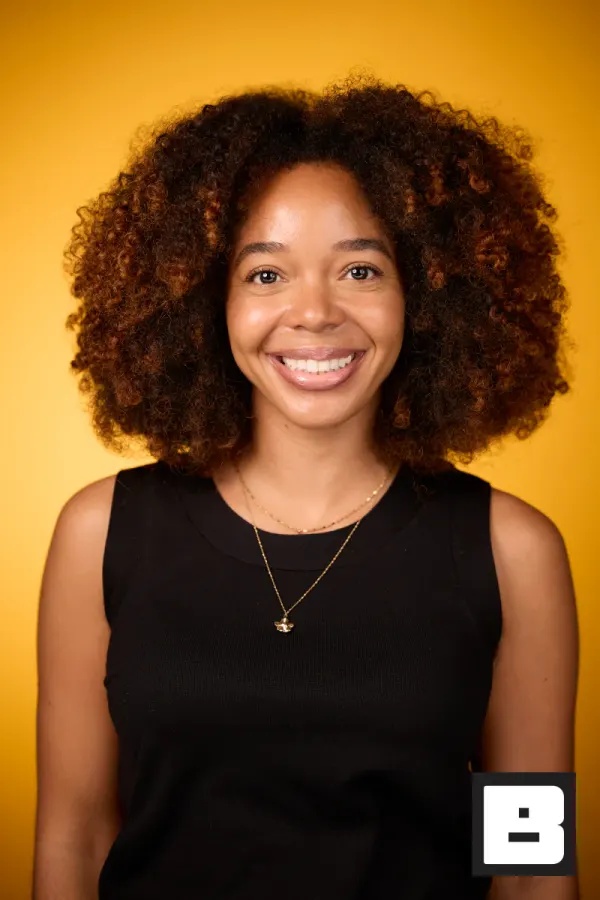
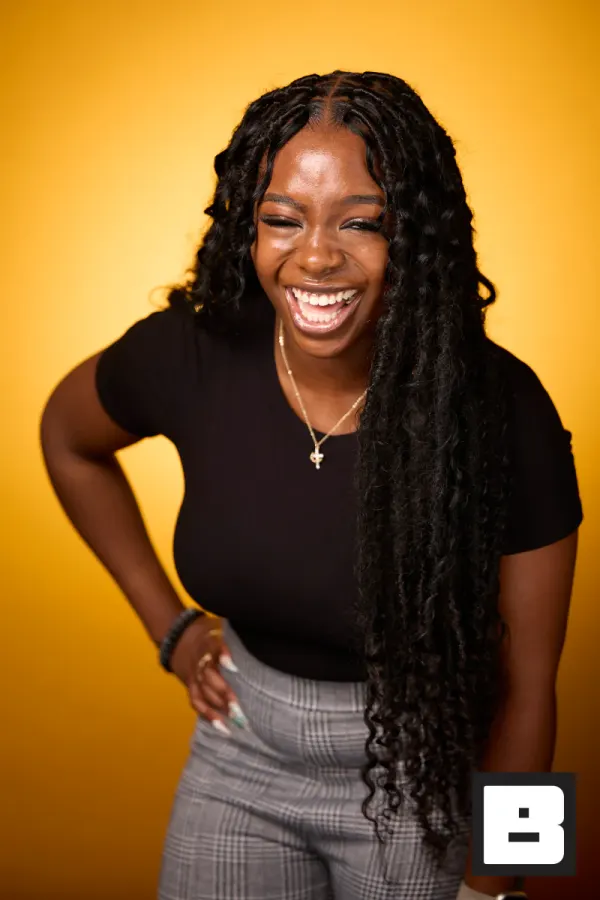
P&G, Cincinnati. Shot by Mammoth, the agency that runs its events on BrandStudio.
One setup. Every employee served.
The company event, from the planning doc to their phone.
Build it once at your desk
Create the event, drop in the company brand kit, add whoever is shooting. No one has to configure anything on site.
Capture without a queue
A camera tethered to an iPad, or a station people use themselves. Either way nobody fills in a form to get their photo.
Saved to photosDelivered, on your brand
Employees get their photos while the event is still the thing everyone is talking about, and comms gets every photo with each guest’s media consent on record.
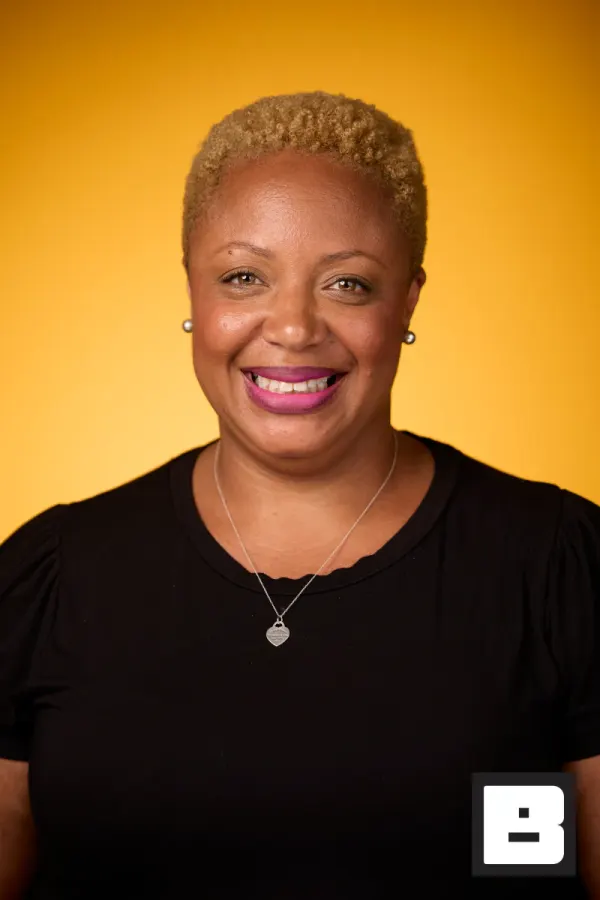
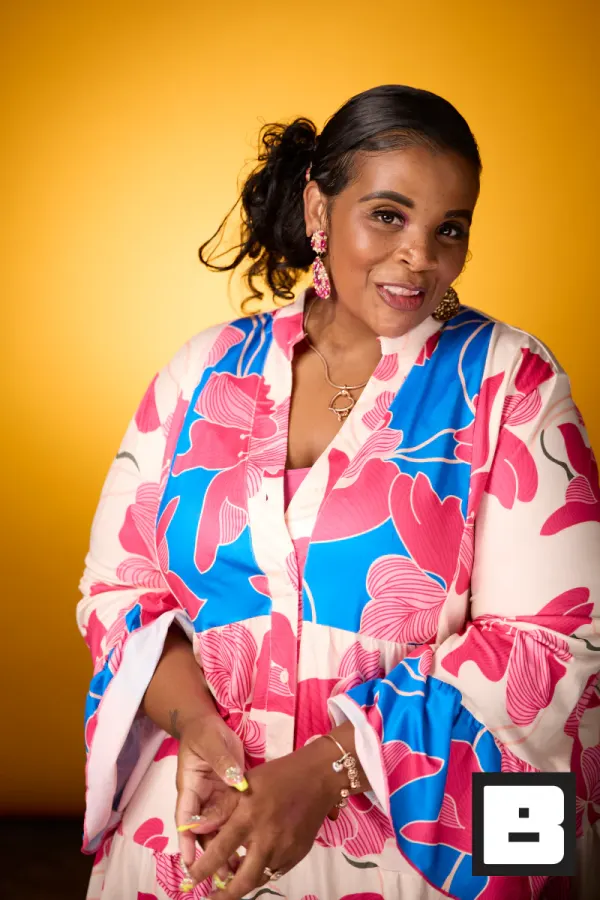
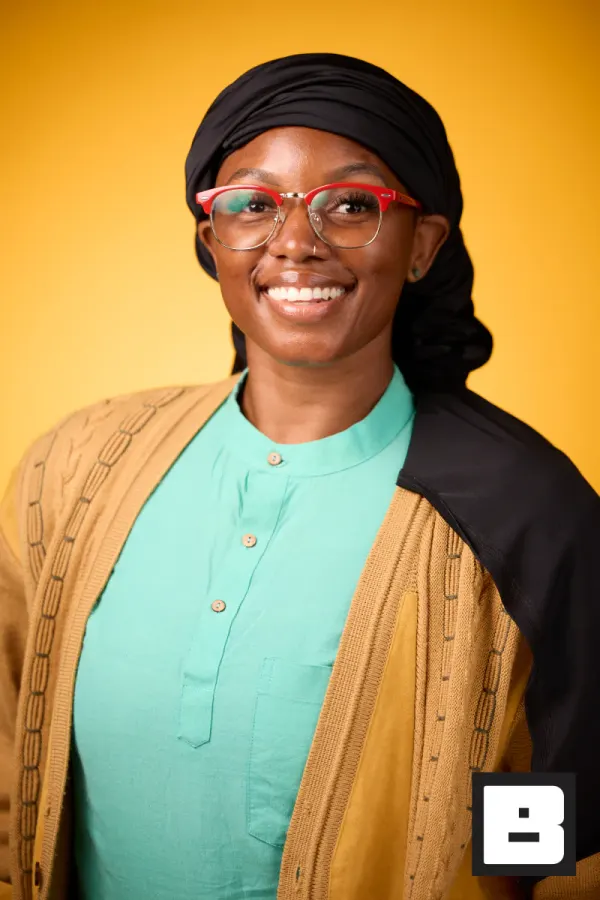
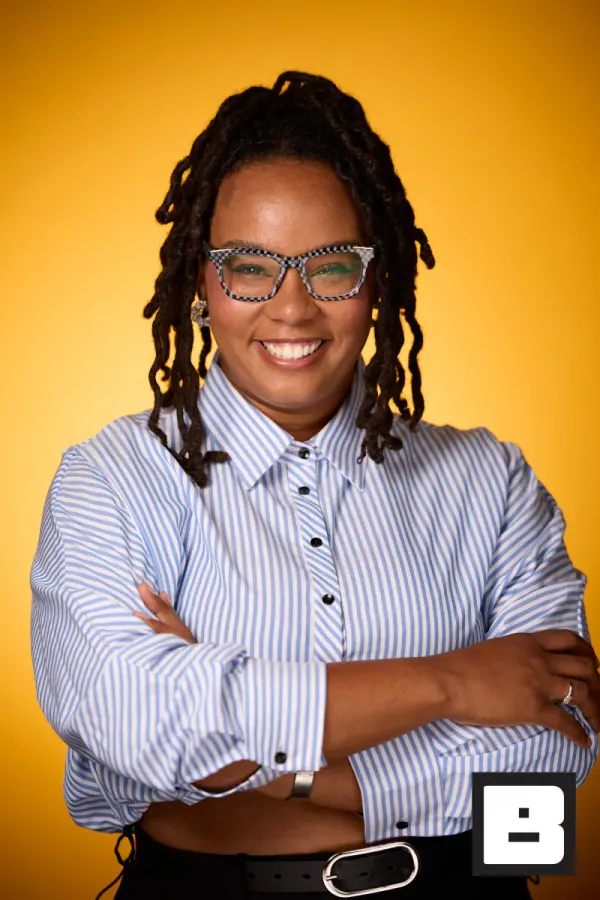
Real frames from P&G Confidence Lab at Black Tech Week
You know how the all-hands photos usually land.
The offsite ends Friday. Leadership wants the recap and proof the budget was worth it — and you have hundreds of photos and no time.
The shots trickle out the following week in a generic shared folder, with nobody’s logo on them and a tool’s name in the URL.
Six months later marketing needs one photo from the Q1 offsite, today — and you’re digging through folders to find it.
Approved once, on brand all night.
Set the company brand once. Then it’s three steps, and we stay out of the frame.
Capture
Your photographers cover the all-hands, product launch, or holiday party on any device — iPhone, iPad, or a tethered Mac. Several shooters, one event, a folder each if you want it.
BrandStudio brands + delivers
Every photo lands in one gallery on the company brand — logo, colors, and overlay applied automatically from your company kit. Face Match finds each person and texts them their photos.
You review and approve
You watch the recap assemble itself while the event runs. By the time you pack up, every shot is in the company account and guests already have theirs.
BrandStudio never appears in the link, the gallery, or the photo. Leadership and guests only ever see your company brand.
The company event, start to finish.
From badge-in to the Monday recap — here’s where each tool carries the day.
- 8:30 AM
Check-in
Badges scan, names fill themselves in, and a ten-second selfie means everyone’s photos will find them. No lanyard spreadsheet.
- 9:00 AM
The keynote
Photographers cover the stage and the room; every frame lands in the company gallery while the CEO is still talking.
You see: Comms pulling stage shots mid-session. - 12:00 PM
Headshot lounge
The line moves because nobody waits for files — shoot, next, delivered. A refreshed LinkedIn photo for every employee by lunch.
Guest sees: A new headshot on their phone before they’re back at their seat. - 3:00 PM
Breakouts and candids
Roaming iPhones catch the hallway conversations and team moments — the photos internal comms actually wants.
- 5:00 PM
Wrap
Every registered attendee has a text: their photos, found by face, on the company’s domain. Anyone who opted out of face matching was never matched.
- Monday
Proof it landed
Views, downloads, shares, and photos by capture source — the numbers that turn “was the event worth it?” into a one-line answer.
You see: The number leadership asked for.
Leadership sees an event that ran flawlessly — on the company brand.
The recap is done before Monday, every photo carries the company kit, and everyone in the room already has theirs. Leadership gets the numbers without having to ask, and the brand stayed yours the whole way through.
- Everyone leaves with their own photos, found by face — no app, no folder to dig through.
- The company logo on every gallery page, every photo, every text — never ours.
- The recap and the numbers leadership wants are ready the day of, not the following week.
How it actually works.
The company brand on every photo, set once
Set the logo, colors, overlay, and notification copy once at the company level and every event inherits it — no rebuilding the kit for each offsite, no off-brand one-offs slipping through. BrandStudio never appears. Leadership and guests only ever see your company, on every gallery, print, and text.
- Company defaults cascade to every event automatically
- Separate brands for sub-brands and product lines
- Per-event overrides when one event needs its own look
You decide who sees guest data and who can download
Corporate photos and attendee lists are not for everyone. Six roles from Owner to Assistant control who uploads, who sees guest data, and who manages events — down to the individual event. An audit log records sign-ins, team changes, and deletions, so you can answer security and HR.
- Owner, Admin, Event Manager, Photographer Lead, Photographer, Assistant
- Event-level role overrides for cross-team coverage
- Audit log of sign-ins, team changes, and deletions
Find any shot from any event, six months later
Marketing needs a photo from the Q1 offsite and they need it today. Every event stays in your account, organized by event and folder, and Face Match links the same people across events. Open the event, or open the person, and pull the shot for the deck or the careers page.
- Every event, every folder, in one account
- Face Match links photos to the same people across events
- Download all, or pick photos for the recap deck
Several photographers, one event, no folder wrangling
A product launch or all-hands gets covered by more than one shooter. Every device — iPhone, iPad, or a tethered Mac — syncs to one event in real time, so nobody is emailing folders or reconciling exports at midnight. The recap is assembling itself while the event is still running.
- Real-time sync across every capture device, branded on upload
- A folder per photographer, room, or part of the day
- Live slideshow on screens through the venue as photos land
Suggested tools for corporate events
Every photo on the company brand, the recap done before you pack up, and proof leadership can see.
Corporate event photography questions
Can I have the recap ready before Monday?
Yes. Photos are branded and delivered during the event, not days later. By the time you pack up, every shot is in the company account and guests already have theirs — so the recap and the numbers leadership wants are ready that day.
Will every photo carry our company brand, not BrandStudio's?
Every photo. Set the logo, colors, and overlay once at the company level and every event inherits it automatically. BrandStudio never appears — guests and leadership only ever see your brand.
How do guests get their own photos without an app?
They take a selfie and Face Match finds every photo they appear in, delivered to their phone by text. No app to download, no "can you send me my pictures?" emails the next week.
Can multiple photographers shoot the same event?
Yes. Every device — iPhone, iPad, or a tethered Mac — syncs to one event in real time. A product launch or offsite covered by several photographers lands in a single branded gallery, with a folder per photographer or room if you want one.
Who can see guest data and downloads?
You control it. Six roles from Owner to Assistant decide who uploads, who manages events, and who sees guest data — down to the individual event — and an audit log records sign-ins, team changes, and deletions.
How do I find a shot from an event six months ago?
Every event stays in your account, organized by event and folder. Face Match links people across events, so the People page shows every photo of one person from every event. Pull the shot for marketing or internal comms without a folder dig.
Be the reason they run it again.
The recap that’s ready before Monday. Every photo on the company brand. Leadership sees an event that ran without a hitch.