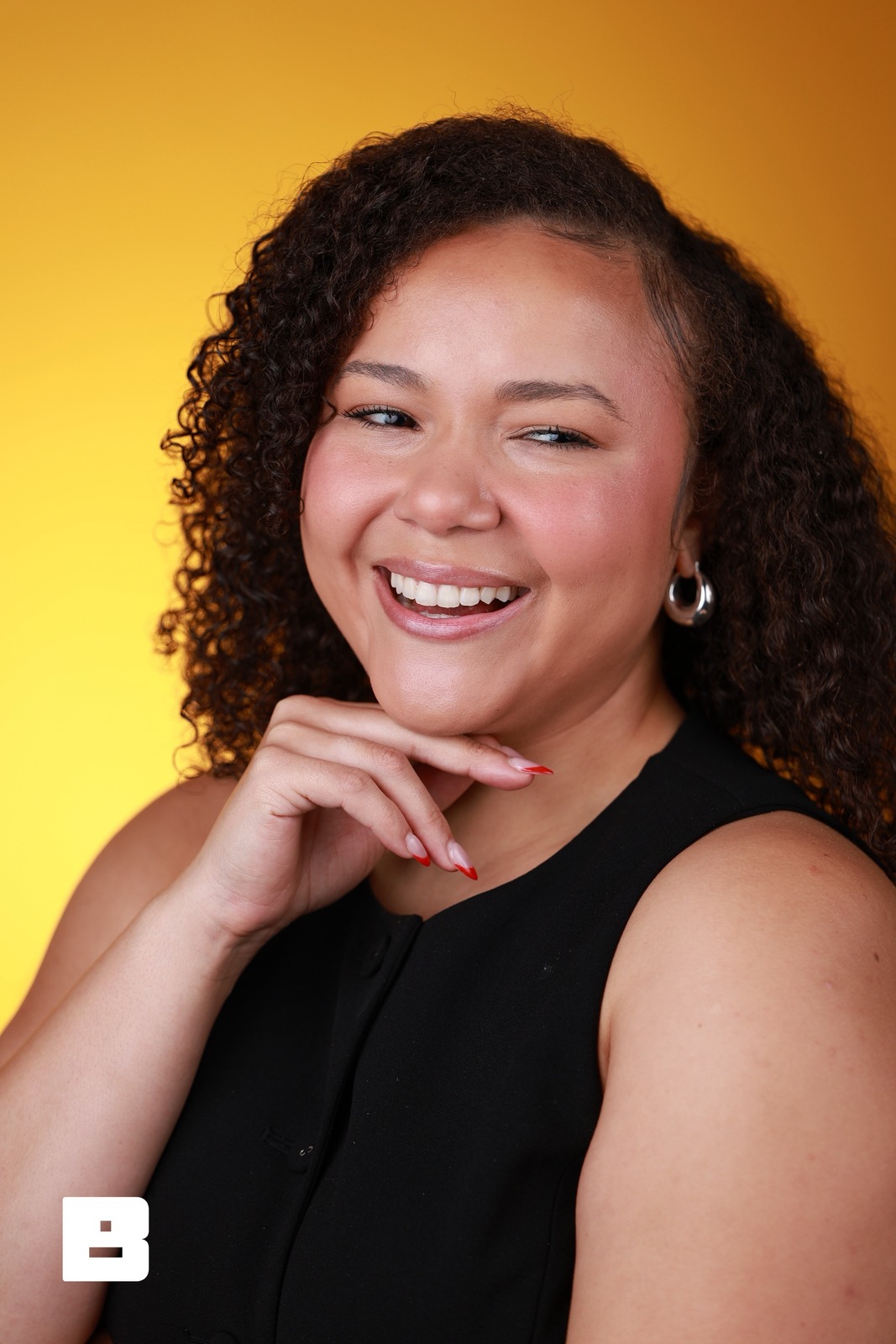
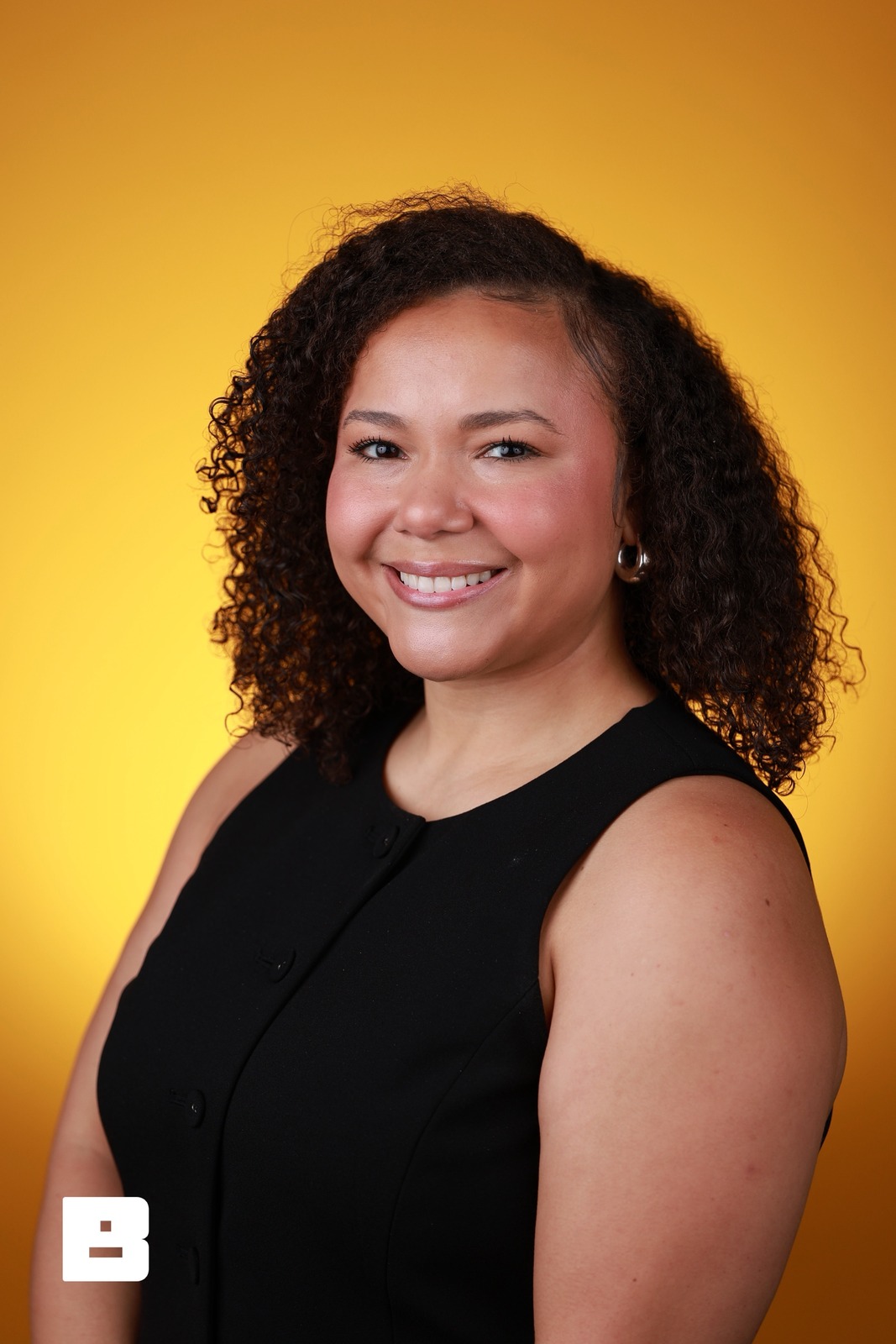
Every attendee leaves
with a headshot on their phone.
They scan their badge, sit, and pick text, email or QR. The headshot goes out as soon as it uploads, with your logo on it.
Where this works
Conference headshot lounge
Attendees get a headshot between sessions. They scan, sit, and have it on their phone before the next talk starts.
No forms, no friction, no line
A badge scan finds the guest and fills in their info. The line moves because there’s nothing to type.
- Reads QR and common barcode badges on iPhone and iPad
- BrandStudio guest codes match on the device, even with no signal
- Registrations and check-ins go to your CRM by webhook
Rebuilt in HTML from the iPad app’s scan sheet. The attendee, badge and session code are examples.
The right photo to the right person
They pick text, email, or the QR code before they stand up, and the headshot goes out as soon as it uploads. Your logo, your overlay, ready to share.
- Your brand travels with every share
- Guests choose text, email, or QR
- Full-resolution download, ready for LinkedIn
Scan to get your photos
Rebuilt in HTML from the Photo Booth share screen. The photograph is this attendee’s own, from session S-BACA43FE at the P&G Confidence Lab; the number is a sample.
A self-serve station that runs itself
For a self-serve headshot wall, Photo Booth runs as a kiosk. You check every station from your phone.
- On-screen prompts guide each guest
- Countdown before every shot
- Stations page shows each device online or not
 Live view
Rebuilt in HTML from Photo Booth on iPad, set up for a one-shot headshot station. The photograph is a real frame from session S-BACA43FE at the P&G Confidence Lab.
Files already named after the person in them
Turn on guest names and every headshot downloads with the person in it named — black-tech-week-jordan-rivera-001.jpg instead of IMG_4821. The folder you hand to HR or marketing is ready when the last person stands up.
- Template tokens for guest name, event, session, folder, date, and photo number
- Set the pattern once; the default does not include names
- Nobody spends Monday renaming files
File Naming
How downloaded files are named — every save from the gallery, every zip, every personal gallery.
Preview
black-tech-week-003.jpgRebuilt in HTML from the portal’s File Naming settings. Guest names are examples.
Privacy-first headshot delivery
- Media consent collected at registration
- Face-match consent logged with the exact wording the guest saw
- Guests can opt out of face matching at any time
- Your team can erase a guest and their data on request
Your workflow
Set up before doors
- Add your logo, colors, and overlay
- Load the roster and turn on badge scanning
- Dial in lighting and framing
- Pick text, email, QR, or all three
Scan, shoot, deliver
- Guest scans their badge
- Photographer captures the headshot
- They tap text or email, or scan the QR
- The headshot goes out once it uploads
Follow up without retyping anything
- Every guest has a branded gallery link
- Contacts reach your CRM by webhook or Zapier
- Gallery views, downloads, and shares counted
- Download every headshot as one zip
Common questions
How does a headshot get from the chair to their phone?
The guest scans their badge, the photographer takes the shot, and the guest taps text or email on the screen, or scans the QR code. The branded headshot goes out as soon as the session’s photos finish uploading.
Do guests have to fill out a form?
No. A badge scan finds them on your roster and fills in their info, so the line keeps moving and there’s nothing to type. It reads QR and the common barcode formats on iPhone and iPad; the Mac reads QR. If a badge won’t read, staff search the roster by name and tap to confirm.
Where does the guest’s contact info go?
To your CRM through a signed webhook or Zapier, as each guest registers and checks in. After the event, the guest CSV has their contact details, consent, photo count, and gallery link. You leave with a contact list, not a stack of business cards.
How do guests receive the headshot?
By text, email, or a QR code on the screen, their choice, with your logo and overlay on the photo. The text carries your event’s name, and the photo is ready to post to LinkedIn when it lands.
Does my team have to run every station?
Not a self-serve one. Photo Booth runs as a kiosk with an attract screen, on-screen prompts, and a countdown before each shot, and resets itself when a guest walks away. The stations page shows every device from your phone.
What about guest privacy and consent?
Face matching can be turned off per event. A guest who opts out has their face data deleted, face-match consent is logged with the exact wording they saw, and your team can erase a guest on request. That is usually what legal asks about.
The best booth giveaway is one they actually keep
A headshot on their phone while they’re still at your booth. They share it, and your brand goes with it.
Request an invite