Company event photos, private and on brand.
Every employee gets their own photos in real time, with consent logged, Face Match you can turn off per event, and staff erase on request.

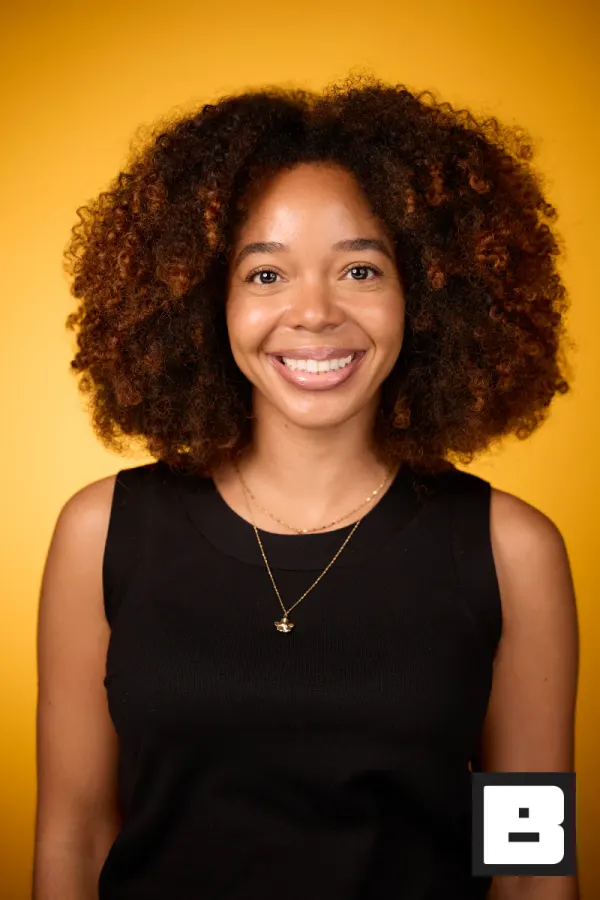

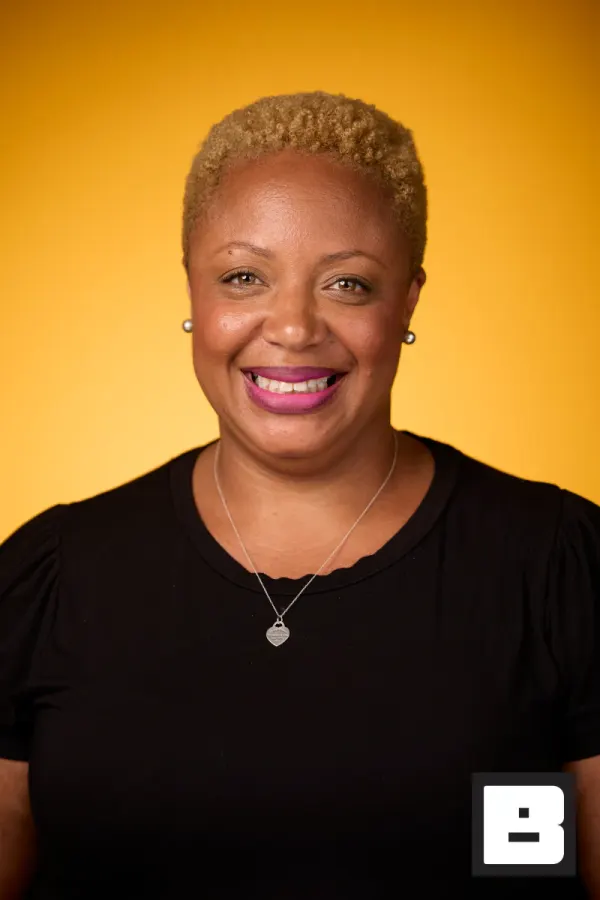
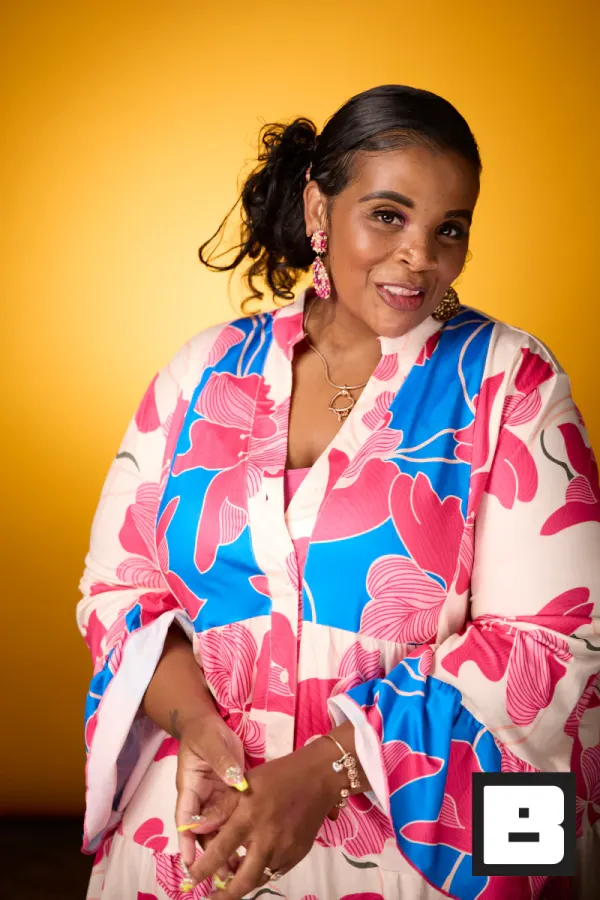

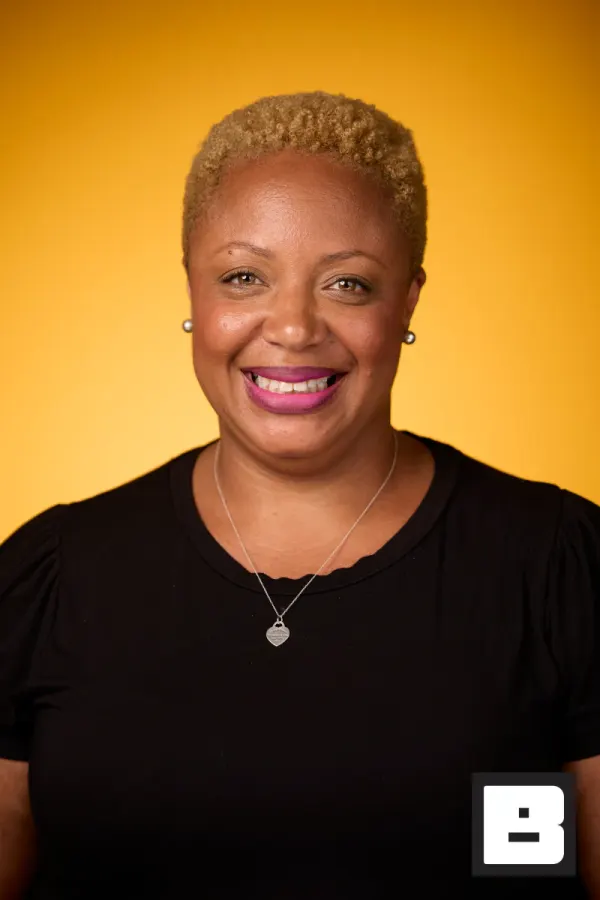
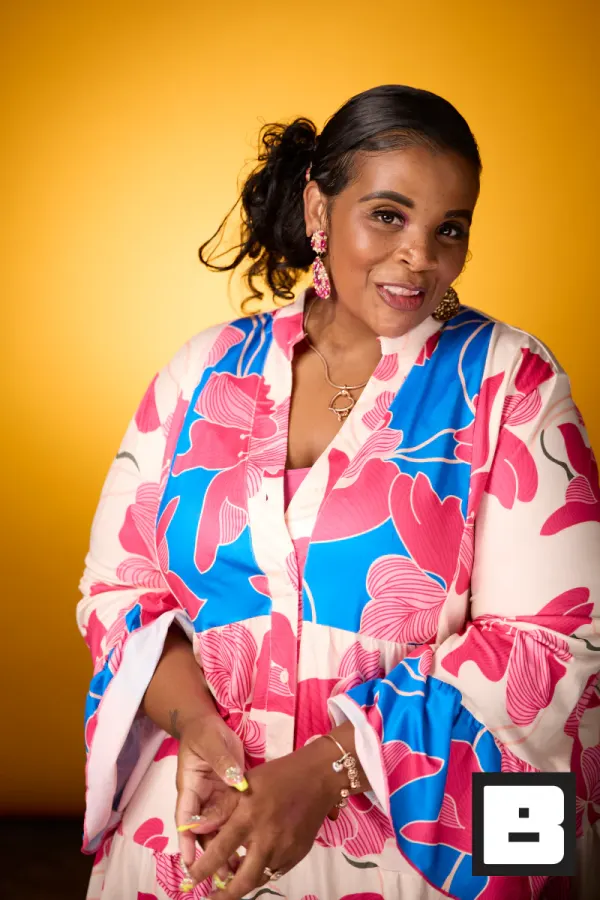
P&G, Cincinnati. Shot by Mammoth, the agency that runs its events on BrandStudio.
Prove it was worth it, by Monday.
Photos to employees, numbers to your boss.
Set it up from a browser
The event, brand kit, and registration live in the portal. Pricing is not per seat, so there are no licences to argue for.



Capture at the pace of the room
A tethered camera or a self-serve station. Nobody fills in a form to be photographed; people who want their photos take one selfie.
Saved to photosDelivered, and counted
Employees get their photos on the company brand, and you get delivery and open numbers you can put in a deck.
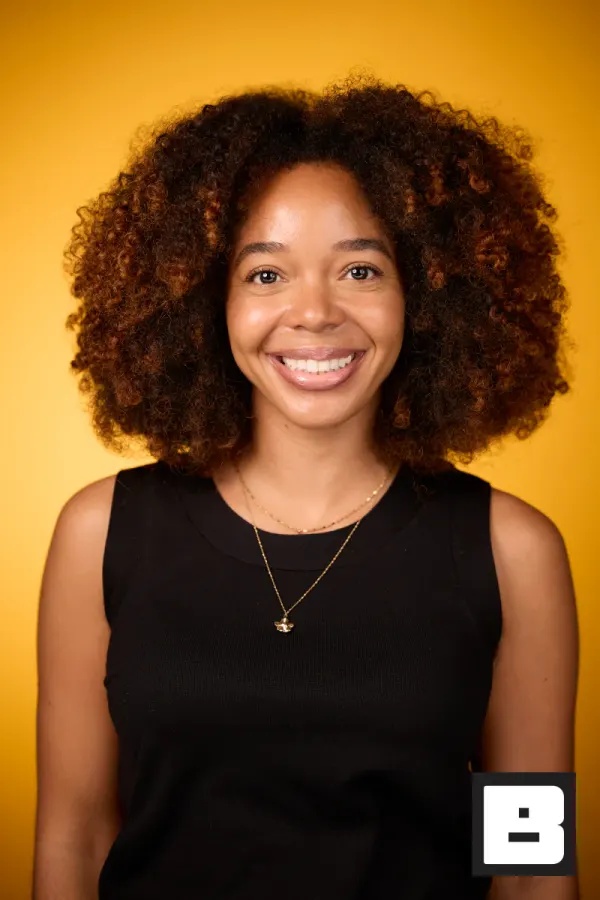
Real frames from P&G Confidence Lab at Black Tech Week
Sound familiar?
The retreat photos were great. Now they’re on a hard drive nobody remembers, and the culture moment is gone.
Marketing needs the CEO’s shot from the summit. That’s three emails, two days, and the wrong resolution — every single time.
Brand guidelines exist. Every office still does photos differently — and you’re the one who has to prove the event was worth the budget.
On-brand, on-policy, on their phones.
We run events for companies every week. You get a three-step plan and we stay out of the frame.
Capture
Shoot on an iPhone, iPad, or tethered Canon at any office. A shared brand kit and template events mean every regional team starts on-brand.
BrandStudio brands + delivers
Every photo lands on your domain, your logo applied, organized by event and session. Face Match gives each employee who takes a selfie a personal gallery, and opt-out and consent logs keep legal comfortable.
You find any photo, and prove it worked
Search a person by name and pull the right shot at full resolution. Gallery views, downloads, and shares show the event landed.
Turn off the “Powered by BrandStudio” line and every gallery is your company’s touchpoint, on your company’s domain.
An internal event, without a legal escalation.
The same day your comms team already runs, with the photo part handled to policy.
- Before
Policy first
Consent wording, whether downloads are on, and who on staff can see guest data are set before anyone shoots — not negotiated afterwards.
You see: Signed off before the invite goes out. - Morning
Arrivals
Employees check in; anyone who opts out is not matched, and their face data is deleted. The opt-out is real, not a checkbox nobody honours.
Guest sees: One selfie, or none at all. - All day
On brand
Every frame carries the company overlay. No vendor watermark on an internal asset.
You see: Brand-compliant by default. - That evening
Delivery
People get their own photos. The company gets a library it actually owns, organised and searchable.
Guest sees: Their photos, on the intranet brand. - Later
Reuse
Comms pulls from a searchable library instead of asking three people for a Dropbox link.
You see: One place, not five inboxes.
BrandStudio puts all your company photos in one place.
Every shot from every event — conferences, retreats, galas, all of it — lands in one searchable, on-brand library instead of scattered across hard drives, photographer hand-offs, and Slack threads. Employees leave with photos they actually post, marketing finds any shot in seconds, legal is comfortable, and the engagement numbers prove the budget was well spent. You’re not the person chasing photos over email — you’re the one who built the library the whole company relies on.
- Every employee gets the photos from the parts they attended, found by face.
- Marketing searches by name and pulls full resolution — no email chase.
- Opt-out, consent logs, and staff-run erase built in, so legal and people teams stay comfortable.
How it actually works.
On-brand at every office, without rebuilding each time
Set the brand kit once and save a finished event as a template. Regional teams start from it, so the brand stays consistent without anyone rebuilding it.
- A brand kit per division or business unit
- Template events for repeatable setups
- Roles decide who can create and edit events
Search by name. Find the right photo instantly.
People search works across every event. When marketing needs the CEO’s shot from the Q3 summit, they search by name and it’s there at full resolution, with no email chase and no digging through drives.
- Search a person by name across every event
- Magic Search by description on Deliver and Engage
- Full-resolution download for marketing and comms
Your domain, your rules, privacy built in
Turn off the “Powered by BrandStudio” line and employees see only your company’s URL and design. Face-match opt-out, consent logs, and staff roles are built in, so legal and people teams stay comfortable.
- Custom domain with SSL, your logo and colors on every page
- Face-match opt-out deletes that person’s face data
- Downloads on or off per event; staff access by role
Show leadership the event landed
Photos delivered, gallery views, downloads, and shares are counted per event, and your events rank side by side. The CSV exports go straight into the recap deck.
- Delivery, views, downloads, and shares per event
- Your events ranked side by side
- CSV exports for the recap deck
Suggested tools for in-house teams
Get event photos to employees and into presentations fast.
In-house team questions
How do I keep every office on-brand without policing it?
Set the brand kit once: logo, colors, overlays. Save a finished event as a template, and regional teams start their events from it, so every office begins from the same setup. Roles decide who can create and edit events.
Can someone find a specific person’s photo quickly?
Yes. Search a person by name in the portal and see their photos across every event you’ve run, then download full resolution. On Deliver and Engage, Magic Search goes further: type what was happening — "the ribbon cutting," "the team in front of the booth" — and it finds the shot across your events.
Does it run on our own domain, or show third-party branding?
Your domain, with SSL, your logo, and your colors on every page. Turn off the “Powered by BrandStudio” line and nothing on the gallery names us.
What about employee privacy and consent?
Face matching can be off for an event entirely. An employee who opts out has their face data deleted, face-match consent is logged with the exact wording they saw, you set your own media-consent wording, and staff can erase a person on request. Downloads can be switched off per event.
How do photos reach the employees who were there?
Sessions organize photos by moment, and an employee who takes one selfie gets a personal gallery of every photo they’re in, branded, on their phone.
Do the photos stay available after the event?
Yes. Galleries don’t expire unless you set an expiry, and one selfie finds an employee across every event your company has run, so last year’s retreat is still a search away.
Make the most of your event photos.
Set your brand standards once. Every event photo gets to the people who want it — branded, on time, and with the numbers to prove it worked.