Your photos on the big screen
— live, as you shoot.
Turn any screen into a live photo wall. As you shoot, photos appear with smooth transitions and your client's branding — no manual effort, no playlists to manage.
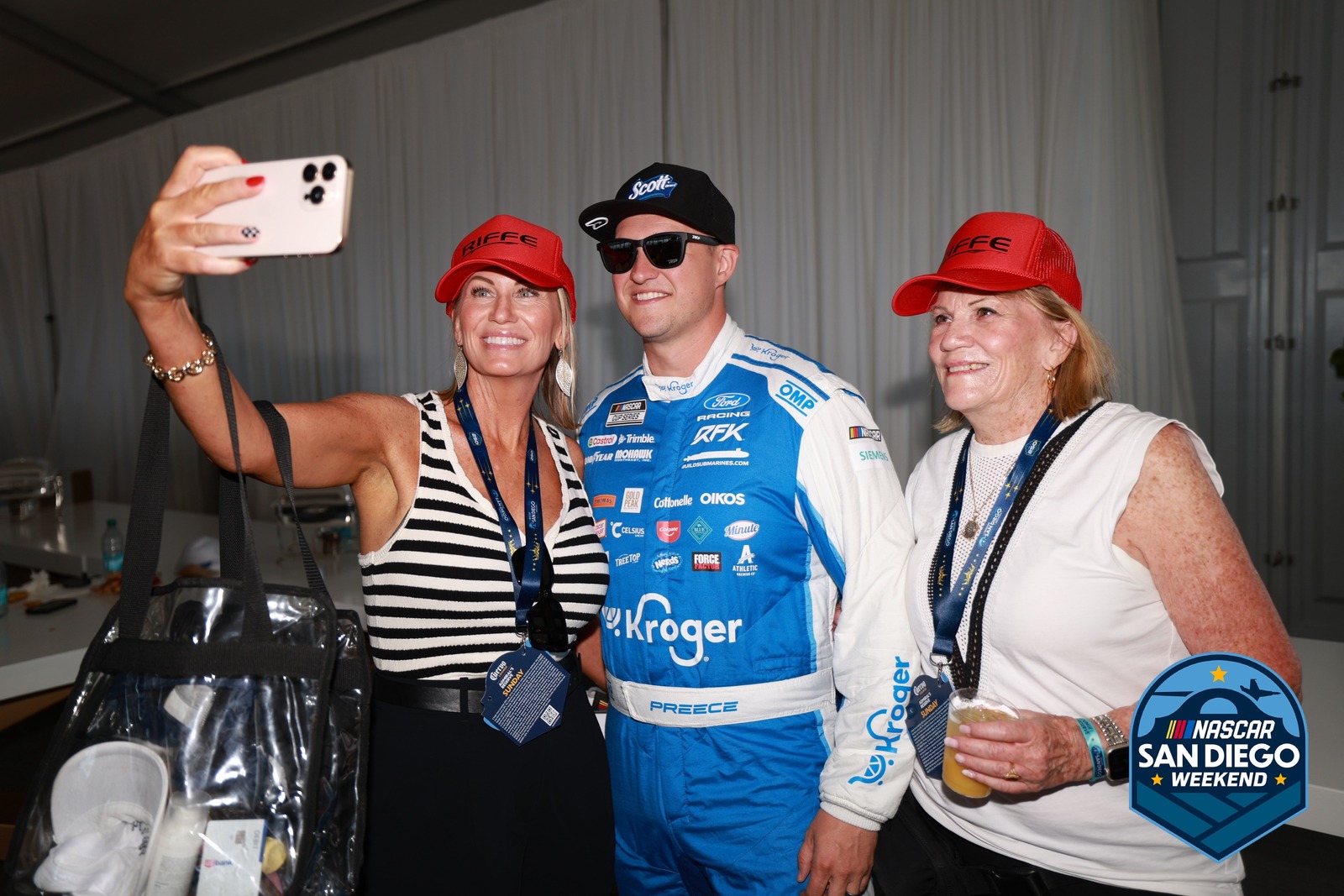
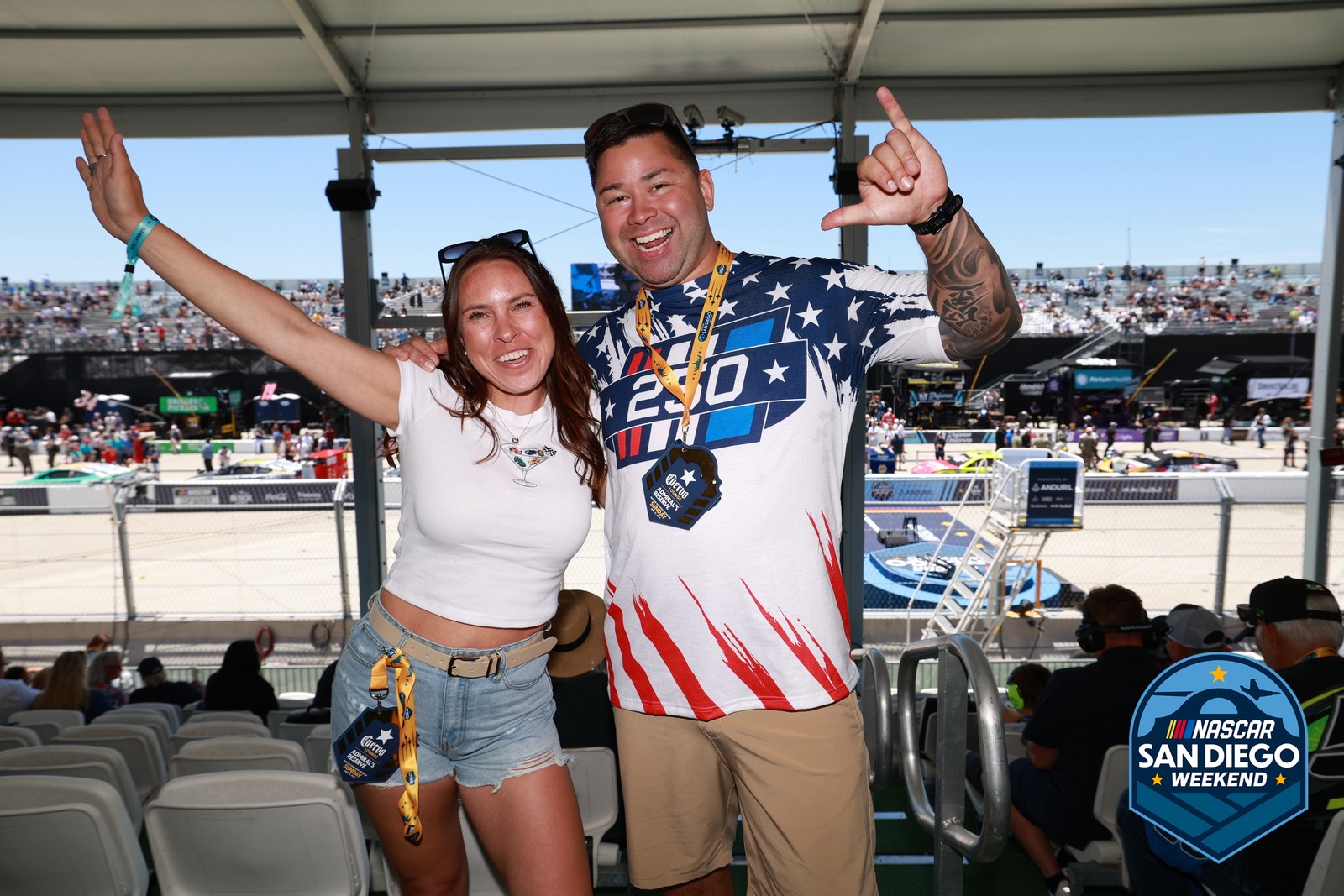

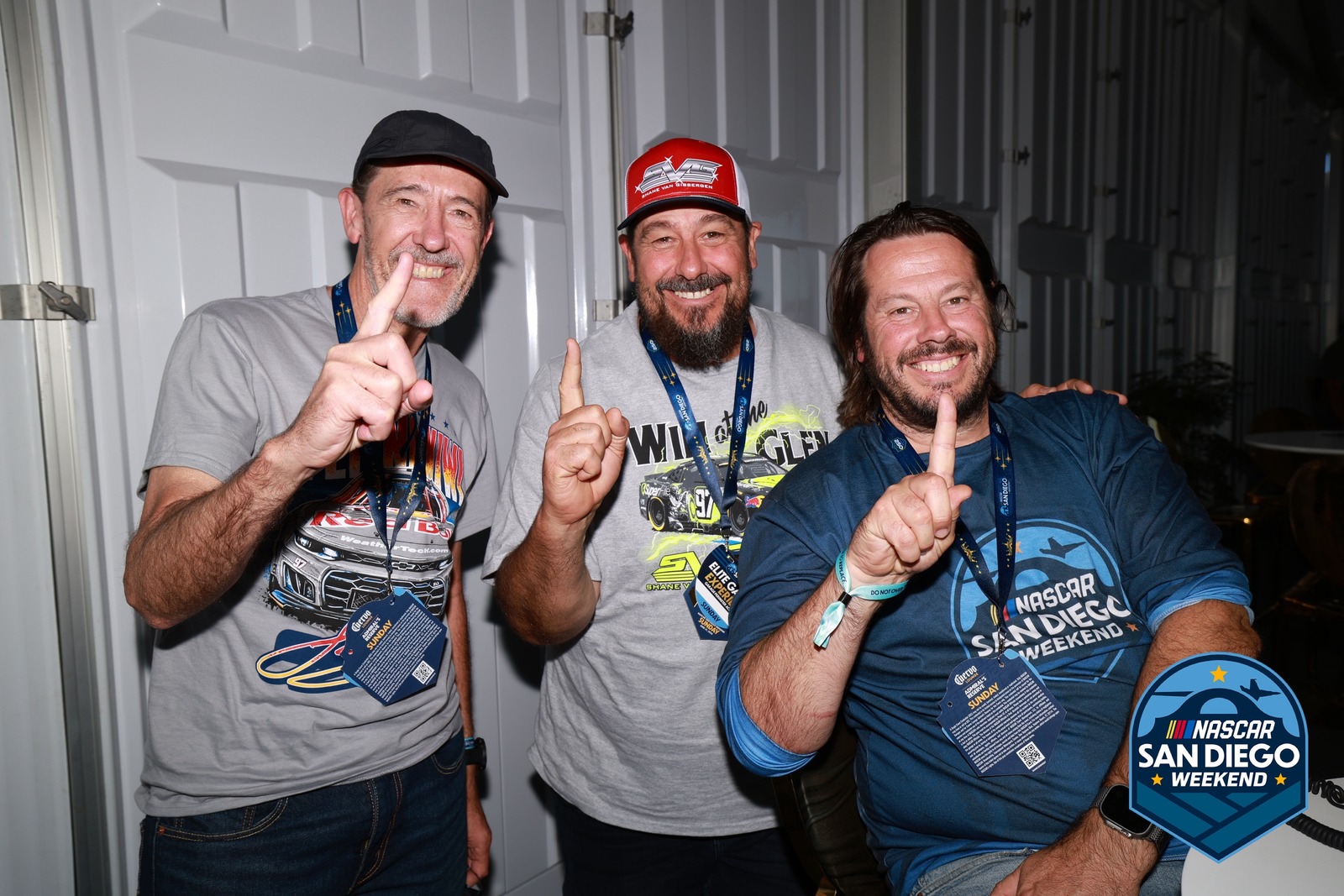

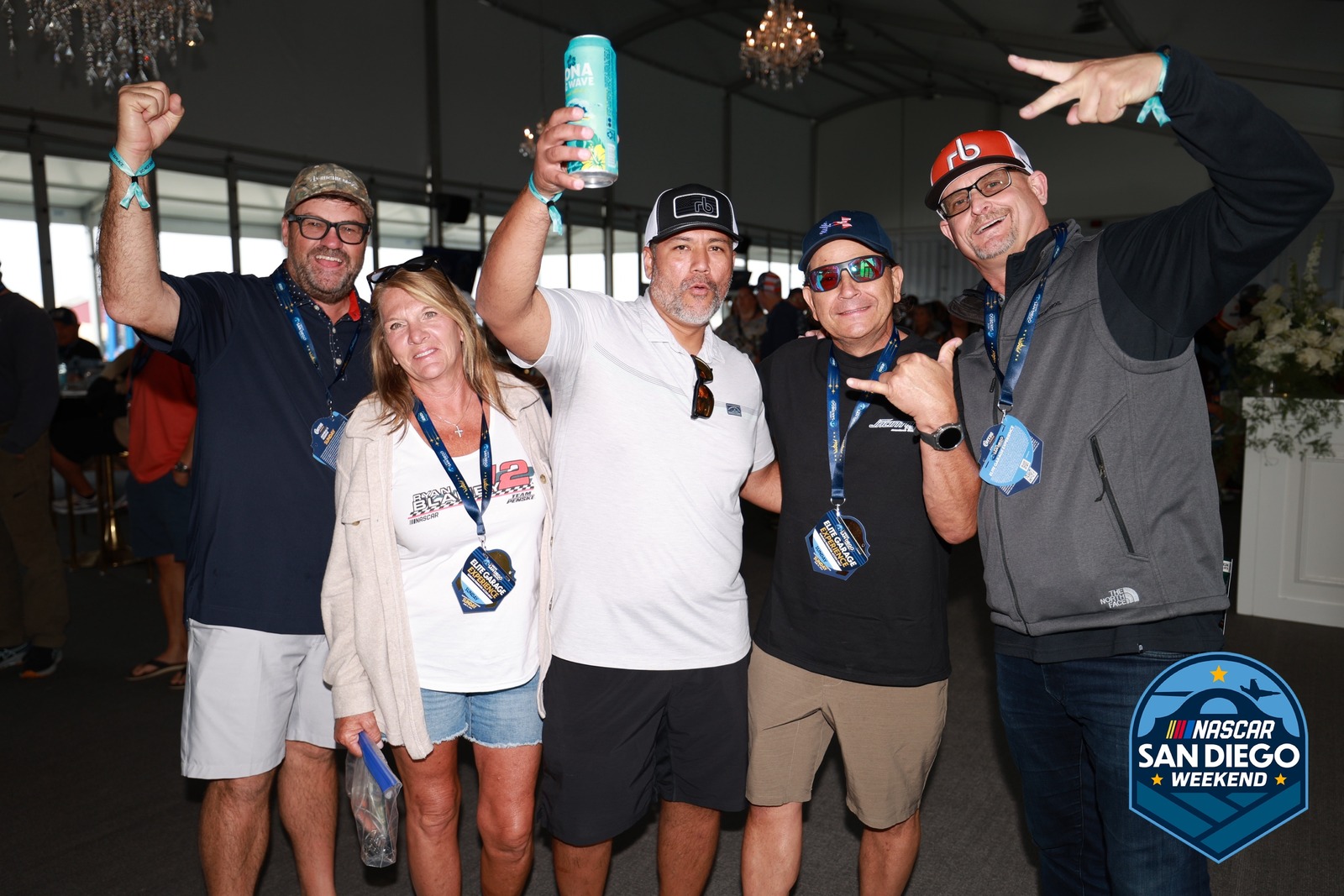

Play order on the screen
- On screen
- #2
- #3
- #4
- #5
The screen is rebuilt in HTML from the real slideshow, with real frames from NASCAR San Diego (NASCAR, 321 photos). The strip under it is the demo’s own drawing of the play order — the wall shows one photo at a time.
Guests see their photos appear in real time
Photos hit the screen within seconds of capture. No playlists, no refreshing — the display stays alive all night.
- Photos appear within seconds of shooting
- No manual steps between camera and screen
- Delete a photo in the portal and it leaves the screen
Give sponsors the big screen between slides
Ad Mode displays still graphics or video ads between photo slides. Set the frequency — every 5 photos, every 10, or custom. Sponsors get screen time without interrupting the photo experience.
- Static image or video ad support
- Set frequency: every X photo slides
- Configure it per event from the portal
Branded without design work
Your logo and brand color come from your Brand Kit, and a QR code on screen sends guests straight to the gallery. Set it up once and every screen matches.
- Logo placement and brand color from your Brand Kit
- Fade, slide, or zoom transitions
- A QR code on screen that opens the gallery
Set up any screen and walk away
A signage player in the lobby, a monitor at check-in, a laptop feeding the ballroom projector. The slideshow is a URL — load it and leave it. Run several screens on one event, each scoped to its own folders.
- Any browser-capable display — signage player, laptop + projector, stick PC
- Full-screen with no browser chrome, unattended all night
- Multiple screens per event, each scoped to its own folders
- Sharp on 1080p and 4K — photos upload at full resolution
Help Articles
One less thing
to manage at the event.
Set up the slideshow once and it runs itself. Photos stream automatically while you focus on shooting.
Common questions
How does Slideshow update as new photos are captured?
Photos stream into the slideshow the moment they're uploaded — usually 3–10 seconds after capture. The slideshow pulls from the event gallery, adds your logo, and loops with fade, slide, or zoom transitions. No refresh, no manual update. You keep shooting and the screen keeps updating.
What hardware runs the slideshow display?
Any browser-capable display: a laptop plugged into a projector, a digital signage player, a Fire TV Stick, a stick PC behind a monitor. The slideshow is a URL — load it on the device driving the screen and it runs. 1080p and 4K both look clean because photos upload at full resolution. Apple TV is the one exception — tvOS has no web browser — so drive that screen with a browser-capable box instead.
Can I control which photos appear on the slideshow?
Yes. Restrict the feed to specific folders so only the shots you choose appear, and delete a photo in the portal while the slideshow runs — it leaves the screen within seconds (a photo you hide drops off at the next reload). Staff and archive copies are filtered out automatically, and guest names only show for guests who consented.
Does the slideshow need internet to keep running?
Yes — photos stream from the cloud gallery, so the display needs a connection. For venues with flaky wifi, put the slideshow device on a dedicated cell hotspot. If the connection drops mid-show, the slideshow keeps looping the photos already loaded and new photos rejoin automatically once the network returns. Reloading the page while offline shows a "Waiting for network" screen until the connection is back, so leave it running rather than refreshing it.