Scan a badge. Start shooting.
They get their photos.
Point an iPhone or iPad at the badge and the guest is on your roster: name, email, company. vFairs roster sync ran live at Black Tech Week.

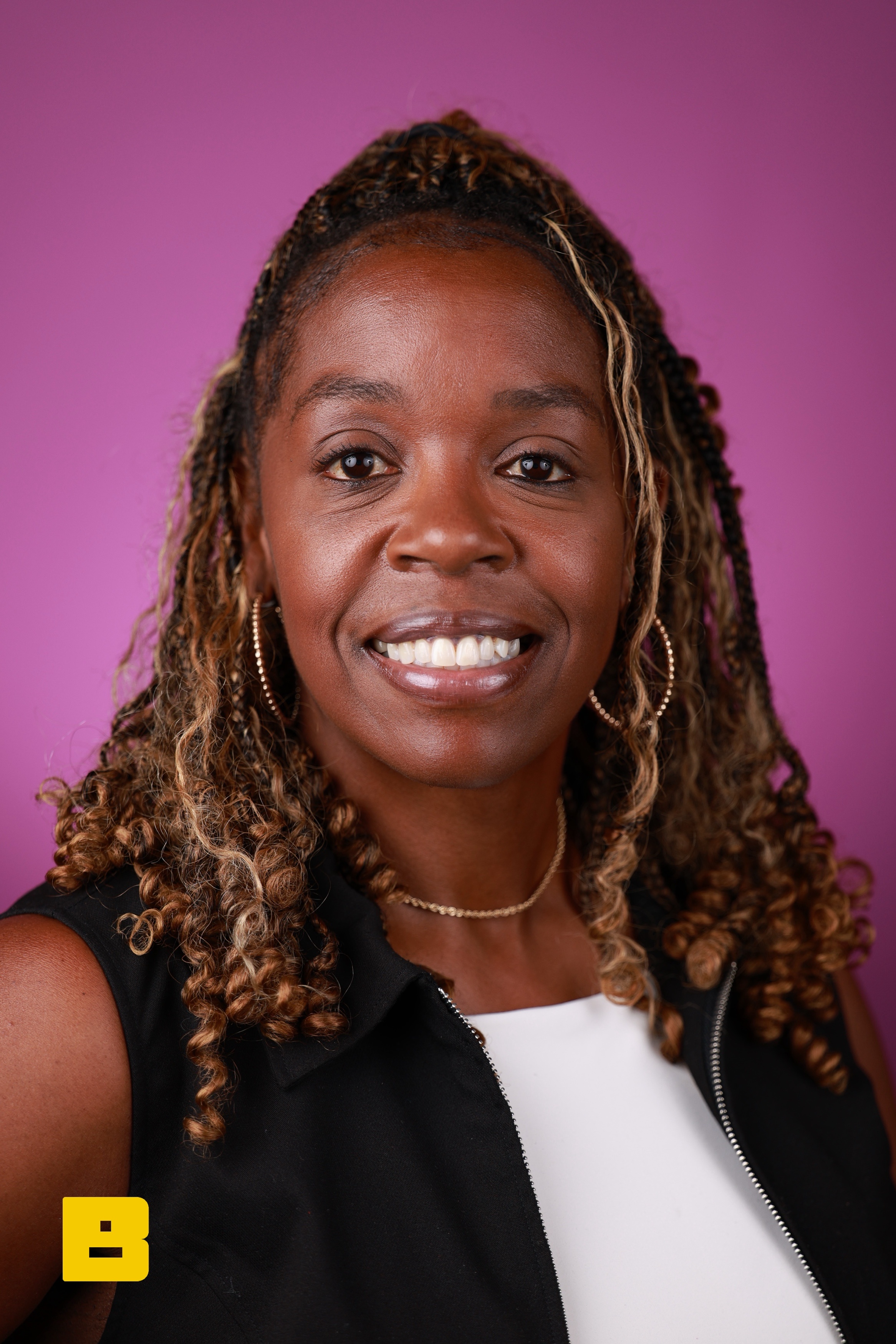

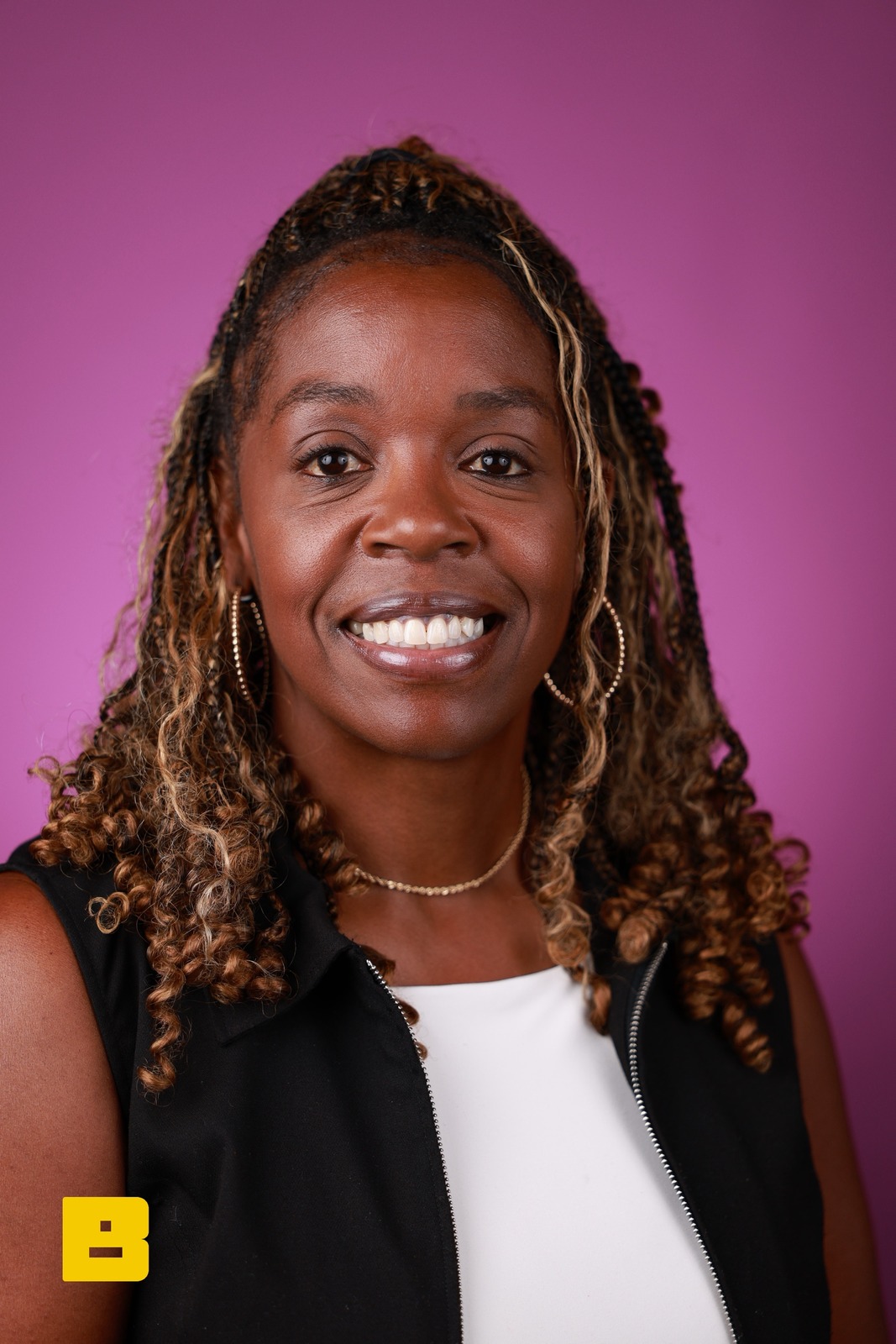
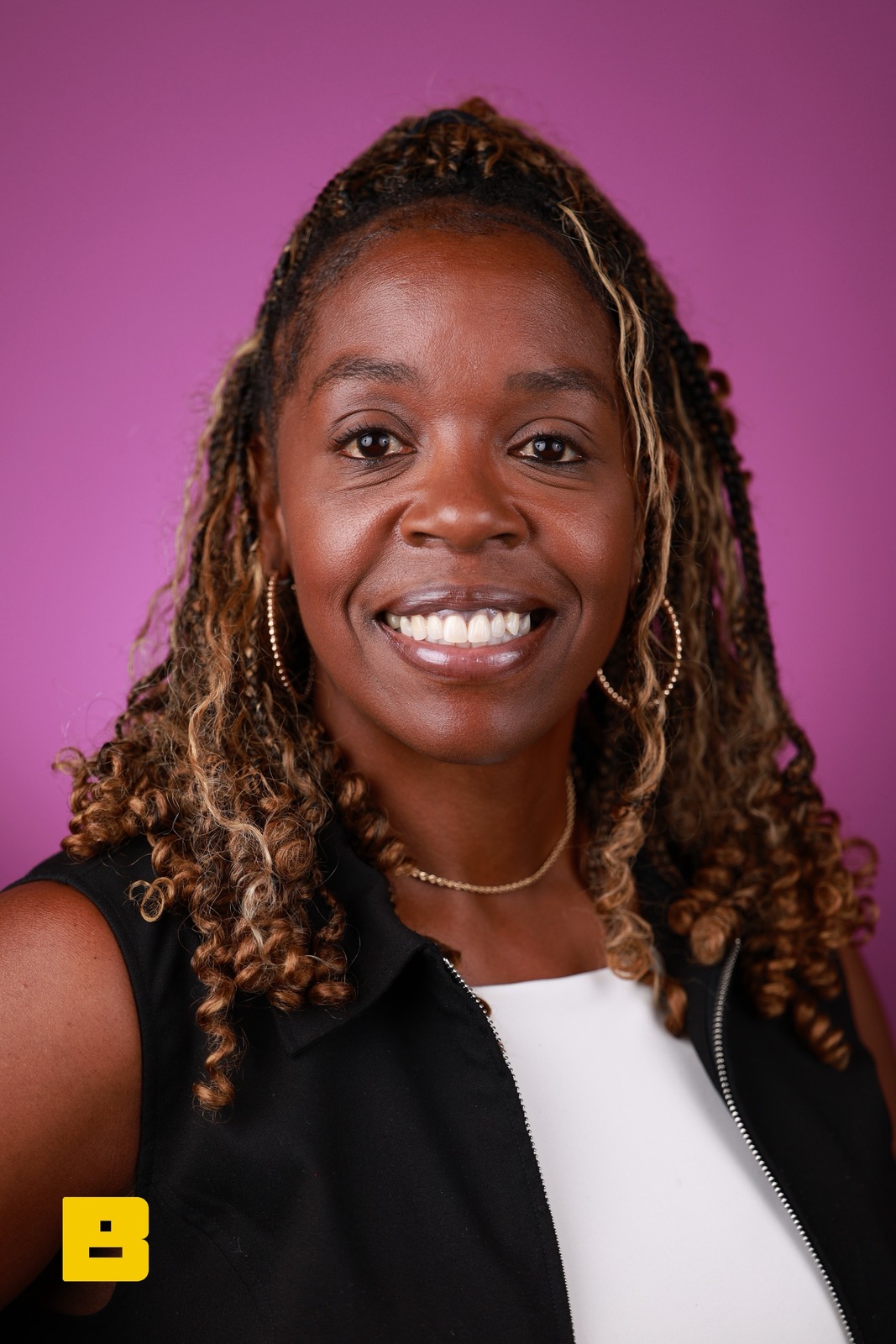
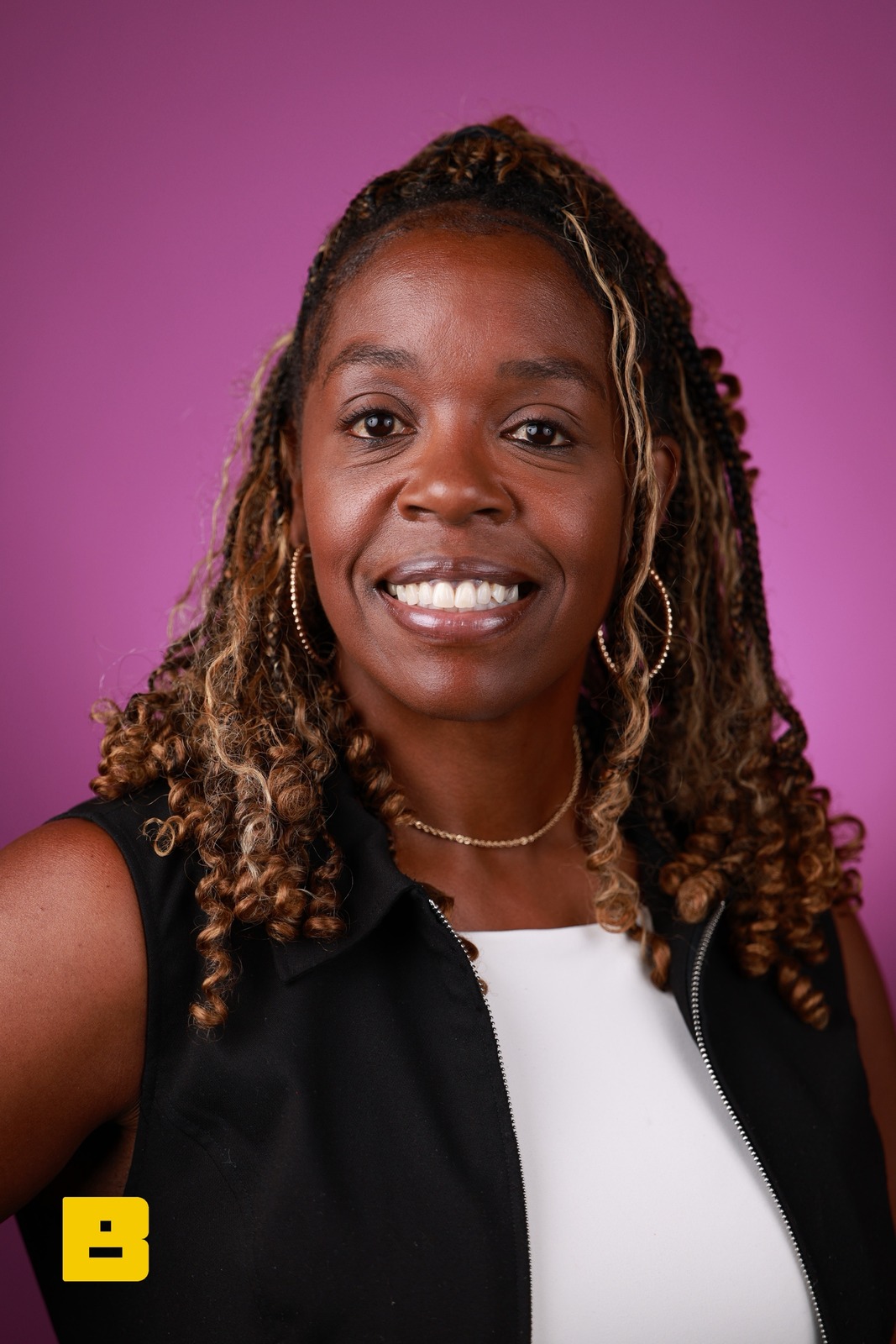
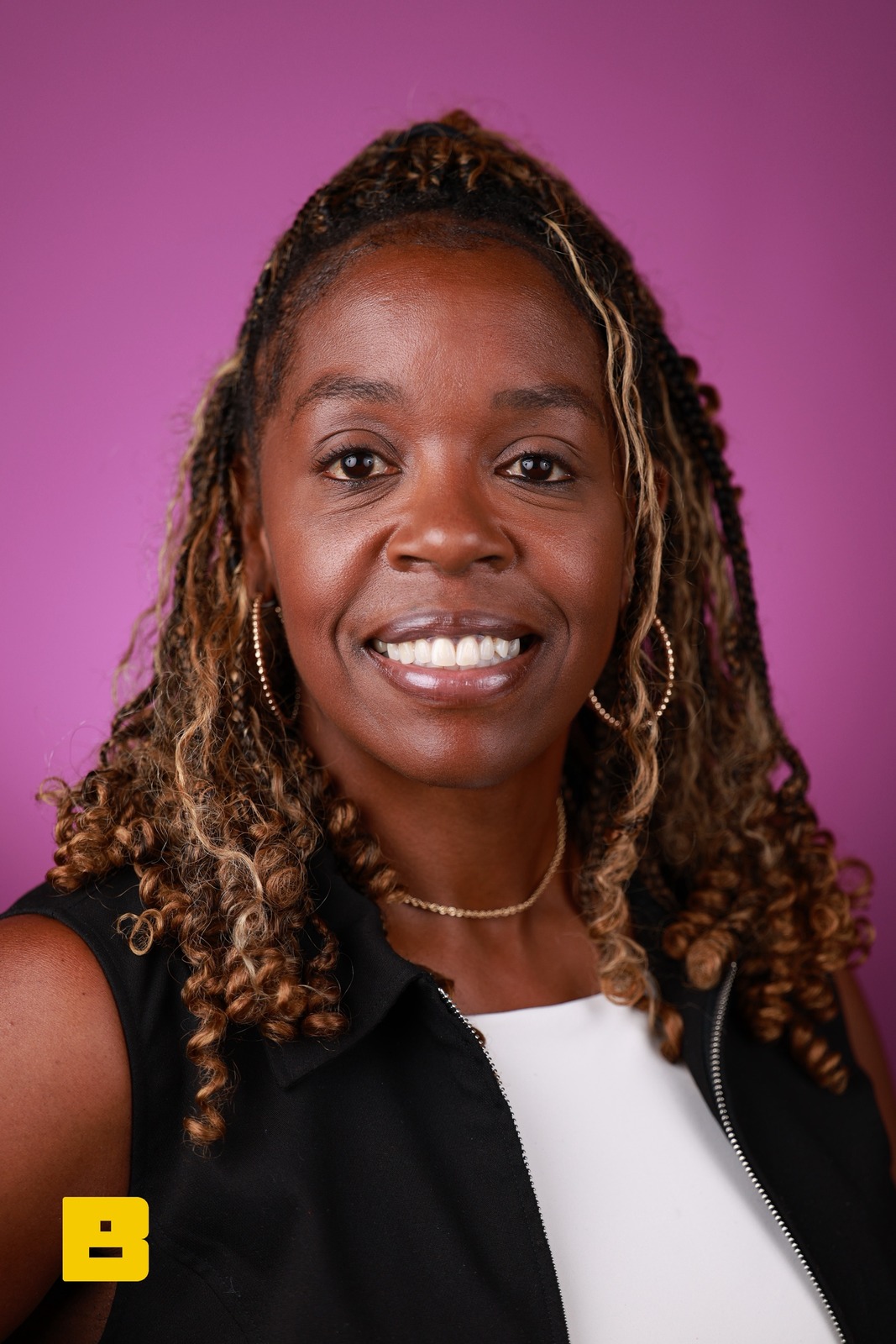
The iPad screens are rebuilt in HTML from the app. One session, one guest — S-3ADD46B7: 5 photos of the same attendee, real frames from the P&G Confidence Lab at Black Tech Week. The attendee and the badge are examples.
Guests are registered before you finish saying hello
Scan the QR code or barcode on a conference badge and it matches the attendee on your roster — name, email, and company, no typing. No clipboard, no spreadsheet.
- QR, Aztec, PDF417, Data Matrix, and common 1D barcodes
- Uses your iPhone or iPad camera
- Mac check-in stations read QR codes
vFairs roster sync, plus early Cvent, Eventbrite, and Expo Logic integrations
Connect your event platform once and BrandStudio pulls the attendee roster automatically — scan a badge and the name, email, and company are already matched. On any other platform, upload a CSV of attendees and we match it on scan.
- vFairs roster sync; Cvent, Eventbrite & Expo Logic in early access
- CSV import for any other platform
- Reads vCard, QR, and barcode formats
More time shooting, less time typing
Your photographers stay behind the camera instead of entering contact info. Scan, confirm with one tap, shoot.
- Sub-second scan to guest registration
- Quick inline editing if something looks off
- Full scan history per event
One scan and you know who is in front of you
A badge scan pulls up the guest’s record at the camera. If they haven’t taken a Face Match selfie yet, the app prompts for one; either way, their personal gallery is ready for the photos you take next.
- Guest found on the roster in one scan
- Selfie prompt if they aren’t enrolled for Face Match
- Every scan logged in the event’s scan history
Sync the roster before doors. Scan with zero bars.
Expo halls are where Wi-Fi goes to die. So the roster comes to you: guests registered in BrandStudio match on the device itself, with no network round-trip. Registration-platform badges need a connection, so their check-ins queue and catch up the moment the venue AP comes back.
- One tap pulls the full attendee roster onto the device
- Badges match on-device — scans stay instant when the network isn’t
- Smudged badge? Six matching fallbacks, down to fuzzy name match
Platform integrations
Direct roster sync with vFairs, and early integrations with Cvent, Eventbrite, and Expo Logic. For anything else, upload a CSV or scan standard vCard, QR, and barcode formats.
Use a different platform?
Tell us which one. Until there's a direct integration, a CSV of the roster works the same on event day.
Contact usRight photos. Right people.
Faster than ever.
Badge scanning comes with the Deliver, Engage, and Custom plans.
Common questions
Which badge formats does the scanner read?
On iPhone and iPad: QR, Aztec, PDF417, Data Matrix, Code 128, Code 39, Code 93, EAN, UPC, and ITF. Mac check-in stations read QR codes only. If the badge ID matches a row in your imported or synced roster, that row supplies the name, email, and company. If the badge carries vCard data inline, we parse that directly.
What happens if a badge doesn't scan or the guest lost theirs?
Tap the manual-entry fallback — photographers can look up a guest by name or email from the same screen, or type in new details. The scan is a shortcut, not a requirement — a missing badge never blocks capture. Every guest still gets tagged and receives their photos.
Does badge scanning work with our existing conference registration platform?
For vFairs we connect directly (Cvent, Eventbrite, and Expo Logic are early integrations) — link your account once and BrandStudio syncs the attendee roster automatically, so a badge scan pulls in name, email, and company on the spot. For any other platform, export a CSV of attendees with IDs that match what's printed on the badges and upload it before doors open. Third-party badges are matched on our server, so they need a connection; BrandStudio's own guest QR codes also match on the device with no signal.
Can I use badge scanner on an iPad instead of iPhone?
Yes. Badge Scanner runs on any iOS device with a rear camera. iPhones are more common in the field because they're faster to hand off between photographers, but iPads work for booth setups where the scanner lives at a check-in desk. Same experience, same data flow.