One selfie. Every photo.
Delivered automatically.
A guest takes one selfie and every photo they are in lands in their own gallery during the event. On every plan, starting at Capture.

2,047 photos





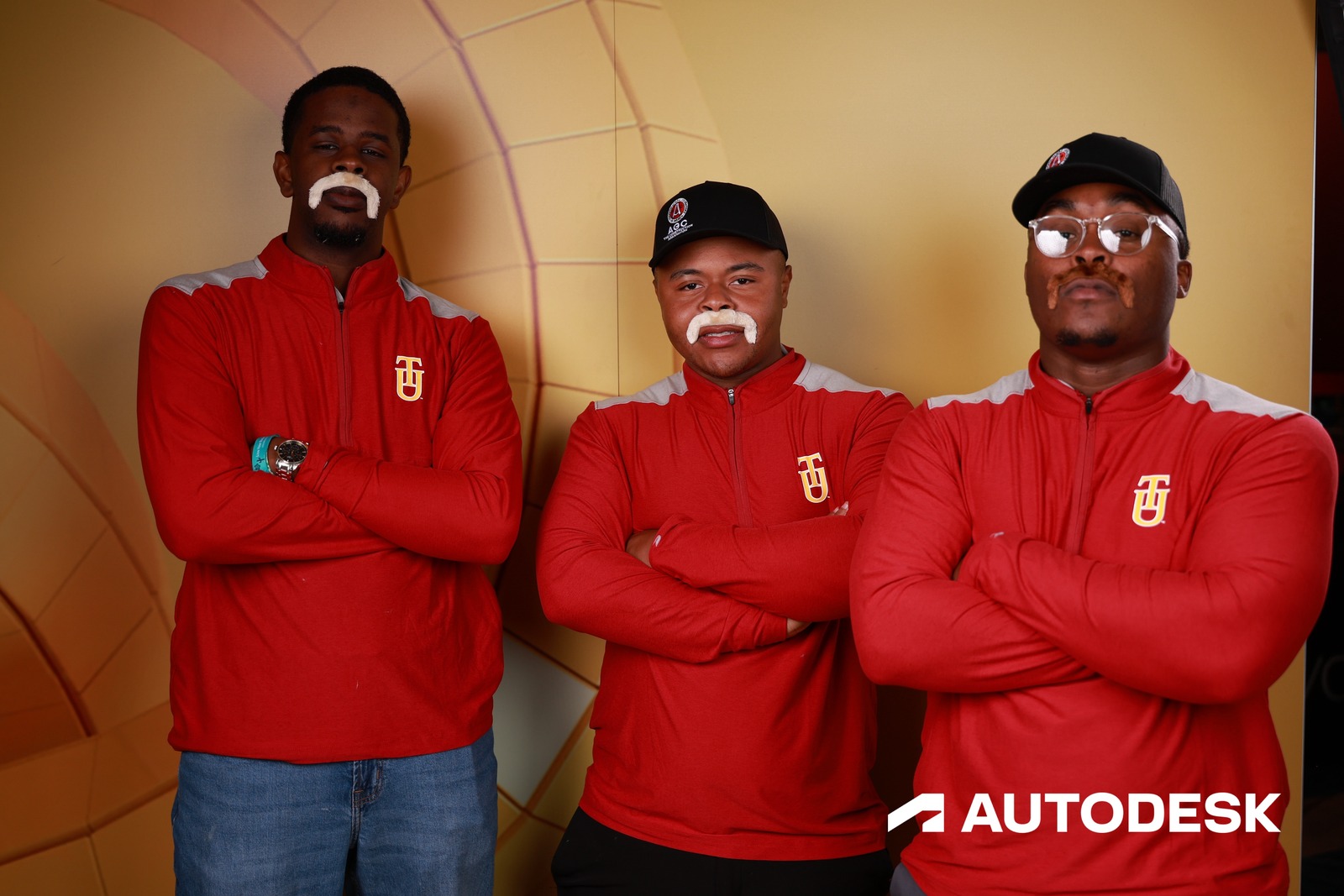



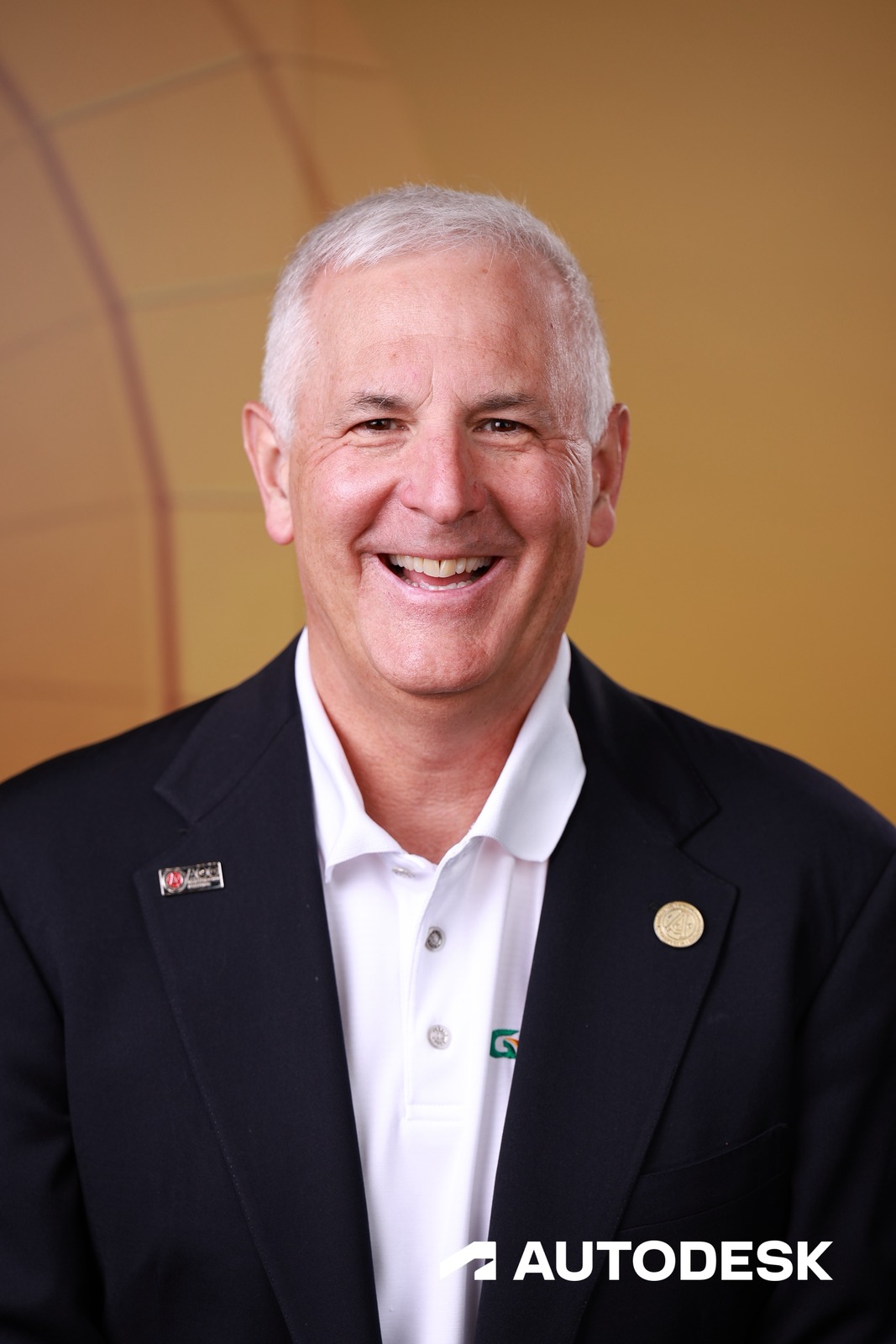
The gallery is rebuilt in HTML from the real one, with real frames from AGC Annual Convention (Autodesk, 2,047 photos). Behind the modal is the event — one photo per sitting, so every face is a different guest. The matches are one sitting, S-E5B1FAC8: the same person in all 8 of them. No camera is used here; the selfie is a drawing.
Every photo finds the person in it
As photos come in, Face Match quietly does the sorting a human never has to: each new frame is matched to the people in it and filed into their personal galleries. Nobody scrolls a 2,000-photo folder looking for themselves.
- Every new photo matched as it arrives
- Personal galleries build themselves during the event
- No tagging, no sorting, no “can you send me mine?”
The photographer knows who just walked up
Smart Guest Recognition: when someone already registered steps in front of the camera, they’re added to that session automatically — they get every photo from the shoot, and the guest list updates by itself. Zero taps for your crew.
- Registered guests join their session automatically
- They get the whole session — not just the frames their face matched
- The guest list updates live, no manual add
One selfie at the door — that’s the whole ask
A guest takes one quick selfie when they arrive. Ten seconds, no app, no account. From that moment on, their photos find them — for this event, and with cross-event matching switched on, every one after it.
- One-time selfie registration, ~10 seconds
- No app to download, no account to create
- Selfies stay encrypted; guests can opt out any time
Delivery happens during the event, not after
Matching completes in seconds and the first text goes out while the party’s still going. Later shots batch politely into digests instead of buzzing their phone forty times — your brand on every notification, not ours.
- First match texts fast; later photos batch into digests
- Branded SMS and email delivery
- No post-event processing wait
Relive the events they forgot they were in
A guest comes back for their fourth event, takes one selfie, and finds themselves in photos from the three before it. Switch on cross-event matching and every returning guest gets their whole history with you. You’re not the vendor who shot the party; you’re the one who kept their memories.
- One selfie finds them across every past event you shot
- Verified to their own phone or email before anything is shared
- Auto-notified when a future event adds photos of them
Face Match is a recognition model we run ourselves — it finds people, it never makes a picture, and no face data is sent to any AI provider. The tools that do generate images are on the AI photo tools page.
Help Articles
Right photos. Right people.
Automatically.
No sorting, no tagging, no follow-up emails. Face Match and each guest’s personal gallery are included on every plan.
Common questions
Does face recognition work if a guest is wearing sunglasses, a hat, or a mask?
A mask breaks matching; sunglasses, hats, and strongly turned faces can lower the match score. Photos where a face is hidden still reach the guest through Sessions: tag them into the session and they get every frame from it, face or not.
What happens to photos Face Match can't match?
Sessions cover them. A guest tagged into a session gets every photo from it, including backs of heads and detail shots. Staff can also review and confirm matches in the portal, and guests can tag a friend in a photo from the gallery.
Do guests need an account or app to use Face Match?
No account, no app. A guest scans a QR code or taps a link, takes one selfie, and gets a branded personal gallery link via SMS with every photo and video they appear in. Takes under 20 seconds, works on any phone, no download required.
Is Face Match included in every plan or do I need to upgrade?
Included in every BrandStudio plan, starting at Capture. It is the single most useful thing BrandStudio does for guests, so it ships standard rather than as an upsell.