 Completed
Tag two people or twenty, then shoot. Everyone in the session gets every photo, even the ones where their face isn’t showing.
Completed Completed


 Completed
 Completed


 Completed
Guests
Actions
Photos
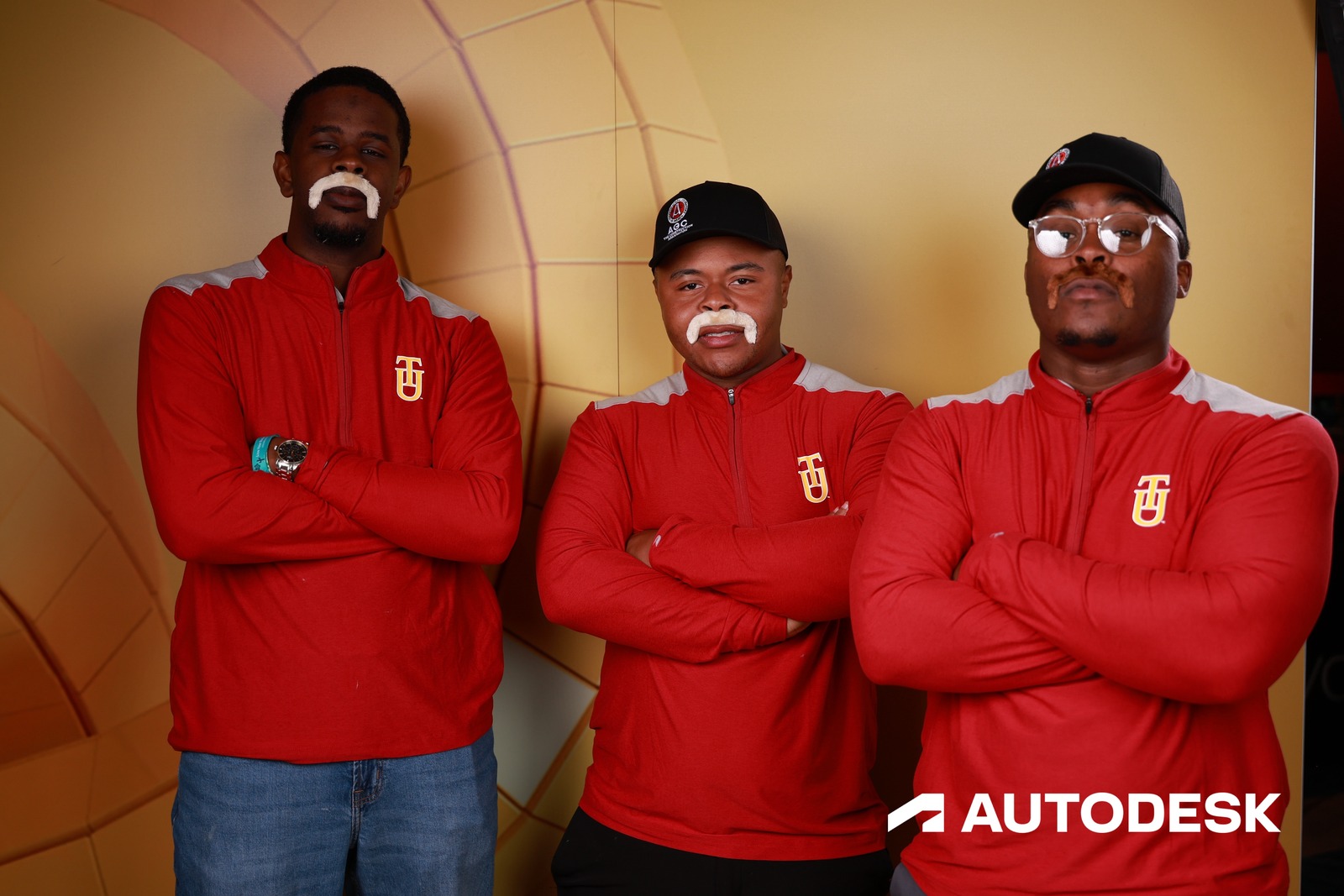
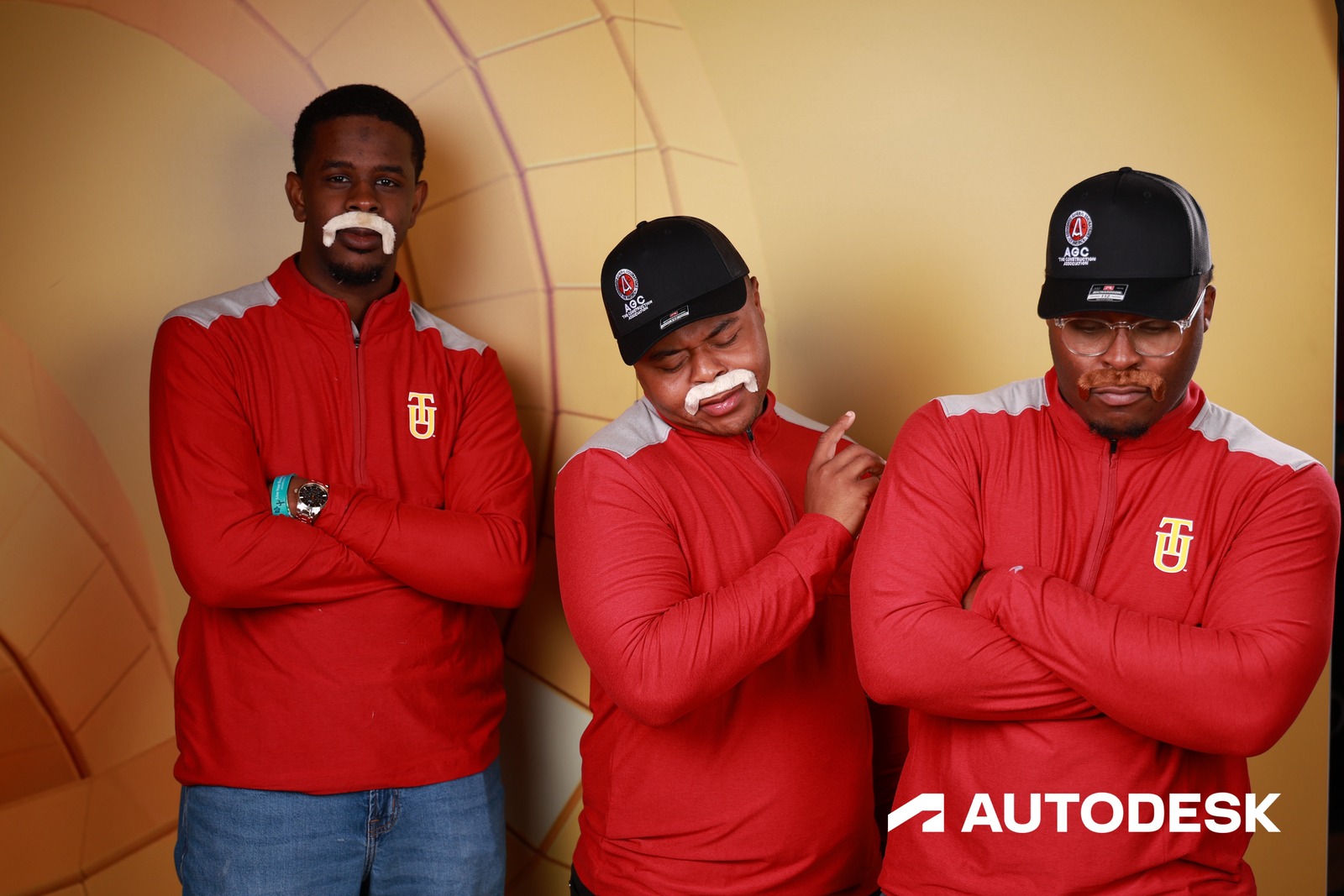
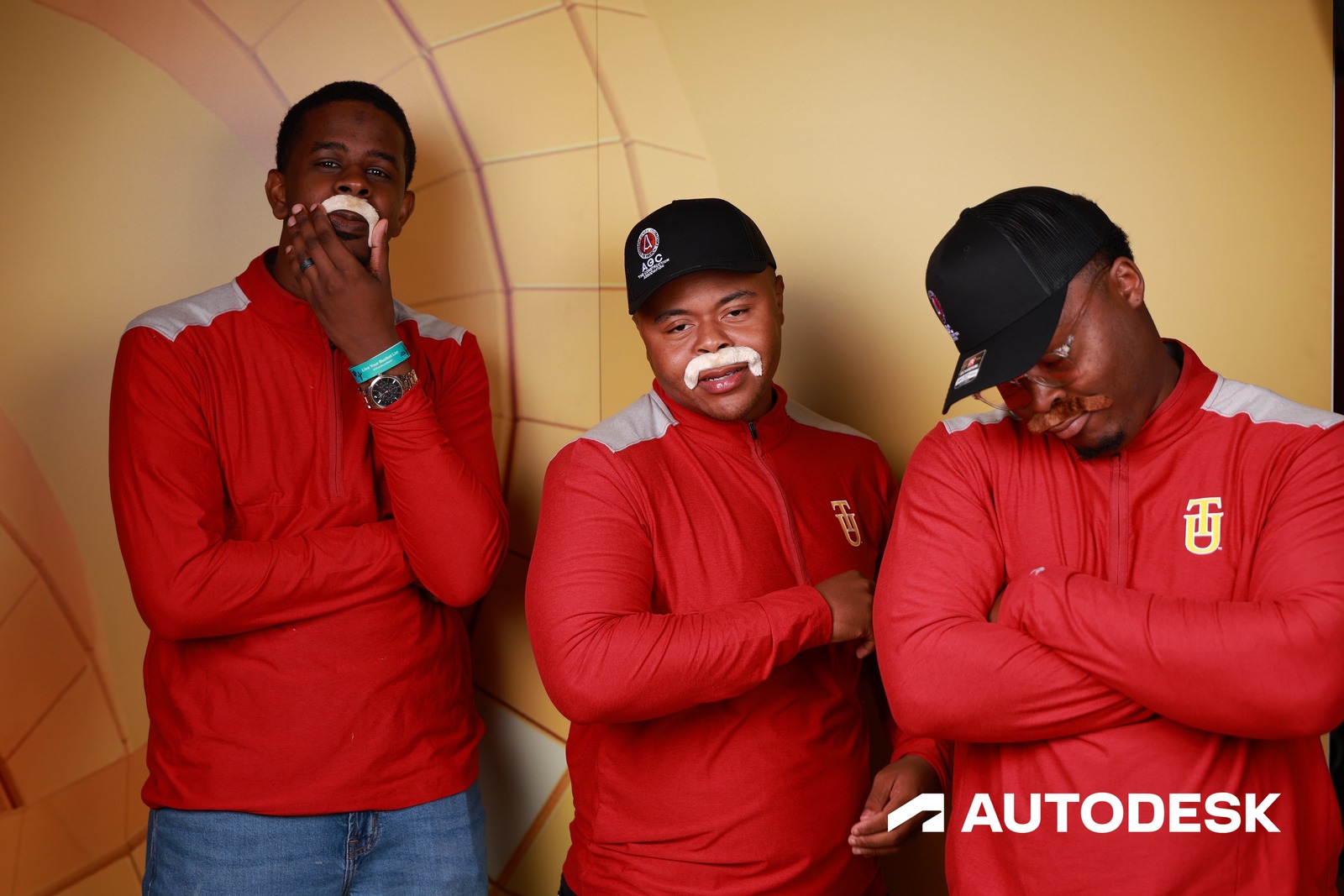
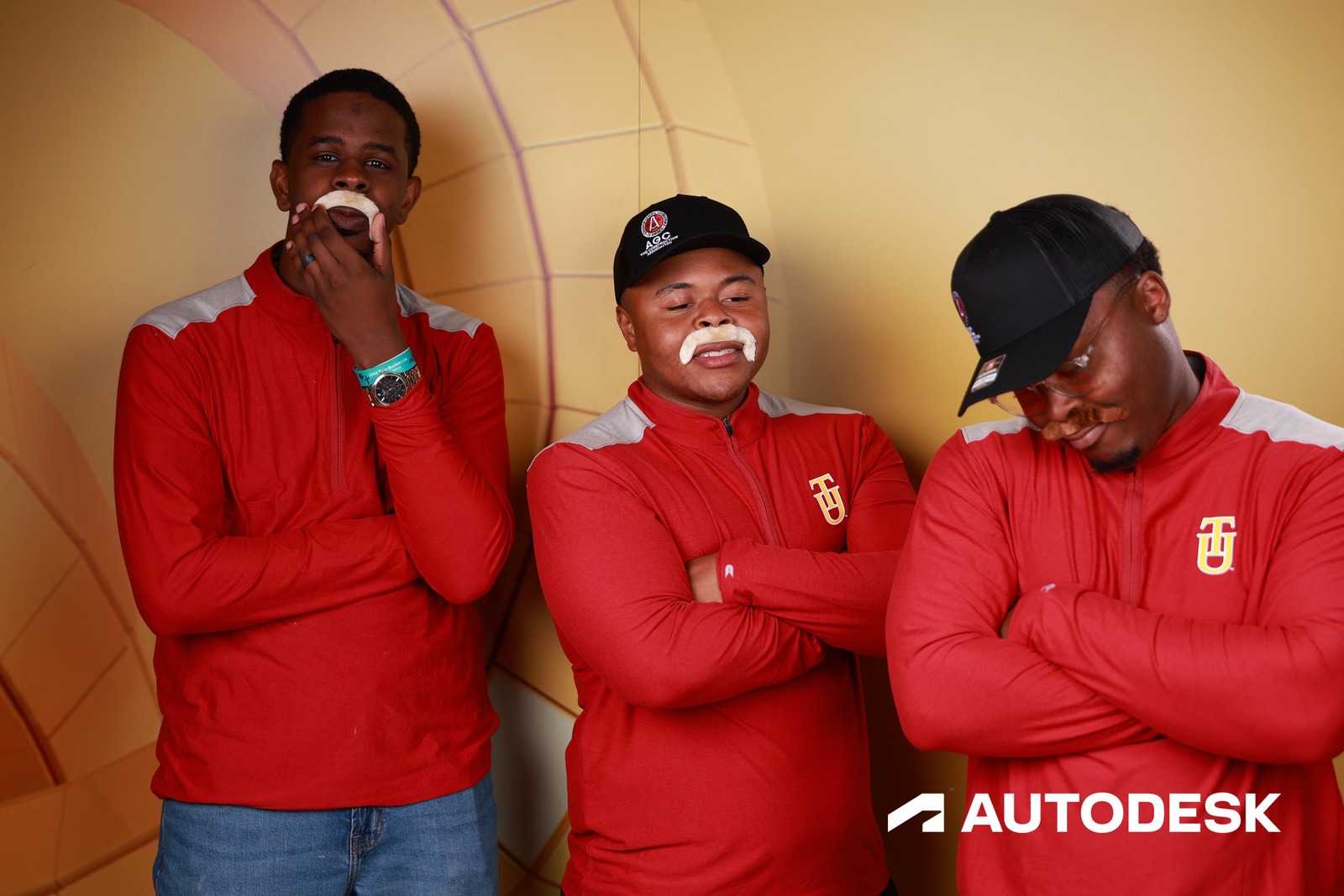
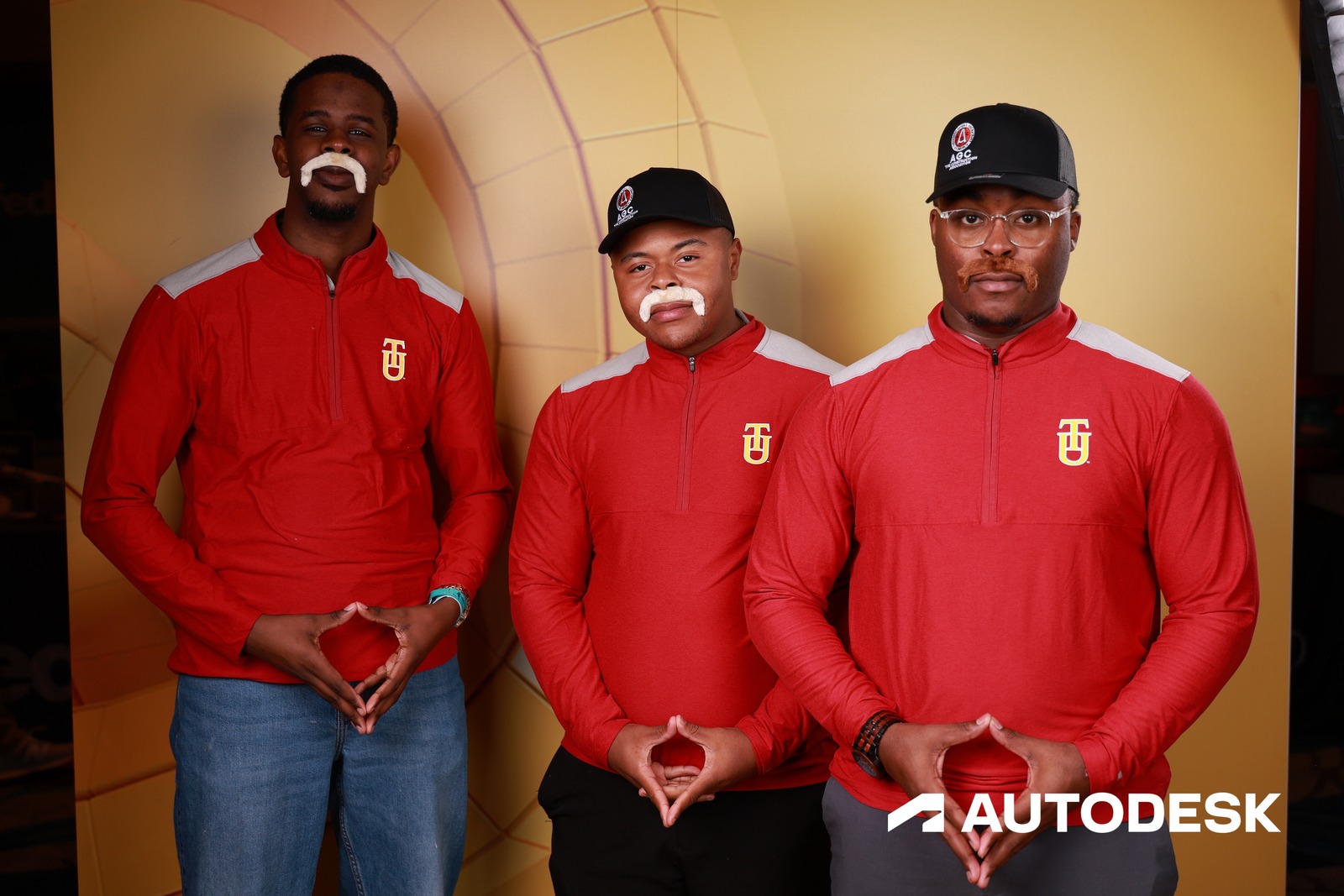
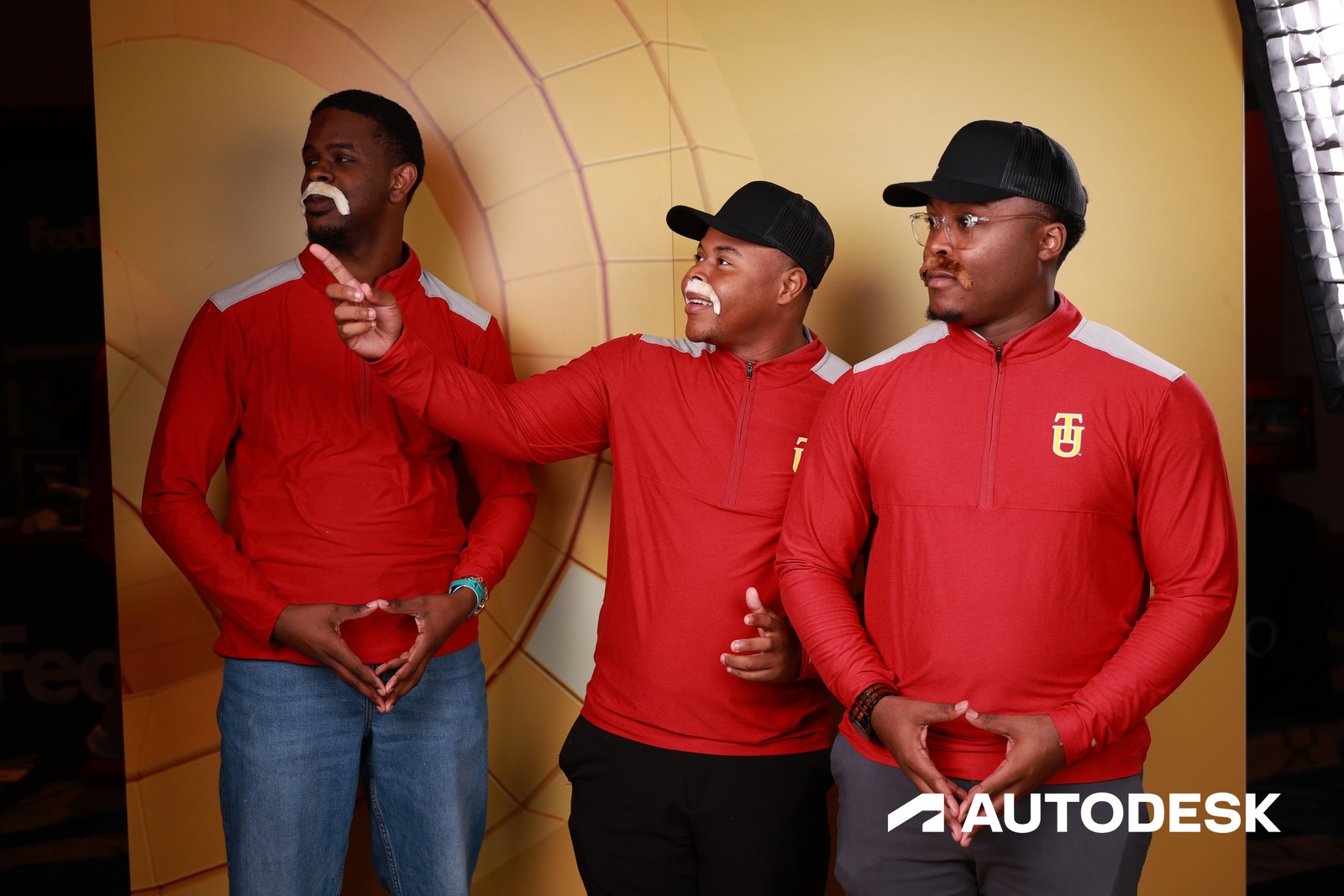
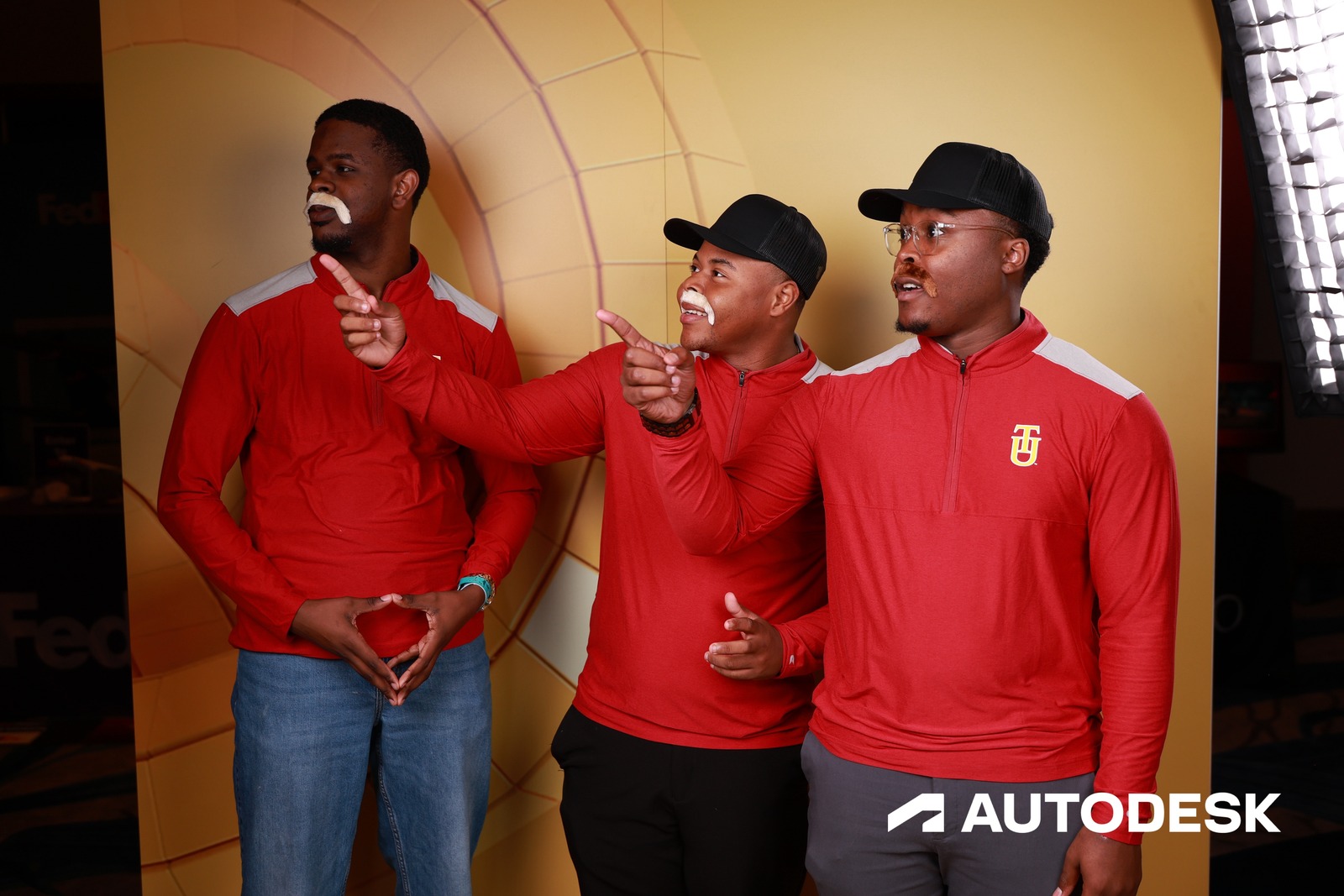
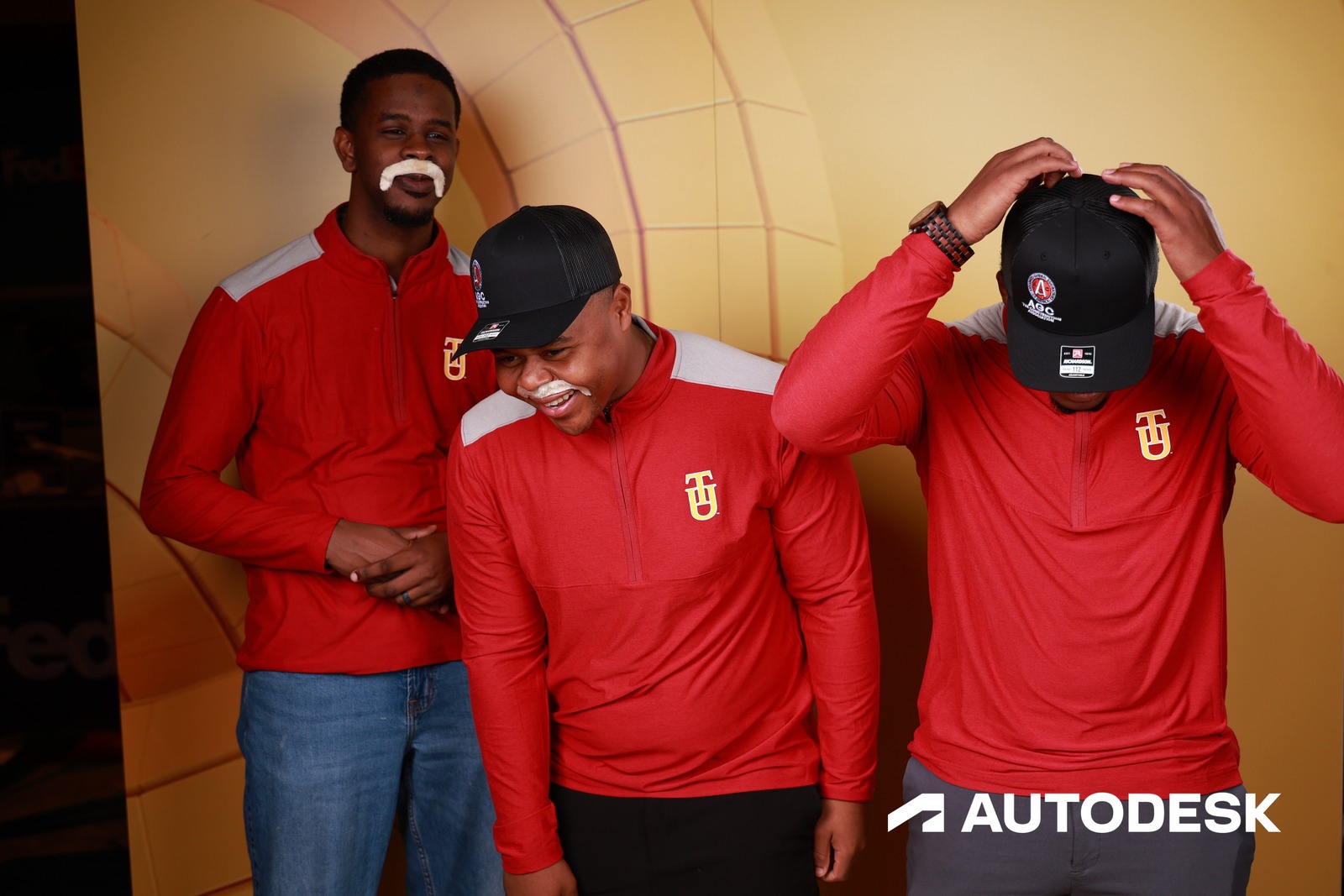
The portal and the capture app are rebuilt in HTML from the real ones. Every card is one session: its code and its photos come from AGC Annual Convention, and no card shows another session’s frames. The session being followed is S-F29E3099 — 8 photos of the same guests. Guest names and per-session guest counts are not public, so those are made up and the header says so.
Group shots, couples, team photos — tag two people or twenty. They all get their photos the moment you finish shooting.
When a guest who’s already in your records shows up in a session’s photos, BrandStudio recognizes them and adds them to that session — automatically. No tagging, no lookup. The right people are on the list before you’ve lowered the camera.
End a session and delivery happens in seconds. Guests open the link, see their photos, and share while they’re still at your event.
The first photo sends a quick “your photos are ready” text. Everything after that batches into a digest on the schedule you set, so a guest shot forty times gets a few texts, not forty.
Face recognition is powerful — but not every photo has a face in it. Sessions guarantee delivery for every type of shot.
A brand wants low-angle photos highlighting a guest's shoes or outfit details. No face in the frame means face recognition can't match it. Sessions tie every photo to the guest regardless of what's in the shot.
Back-of-shirt reveals, over-the-shoulder shots, silhouettes, hands-on-product — any time a photographer captures something other than a face, session-based delivery ensures the guest still gets the photo.
Portrait first, then product shots, then action photos. Sessions group everything together so the guest receives their full set — faces, shoes, details, and all — in one delivery.
Sessions and face recognition work together too. Use both for events where you want automatic matching on portraits and guaranteed delivery for everything else.
Sessions deliver photos as you shoot. Your first session takes less than a minute to set up.
Face Match handles photos where a guest's face is visible. Sessions handle the rest — the wide shots, the "back of the room" photos, the group shots where the photographer knows who's in them but the face engine may not catch everyone. Together they cover essentially every photo that should go to a known guest.
One tap in the app — pick the guest or group from a list, start the session, and every photo until they end it is tagged to that guest. No typing, no confirming each shot. For quick portraits it's seconds per guest; for a 30-minute VIP shoot the session stays open the whole time.
Starting a new session ends the last one, and a session nobody touches for two hours closes on its own. Until then, new photos go to the open session — so if a session was left open, fix the assignments from the portal after the fact.
Yes, as many as you need. A VIP might have a headshot session, a group photo session, and a networking candid session — each produces a distinct set of photos in their personal gallery. Sessions are a lightweight tagging layer, not a one-per-guest limit.