Fifteen cities. One brand.Zero folder chaos.
Your activation is on the road — Austin this week, Atlanta next. By the time your team gets home, photos are scattered across cards, drives, and inboxes and the brand looks different in every city. BrandStudio puts the same kit on every stop, delivers to attendees on the spot, and keeps every city under one brand your marketing team can actually find.
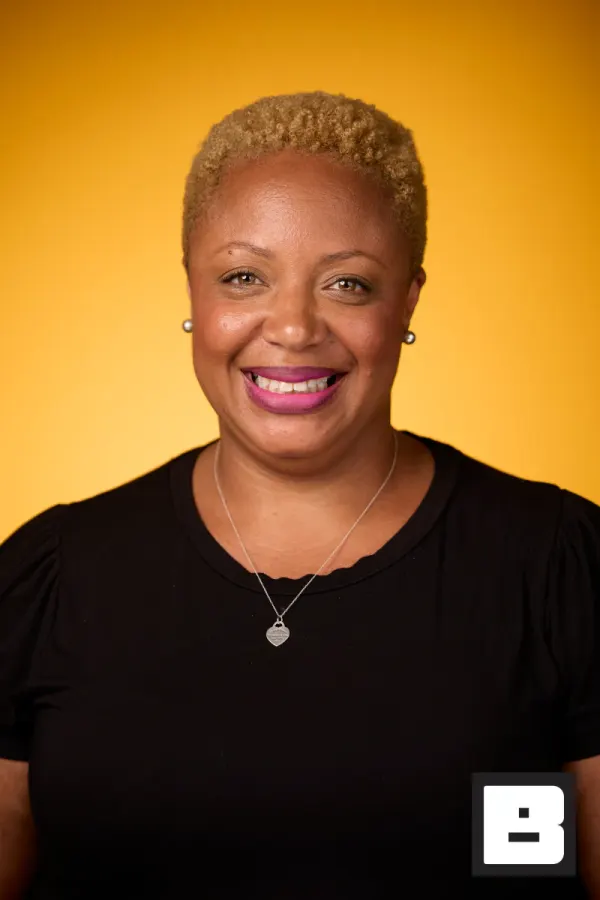
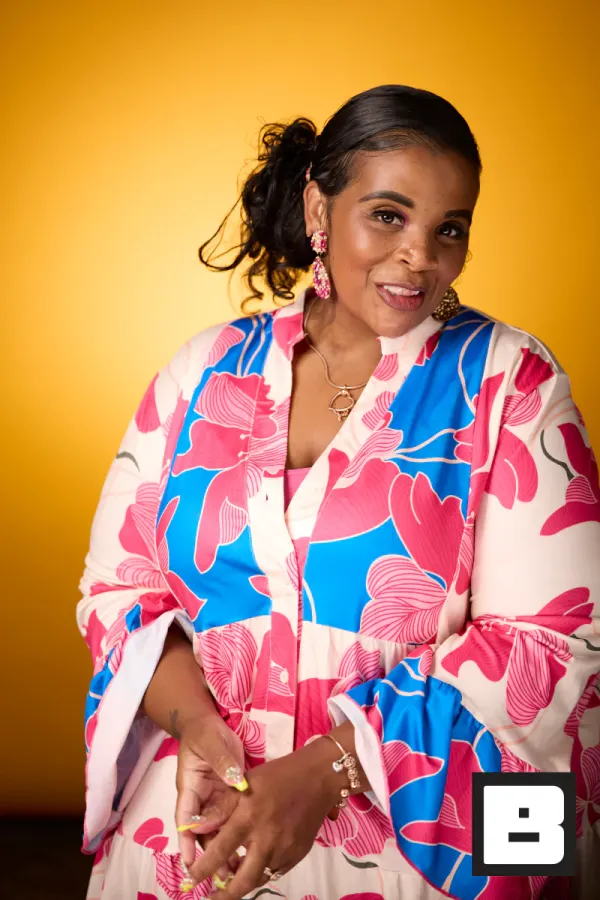
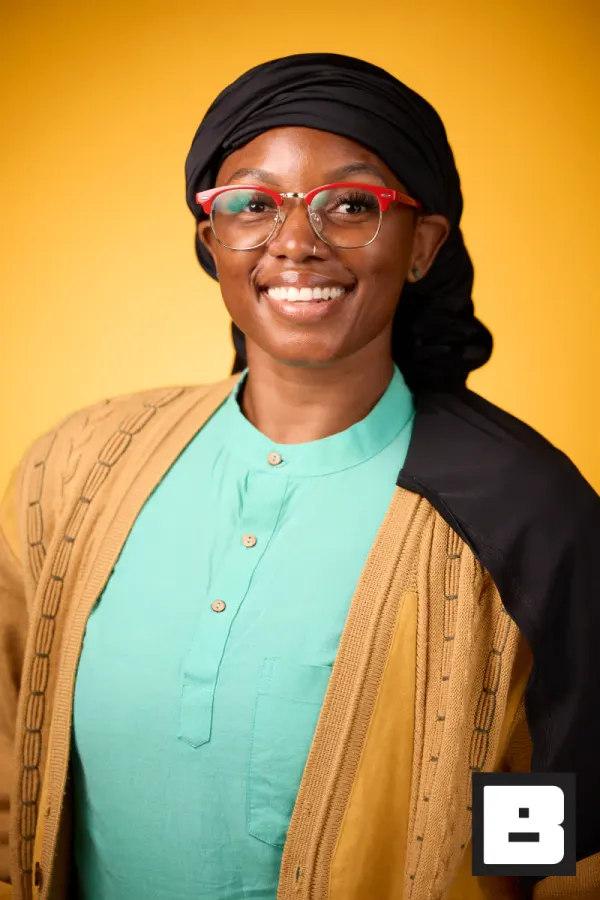
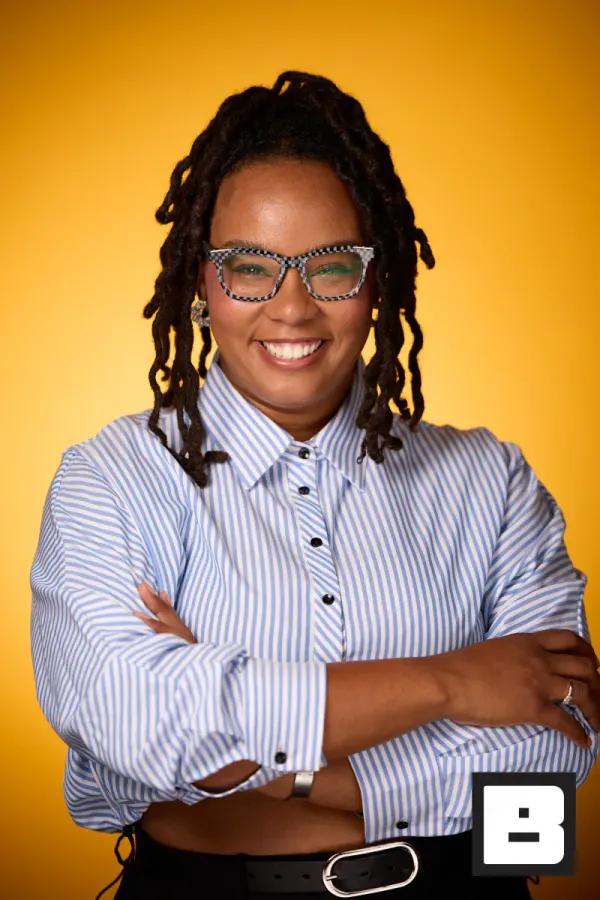
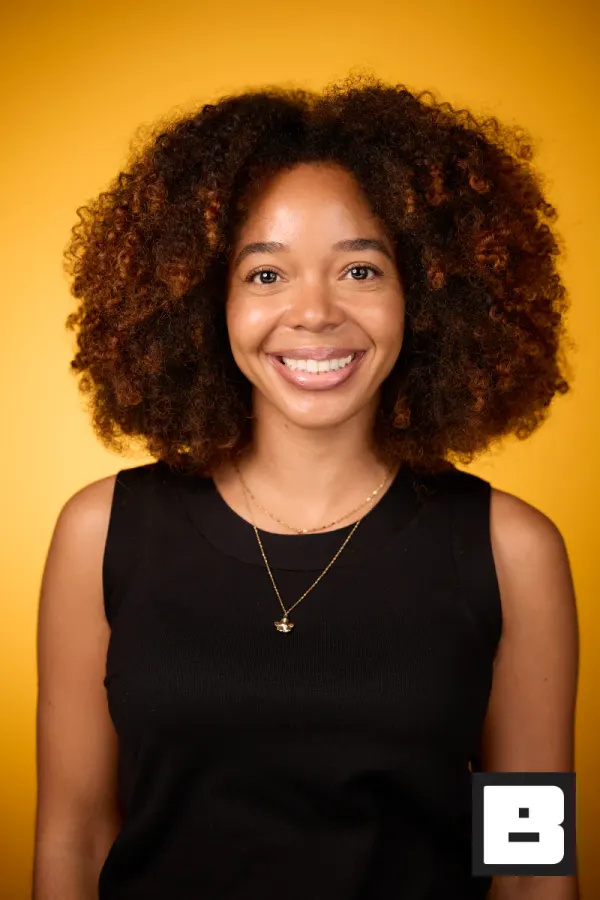
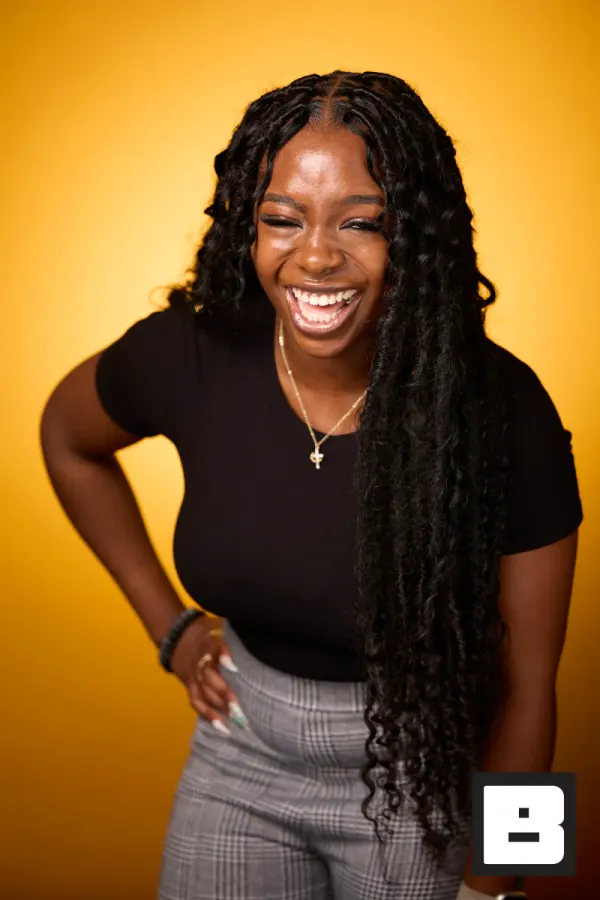
P&G, Cincinnati. Shot by Mammoth, the agency that runs its events on BrandStudio.
Fifteen cities. One setup.
Built once, repeated in every market without rebuilding.
Configure the whole tour once
One brand kit, one structure, duplicated per city. Local crews get devices that arrive already knowing the campaign.
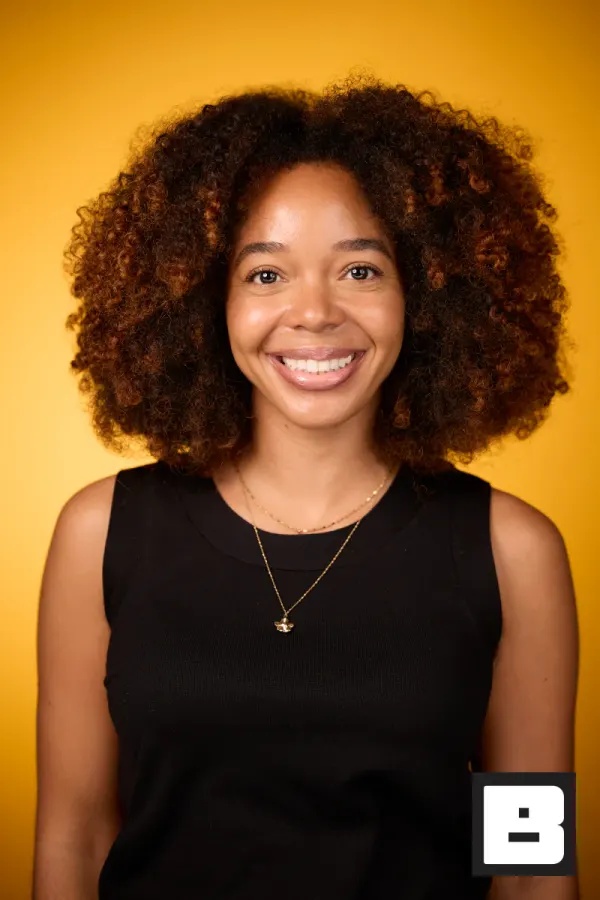
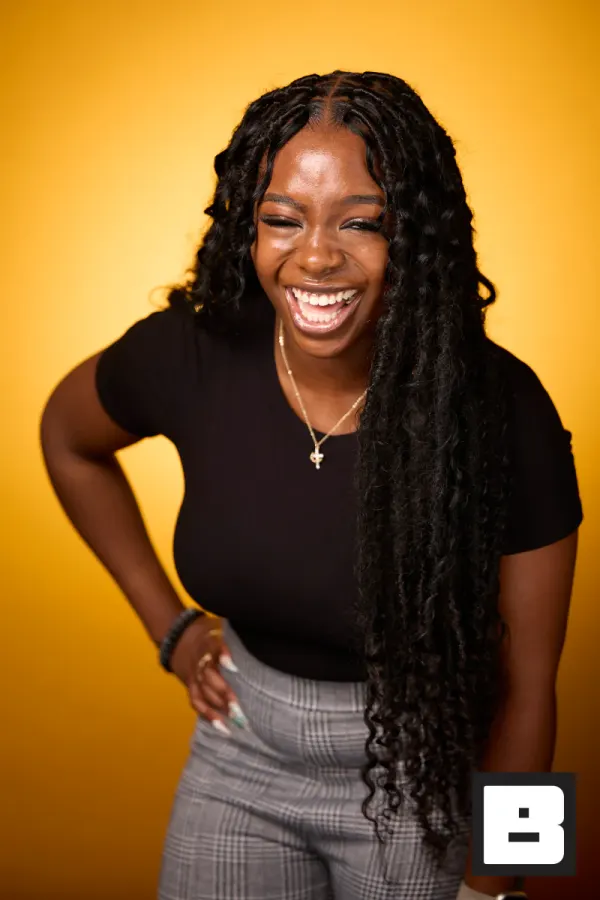
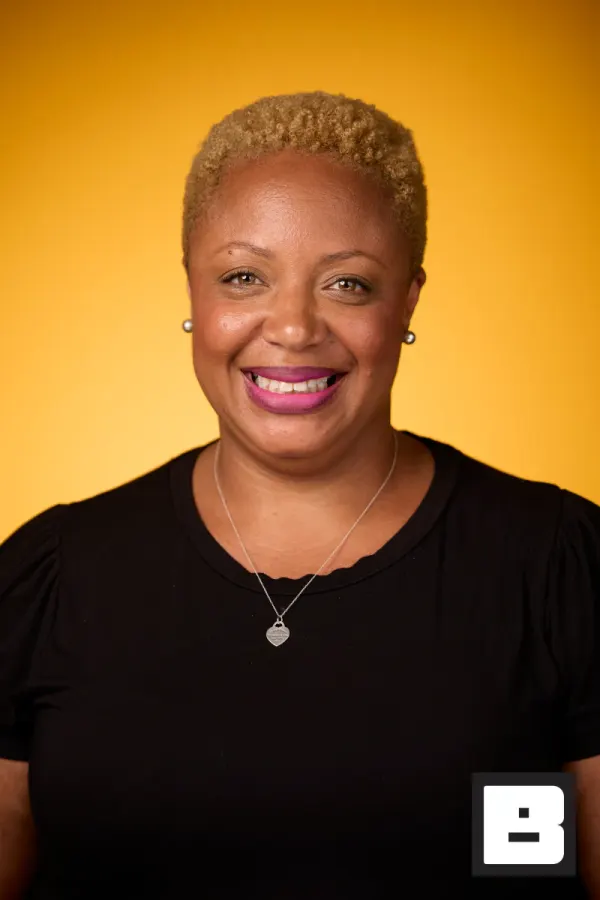
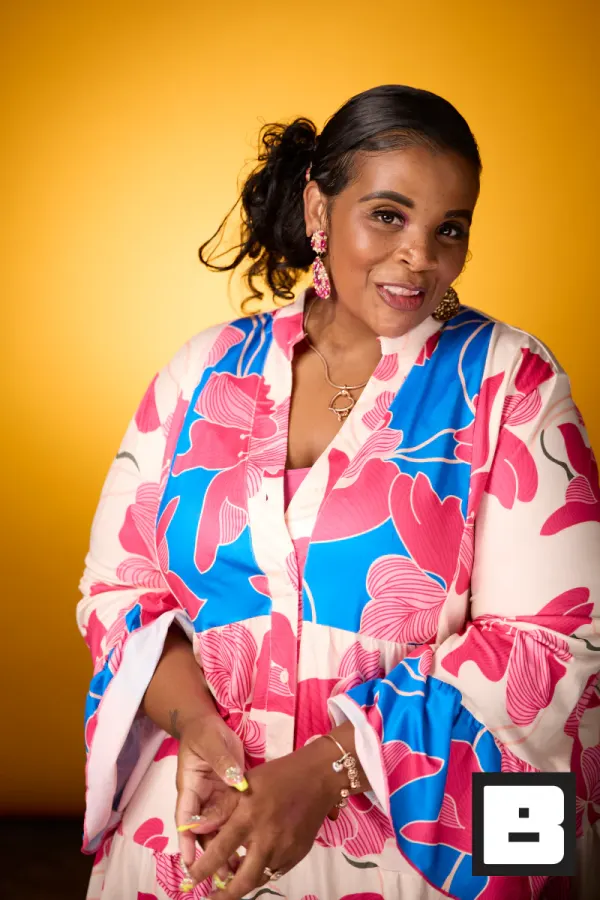
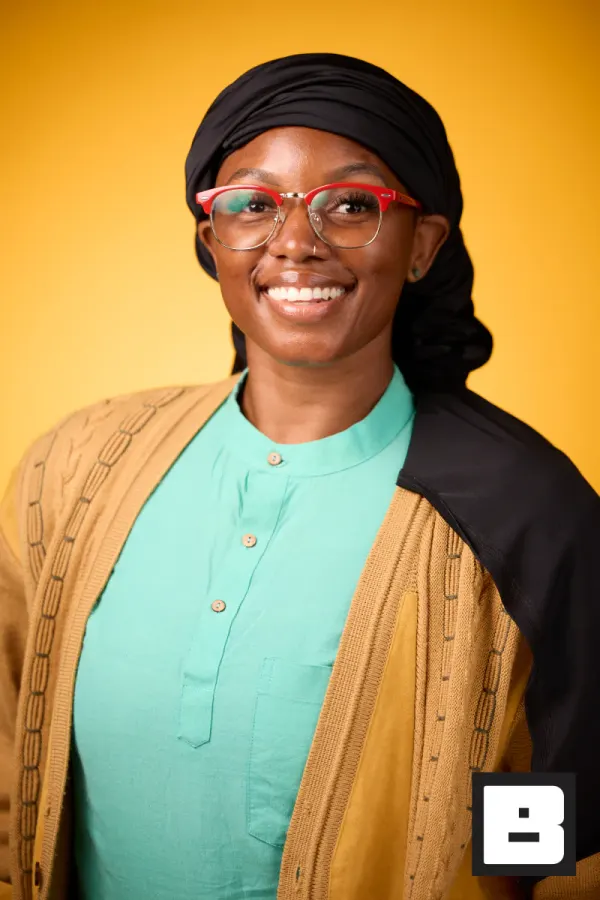
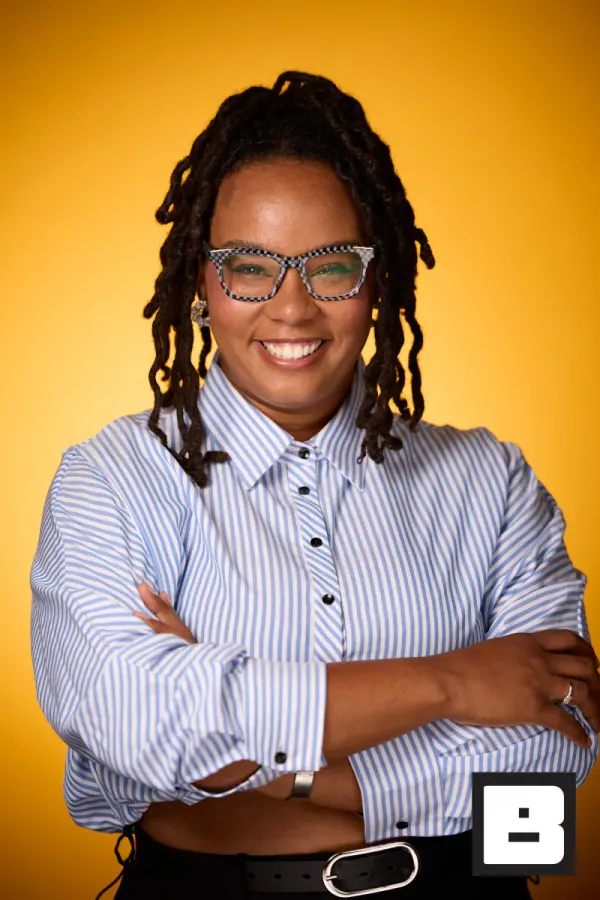
The same experience in every market
Kiosk or tethered camera, identical in Chicago and Atlanta, because the config travelled instead of being rebuilt on site.
Saved to photosAttendees leave with it
Photos land branded to the campaign, and every registration goes out by webhook or CSV to where marketing already looks. No rekeying between cities.
Real frames from P&G Confidence Lab at Black Tech Week
You know how city four usually goes.
The brand guide says one thing. Fifteen cities produce fifteen different overlays, and nobody notices until the recap deck.
Local crews shoot on their own gear and send files however they feel like it — and you spend the week after the last stop chasing down cards and Dropbox links.
Your sponsor wants the numbers from every city. You have fifteen separate folders and a very long evening ahead.
Same setup, twelve cities.
We’ve seen multi-city tours. You get a three-step plan and a brand that looks the same in every city.
Capture
Set up the brand kit once. Every stop — whether that’s a tethered camera, a selfie kiosk, or a roaming iPhone — pulls from the same kit and syncs to its own city event in real time.
BrandStudio brands + delivers
Every photo lands with your overlay applied. A QR code gets the guest their gallery instantly. Face Match pulls every shot they’re in from the whole stop into one personal link.
You review and roll up
Each city is its own event under the same brand. You see every stop’s numbers in its analytics, pull the recap assets you need, and export each stop to CSV for the sponsor.
BrandStudio never shows up in the link, the gallery, or the photo. Every city, every stop, every reshare — your brand, not ours.
The tour, city by city.
Same crew, new city every week. The setup that works in Dallas works in Denver — because it’s the same event, duplicated.
- Sunday
Advance the next city
Clone last week’s event, change the date and venue — branding, tools, and flow come along. Minutes of setup, not an evening.
You see: Next stop configured before the truck rolls. - Tue 8 AM
Load-in
iPads on, booth live, arrival camera connected. Local staff open the app, pick the event, and the flow is the same as last week.
- Tue 10 AM
Doors
Attendees badge in and get photographed; branded photos land before their first session.
Guest sees: The same branded photo they’d get in any city. - Tue 6 PM
Wrap city one
Every attendee delivered, every lead captured, gallery closed out — while the crew packs the truck.
- Weekly
The rollup
City-by-city numbers from each stop’s analytics and CSV export: registrations, deliveries, views, shares. HQ sees the tour working week to week.
You see: Every market, one export each.
One brand kit. Every city. One library at the end.
Lock the kit once and every stop on the tour delivers exactly the same branded photo experience — without you on a plane to every city to babysit it. Attendees get their photos before they leave the venue. Marketing gets every city under one brand to pull from, and the sponsor gets real numbers from every stop.
- The brand looks identical in every city — because it’s the same kit, not a copy-paste job.
- Every stop sits under one brand, searchable by face, not fifteen folders to reconcile.
- Every stop exports to CSV, so the sponsor recap is one spreadsheet, not fifteen.
How it actually works.
One brand kit, locked across every stop
Set overlays, colors, logo placement, and messaging once. Every city’s activation — booth, roaming shooter, or selfie kiosk — pulls from the same kit. Need a city-specific frame for Chicago or a sponsor swap for Dallas? Upload it on that city’s event; the brand kit stays as it is.
- One brand kit, with per-stop overlay artwork when you need it
- Overlays applied automatically on every photo
- Same gallery look and feel in every city
Attendees get their photos before they leave the booth
Kiosk mode runs the activation itself — on-screen prompts and a countdown. A QR code is on the screen before the next person steps up. The guest scans it, sees their branded photo, and shares it from their phone — all before they reach the exit.
- QR on screen right after the shot
- One tap to save or share from the gallery
- No app, no email, no waiting until after the tour
Every stop in one library, not fifteen folders
Each city event is separate so coverage stays organized by stop. They all sit under the same brand, so your marketing team can open any city, and find a person across the whole tour by face, without asking anyone to share a Dropbox link.
- Per-city events under one brand
- Find a person by face across every stop
- High-res downloads organized for marketing and press use
Roaming photos find the right person — in any city
Your photographer works the room while the kiosk handles the queue. Face Match connects the roaming candids to the right guest without them having to scan again. One selfie registers them for the whole stop — booth shot, candid by the display, and the group photo all land in one personal gallery.
- One selfie enrollment, matched across booth and roaming
- Personal gallery delivered by SMS — no app
- Works across every shooter at the same stop
The sponsor gets real numbers from every city
Each stop tracks its own gallery views, downloads, and shares. Every stop exports to CSV, so the tour totals are one spreadsheet away: registrations, photos delivered, top cities.
- Analytics for every city
- Gallery Gate captures leads from organic shares
- CSV export per stop for the sponsor deck
Edit at the hotel. The city wakes up to their photos.
Your photographer shoots the day, edits at the hotel, and exports to the Watch Folder. Every photo hits the branded city gallery automatically — branding applied, faces matched, SMS delivery queued. By morning every attendee in that city has their gallery link.
- Watch Folder picks up exports from Capture One, Lightroom, or any app
- Branding applied automatically on every export
- SMS gallery links queued and sent overnight
Suggested tools for road shows
The tools that power multi-city activations, from kiosk to brand library.
Road show photography questions
How do you keep branding consistent across every city?
Brand kits lock in your logo, overlays, colors, and messaging once. Every stop on the tour pulls from the same kit — so whether you're in Austin or Atlanta, the photo your guest shares looks identical. You can swap a city-specific overlay per stop without breaking the master kit.
Can we see photos from all our tour stops in one place?
Yes. Every stop is its own event under the same brand, so the brand page lists every city, and a selfie search finds a person across all of them. Marketing gets the recap assets they need without chasing fifteen separate Dropbox links.
How do on-site activations work if we don't have a full crew at every stop?
Kiosk mode runs the photo booths themselves — on-screen prompts, countdown, and QR delivery on the spot. One person can manage a busy activation while the rest of your team works the room. For roaming coverage, any iPhone or iPad running BrandStudio syncs to the event in real time.
How do attendees get their photos?
A QR code delivers their branded gallery instantly — no app to download. They tap, see their photos, and share from their phone to Instagram, LinkedIn, or anywhere else. Your brand rides along in every repost across every city.
Can we get numbers per city?
Yes. Each stop is its own event with its own analytics: photos by capture source, sessions, gallery views, downloads, and shares. Each stop also exports to CSV, so the tour totals are one spreadsheet away. There is no built-in cross-tour report yet.
We use Capture One or Lightroom on tour. Does the workflow still work?
Watch Folder picks up exports from any editing app and publishes them to the branded gallery automatically. Edit at the hotel, export, and the city's attendees wake up to their photos in the morning.
Take this on your next tour.
Set the kit once. Every stop delivers the same branded experience under the same brand. Sponsors get the numbers from every city. Marketing gets the recap assets. You just run the show city to city.