Self-service portraits.
Studio quality. No photographer.
Bring a Canon and good light, and an iPad running BrandStudio does the rest: countdown, overlay, and the photo on their phone in seconds.
NOTHING STOPS DETROIT
The iPad screens are rebuilt in HTML from the app. The 3 photos are one real booth visit at NOTHING STOPS DETROIT — session S0077, the same people in every frame. The overlay strip and the guest’s number are samples, and the countdown is sped up.
Guests walk up to a booth that runs itself
From the screen that draws them in to the photo in their pocket — every step happens on its own, no operator needed.
Load the booth with backdrops and the countdown becomes a scene picker: guests tap where they want to be, and the iPad cuts them out and drops them into it — about six tenths of a second, with no internet needed. See the AI photo tools.
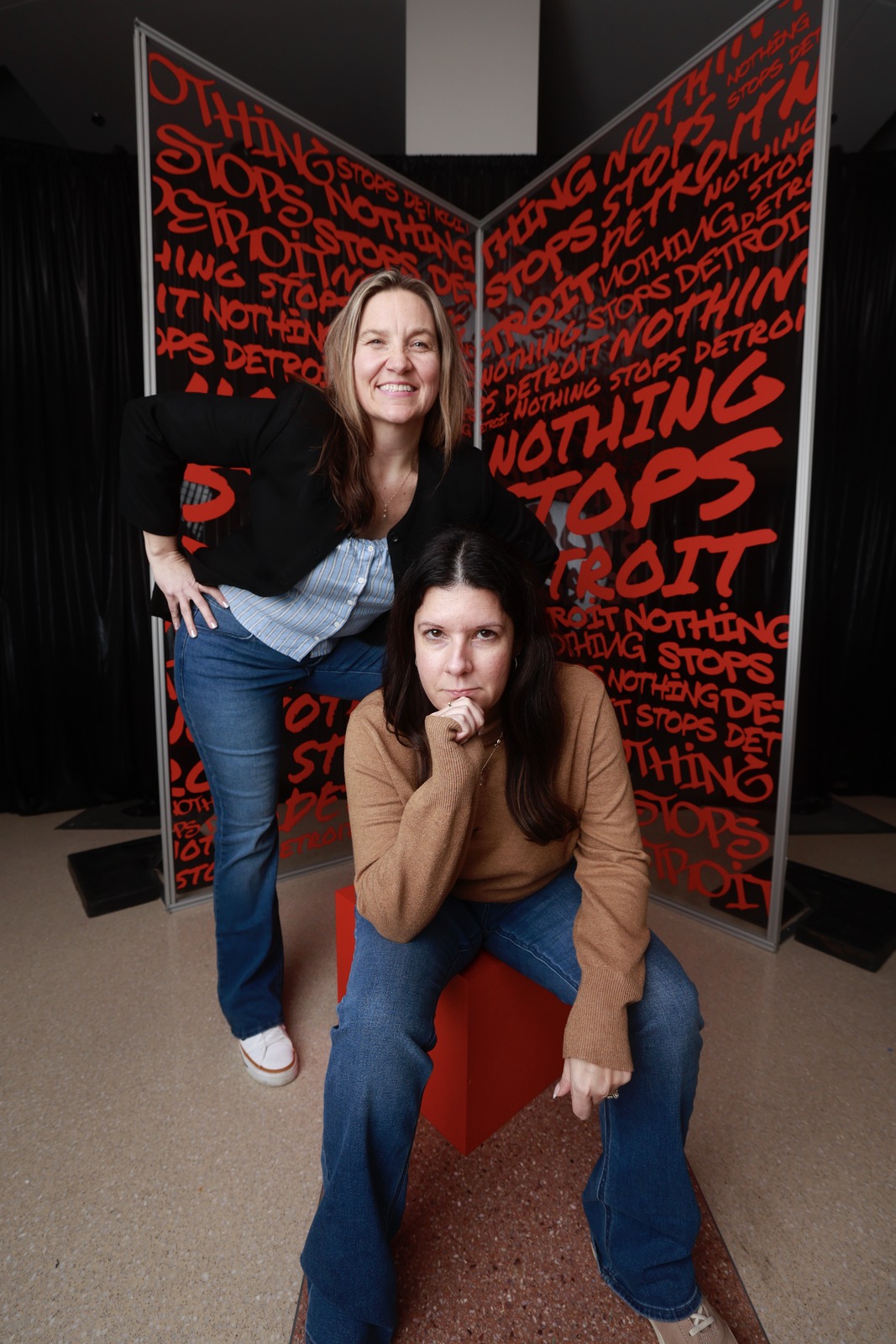
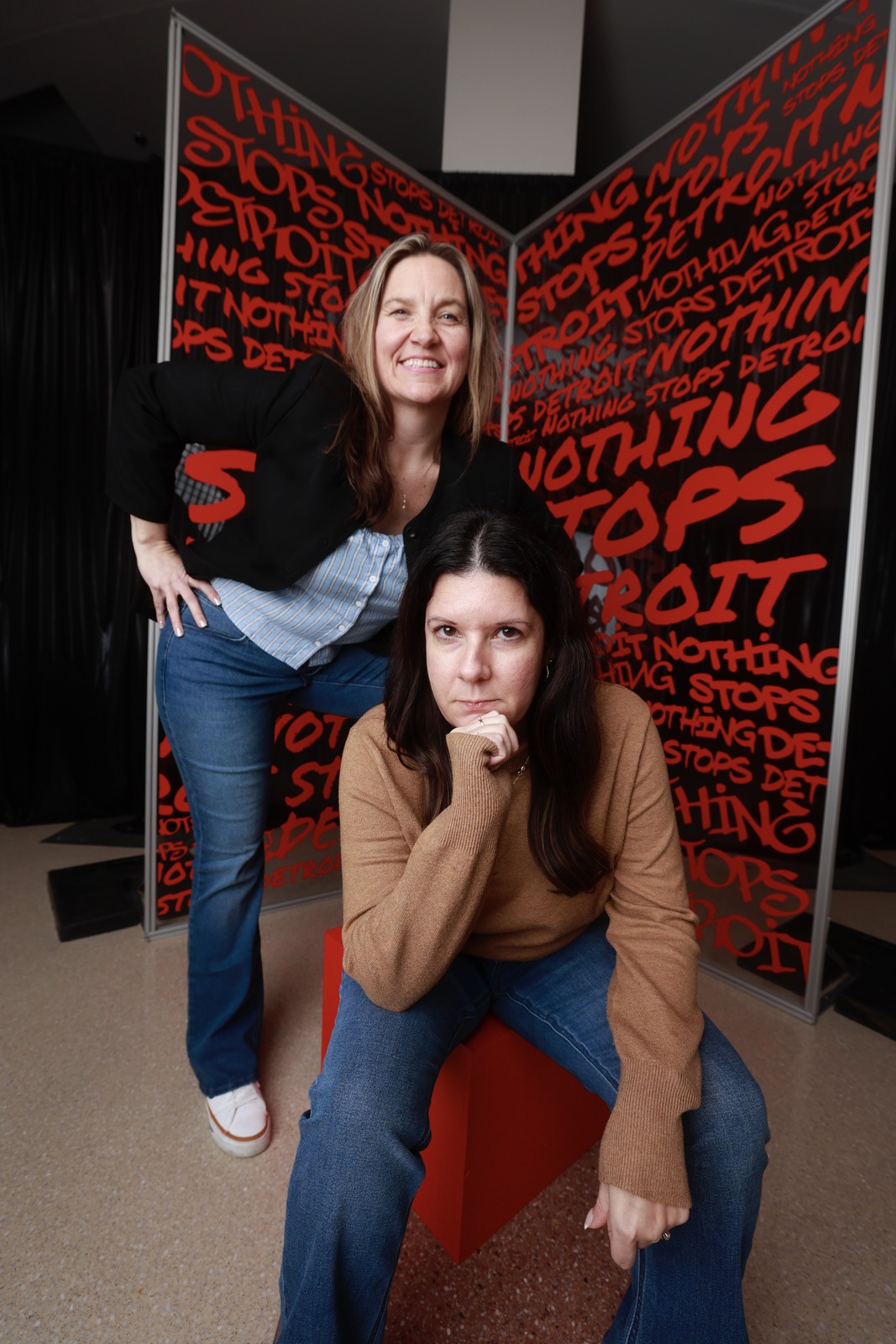
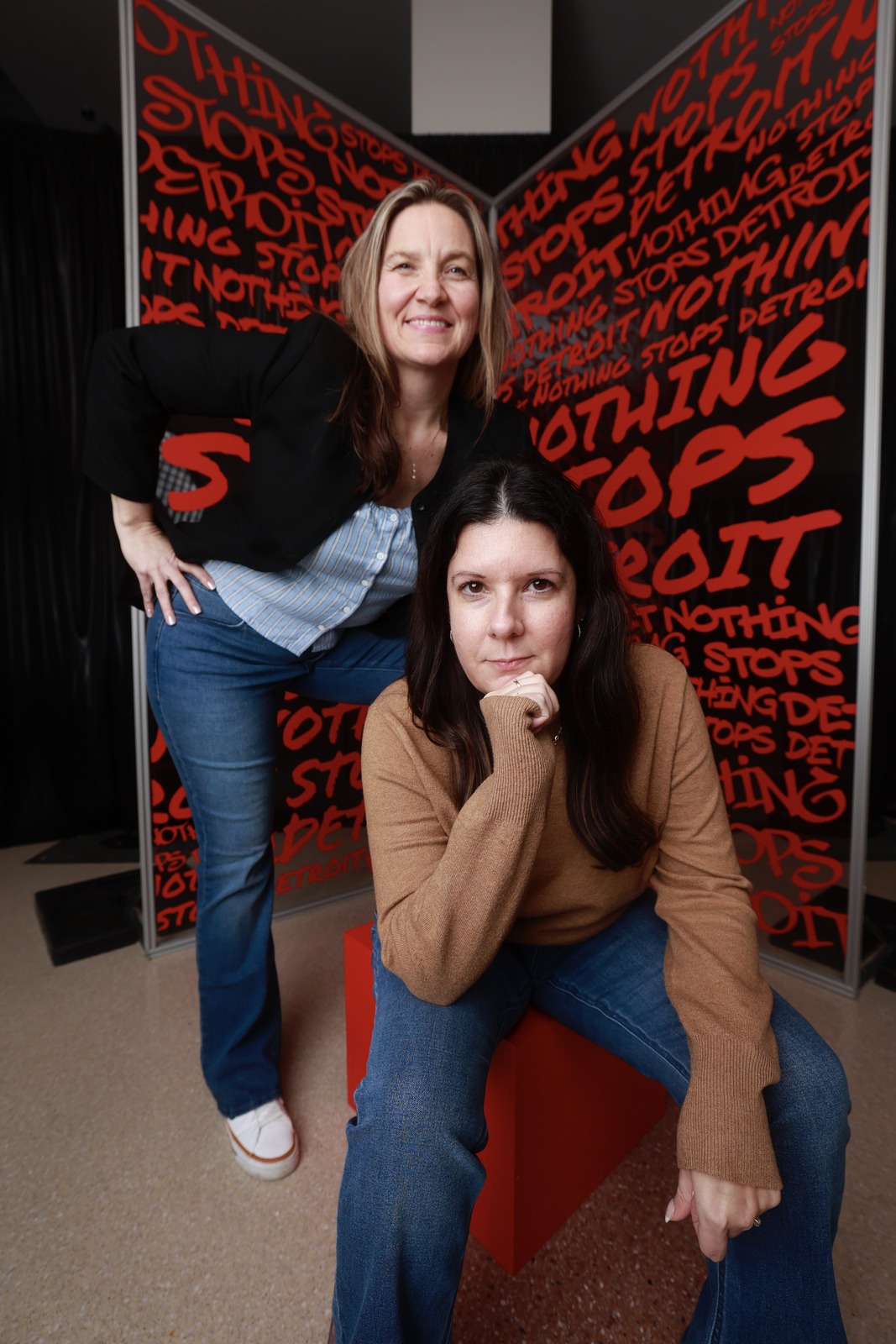
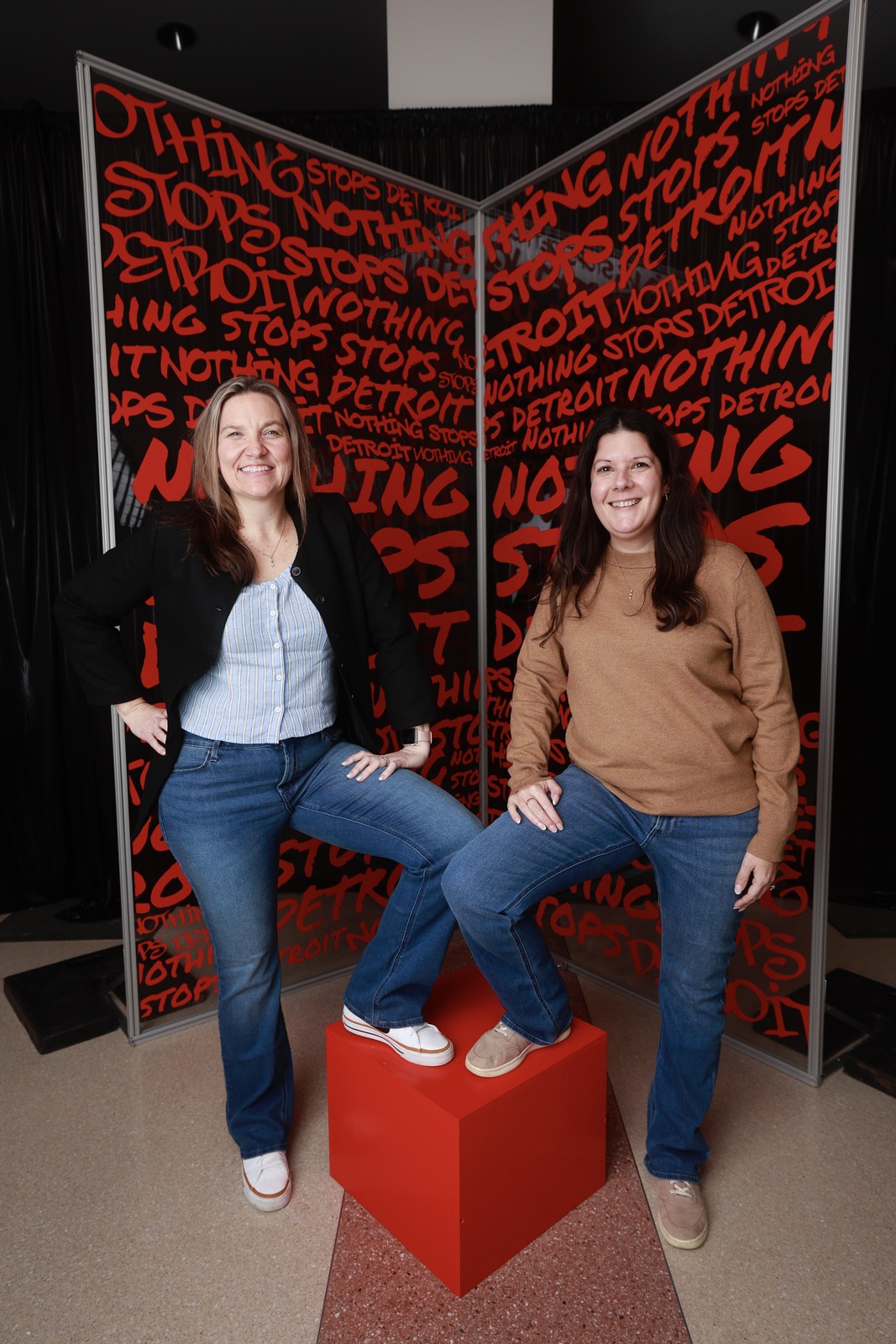
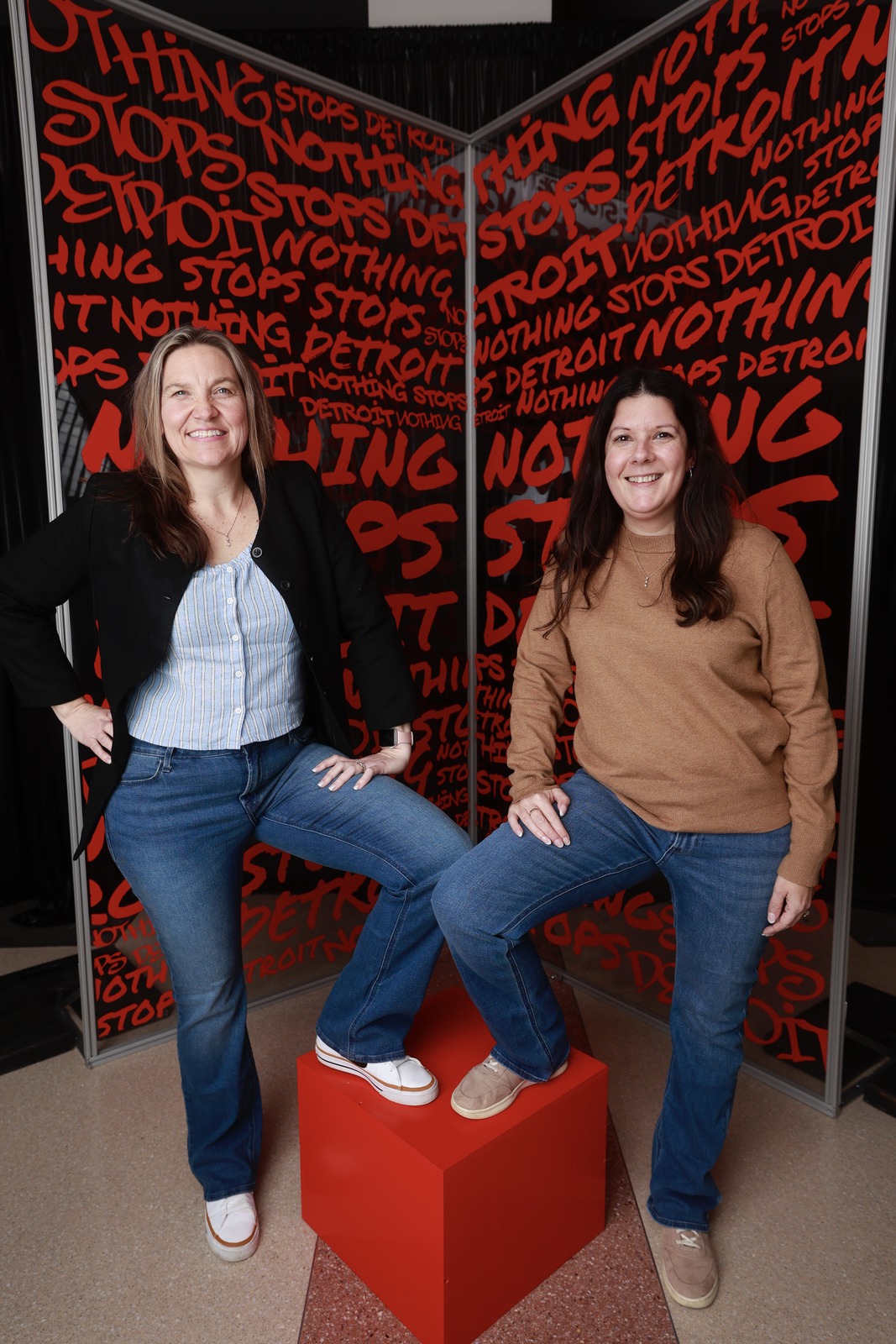
One visit to the booth, at a real event — branded, and on the guest's phone in seconds.
Common questions
What hardware do I need?
Any iPad. Mount it on a stand or set it on a table, open the app, and start the booth. It shoots on the iPad’s own camera or a tethered Canon. Save the event as a template and the next one sets up faster.
Whose branding is on the photos?
Your client’s. Overlays, frames, colors, and the delivery text all carry the client’s brand — BrandStudio stays invisible. When guests post their booth photo that night, it’s the client’s logo that travels with it.
What does the guest actually walk away with?
Their branded photo — or a looping burst video — texted to their phone in seconds, plus a gallery link with every shot from their session. No email-me-later forms, no kiosk codes to remember.
Can guests get prints too?
Yes — the booth pairs with the Sharing Station, so guests can print their booth photos at a kiosk on-site while the digital copy is already on their phone.
What happens if the venue WiFi dies?
The booth keeps capturing. Photos are safe on the device and the delivery texts go out as soon as the connection comes back — guests still get everything, and nobody standing at the booth notices a thing.
How does Photo Booth handle guests without a phone?
Three fallbacks: print the photo on a connected printer for physical delivery, email it to an address they type in, or let them punch in any phone to receive the link (theirs, a partner's, or a rental). The booth never assumes a smartphone — every guest walks away with their photo.
What camera should I use for a photo booth — the iPad camera or a tethered Canon?
A tethered Canon if image quality matters (conferences, product launches, premium activations): the booth fires the shutter and shows its live view. The iPad’s own camera if quick and social is the vibe. The booth software runs the same either way.
Does the booth need a staff member to run it?
No. The attract screen draws guests over when nobody is using it, the flow is fully guided, and the booth auto-returns to idle after inactivity. Staff is only needed for occasional paper refills on print booths or to help a guest who has never used an iPad. Most events run the booth unattended.
Can I save a booth configuration and reuse it for repeat events?
Yes, at the event level. Save an event as a template in the portal and start the next one from it, with its branding, booth screens, and delivery settings. Teams running the same activation at multiple stops (a tour, a seasonal campaign) start from the template rather than rebuild.
Every guest leaves
with your brand in their pocket.
Set up once, run all day. Guests sit, shoot, and send — no photographer required.