Leave a great impression.Leave with the lead.
Visitors get a branded photo on their phone in seconds, and the badge scan tells you who they are.

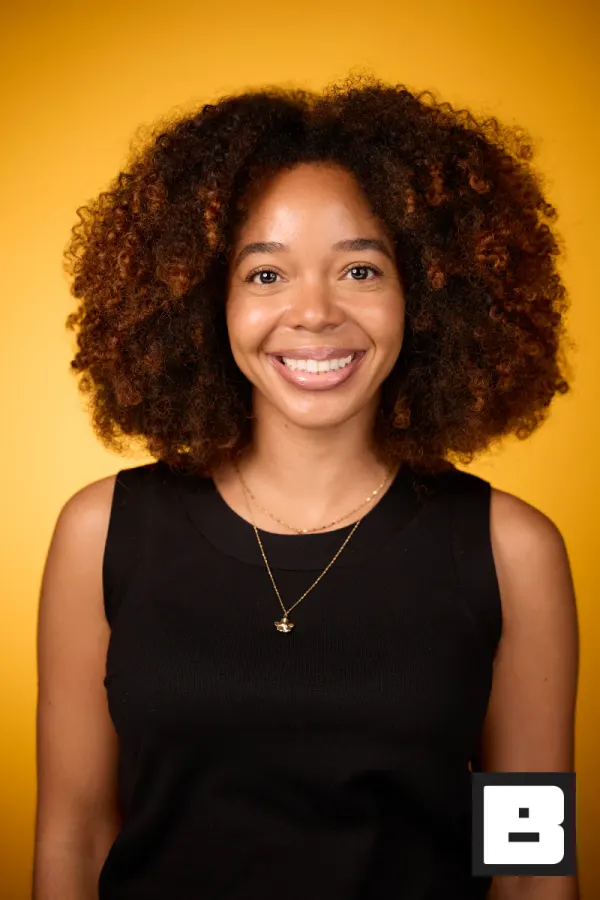

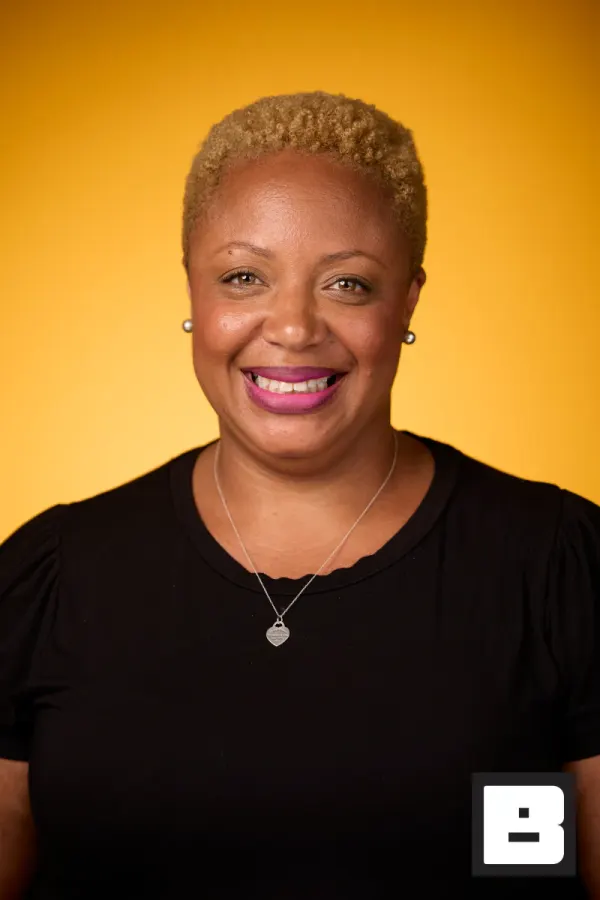

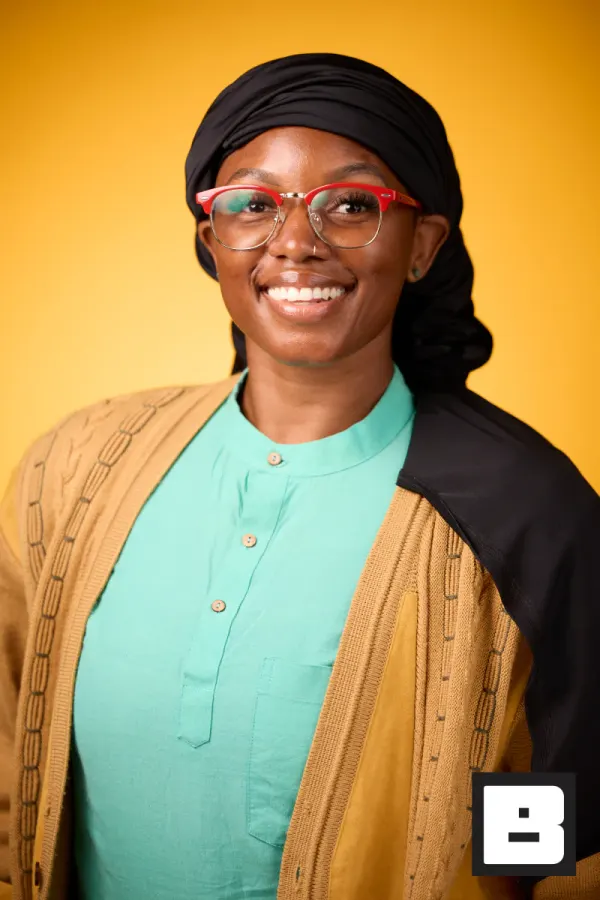
P&G, Cincinnati. Shot by Mammoth, the agency that runs its events on BrandStudio.
The lead is on your list before you pack down.
Booth capture, from setup to follow-up.
Build the booth experience
Event, campaign branding, and where the leads should land — set at a desk before the hall opens.
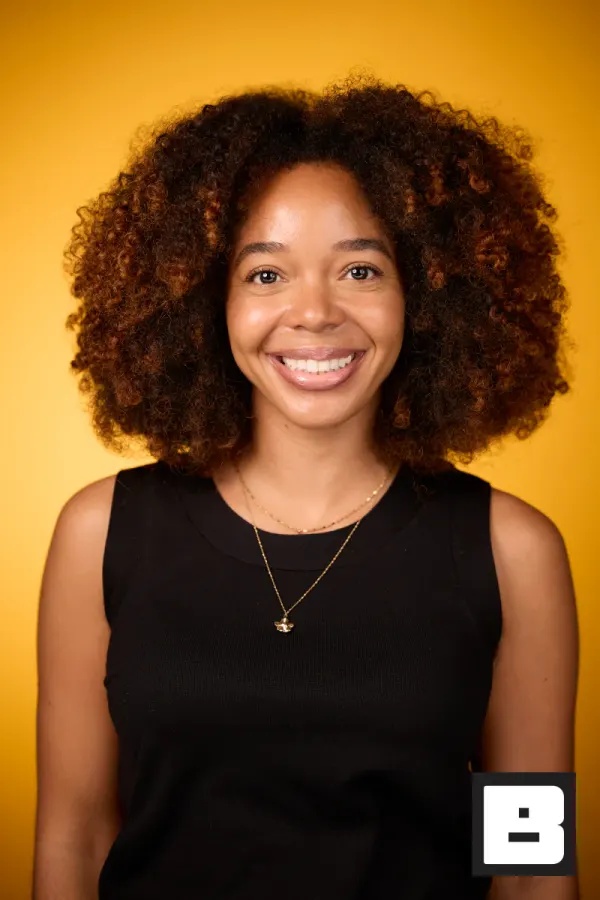

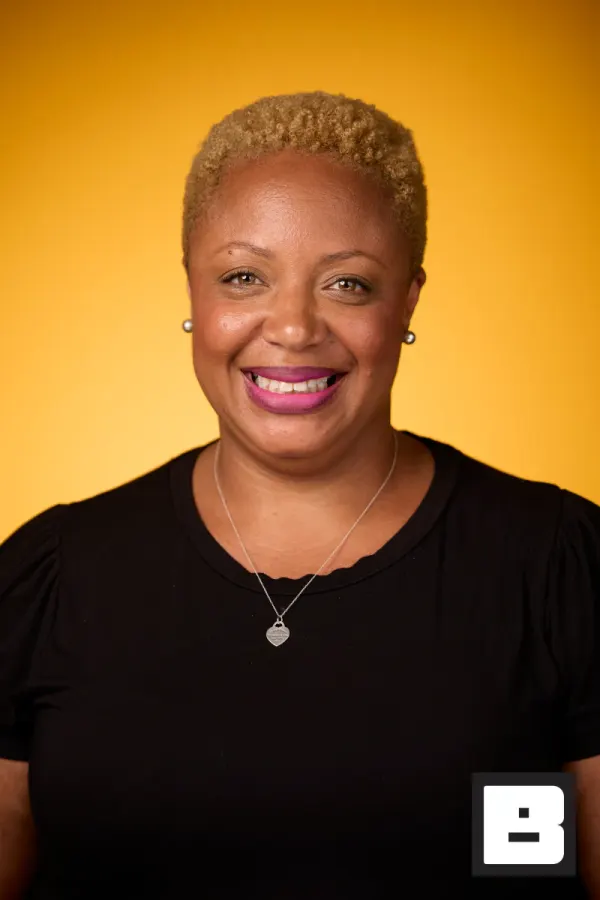

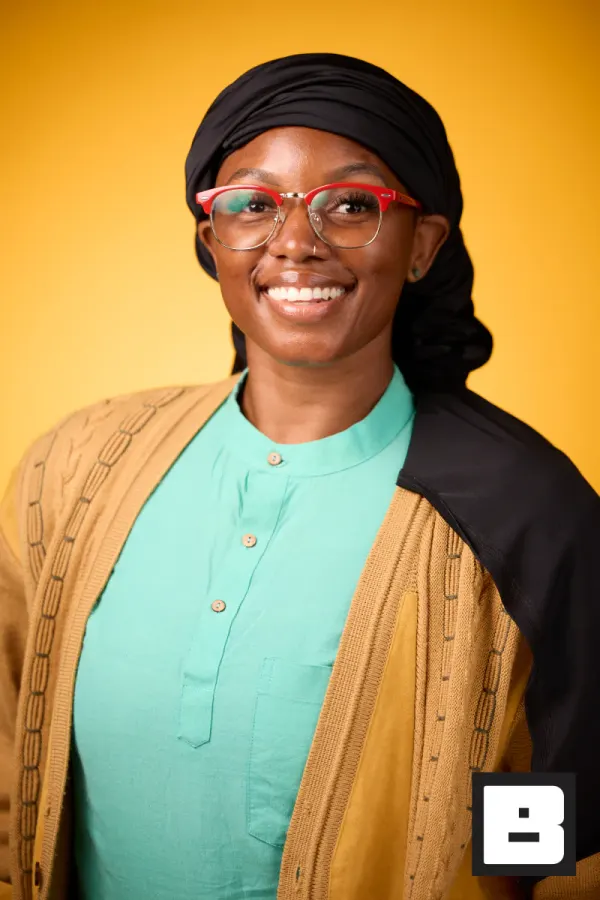

Photo first, form never
Scan their badge, take the shot. They're registered and photographed in one motion — which is why they actually finish.
Saved to photosThe photo goes with them
Their branded photo texts to their phone and the contact goes out by webhook or CSV without a rekeying step. Your follow-up isn't cold.
Real frames from P&G Confidence Lab at Black Tech Week
You know how booth leads usually go.
You paid for the floor space and the lead scanner, and now you have to prove the booth was worth it.
The booth photos die in a download — a link in an email nobody opens, branded with someone else’s logo, never yours.
The fishbowl of business cards goes cold by the time you’re back at your desk Monday morning.
The booth photo is the lead.
We’ve worked trade shows. You get a three-step plan and we stay off your brand.
Capture
Set up a headshot station or photo activation at your booth. Visitors step in, you shoot — or Photo Booth mode runs self-service when the rep is busy. Scan their badge and their details fill in on their own.
BrandStudio brands + delivers
The photo lands on their phone with your logo on it — a text, not a ten-step download. Every badge scan and Gallery Gate sign-in becomes a guest record you can send to your CRM by webhook or export to CSV.
You review and approve
You watch the leads land in real time and export the CSVs — visitors, leads, photos delivered. You walk into the budget review with the number that books the same floor space next year.
BrandStudio never shows up in the link, the gallery, or the photo. Every share puts your company in the visitor’s feed — never ours.
Your booth, hour by hour.
Here’s the day as it actually happens — and which tool is on stage at each moment.
- 7:30 AM
Load-in
Your rep opens the iPad, taps the event, and the booth is live. Branding is already applied from your kit — nothing to configure at the show.
You see: Today’s event, your client’s brand, ready. - 9:00 AM
Doors open
First visitors. A badge scan fills in their name, company, and email on its own — no clipboard, no fishbowl.
Guest sees: Nothing to type.You see: A lead record, not a business card. - 9:02 AM
The photo
Headshot station or self-serve booth when your rep is mid-pitch. Step in, shoot, done.
- 9:03 AM
The text
Their branded photo lands on their phone before they’ve left the carpet — your logo, your gallery link.
Guest sees: Your brand on a photo they actually want.You see: Delivered ✓. - 11:40 AM
The rush
A line forms. Nothing changes — capture keeps flowing, delivery keeps pace, and the booth runs itself while your reps talk to people.
- 2:00 PM
The aisle walk
Visitors show colleagues the photo; the colleagues walk over to get their own. A guest’s phone is your best billboard at the show.
- 6:00 PM
Doors close
Every visitor: name, email, company, and photo count — already in the export.
You see: Visitors, leads, photos delivered — one export. - Monday 9 AM
The budget review
You walk in with the number, not a vibe — and next year’s floor space gets a lot easier to book.
Your boss sees the number. Your brand rides home in every feed.
Every visitor walks away with a branded photo they’re glad to keep, and every share carries your company into their network. The leads are already on your list, ready for Monday. When the budget review comes, you’re the one who turned a booth into a lead list — and the obvious yes for next year’s floor space.
- Every booth visitor leaves with a branded photo on their phone — no app, no QR maze.
- Every badge scan and Gallery Gate sign-in becomes a contact you can send to your CRM.
- The numbers your boss asked for, in the analytics and the CSV export.
How it actually works.
Every booth visitor gets a branded photo on their phone
Set up a headshot station or photo activation at your booth. Visitors step in, you shoot, and the photo lands on their phone — your logo on it, not ours. Your booth becomes the one with the line.
- Branded overlays, backgrounds, and frames on every shot
- Photo Booth mode runs self-service when the rep is busy
- On their phone while they’re still standing at the booth
No app, no QR maze — the photo just arrives
Most booth photos die in a download. A link in an email nobody opens, a ten-step grab on a phone, a gallery branded with someone else’s logo. Here it’s a text with the photo. One tap to save, one tap to post — and your brand goes with it into their feed.
- No app to download, no account to create
- One-tap save and share — not a ten-step download
- Your brand rides along in every repost
Badge scanning captures leads without slowing anyone down
Scan the visitor’s badge — QR code or barcode — and, with the show’s attendee list synced or imported, their name, email, and company fill in. No typing, no clipboard, no "can you spell that?" while the next person waits.
- vFairs roster sync, plus early Cvent, Eventbrite & Expo Logic integrations (CSV for the rest)
- Pre-imported registration data fills fields on scan
- Scans and photos queue on the device when the hall WiFi buckles
Your leads land in your CRM, not a stack of badges
The fishbowl of business cards goes cold by the time you’re back at your desk. Here every badge scan and Gallery Gate sign-in becomes a guest record, sent by signed webhook the moment it happens (point it at Webhooks by Zapier or your own system) and in the CSV export, ready for Monday morning.
- Reach HubSpot, Salesforce, and more through Webhooks by Zapier
- Guest CSV: contacts, consent, photo count, gallery links
- Gallery Gate captures leads from organic shares, too
Every forwarded photo is another lead
A visitor texts their headshot to a colleague who couldn’t make the show. That colleague opens a gallery on your brand. Gallery Gate asks for a name and email before the download — so a photo someone shares for you becomes a contact you keep.
- Gallery Gate captures the people your visitors share with
- Every share spreads your brand and your lead list at once
- New contacts fire the same webhook
Show leadership the numbers
Walk into the budget review with the number, not a vibe. Registrations, photos by capture source, gallery views, shares, downloads — all tracked per event. Export the CSVs that turn "was the booth worth it?" into an easy yes.
- Photos by capture source, session, and hour
- Delivery status plus gallery views, downloads, and shares
- CSV exports for the people who sign off on next year’s budget
Suggested tools for trade shows
The tools that power booth activations, lead capture, and branded delivery.
Trade show photography questions
How does a booth photo turn into a lead?
Every badge scan and Gallery Gate sign-in becomes a guest record: name, email, company, media consent, and how many photos they got. A signed webhook fires on each registration and check-in, so Webhooks by Zapier or your own endpoint can route it to your CRM. The full list also exports to CSV.
What badges can you scan?
On iPhone and iPad: QR, Aztec, PDF417, DataMatrix, and the common 1D barcodes (the Mac reads QR only). When the show's attendee list is synced or imported, a scan fills in name, email, and company. vFairs roster sync has run at a live show; Cvent, Eventbrite, and Expo Logic integrations are early; CSV import covers everything else.
Which CRMs do you connect to?
Today it is signed webhooks (guest registered, guest checked in), which you can point at your own system or at Webhooks by Zapier to reach HubSpot, Salesforce, and the rest. Native HubSpot and Salesforce connectors are coming soon. The guest CSV export works with any CRM's import.
Will it work if the convention center WiFi is bad?
Capture keeps working. Photos, sessions, and registrations queue on the device and upload when the connection comes back. BrandStudio's own guest QR codes match on the device with no signal; third-party badges (Cvent, Eventbrite, vFairs, Expo Logic) are matched by the server, so those fill in once you're back online.
How do I prove the booth was worth it to my boss?
The event analytics show photos by capture source, sessions, hourly traffic, and gallery views, downloads, and shares. Export the guest, photo, and session CSVs and you have visitor count, leads captured, and photos delivered for the budget conversation.
Is the photo branded with our company or with BrandStudio?
Your brand. Branded overlays, backgrounds, and frames put your logo on every photo, and the gallery lives on your domain. BrandStudio stays invisible — every share puts your name in the visitor's feed.
Book the same floor space next year.
Every visitor walks away with a branded photo. Every scan lands on your lead list. The traffic, the leads, the numbers your boss asked for — in one export. You just work the booth.