Every attendee gets their photos by text.
Badge-scan check-in, Face Match and lobby slideshows on one account. Mammoth shot 8,562 photos at Black Tech Week for P&G on it.
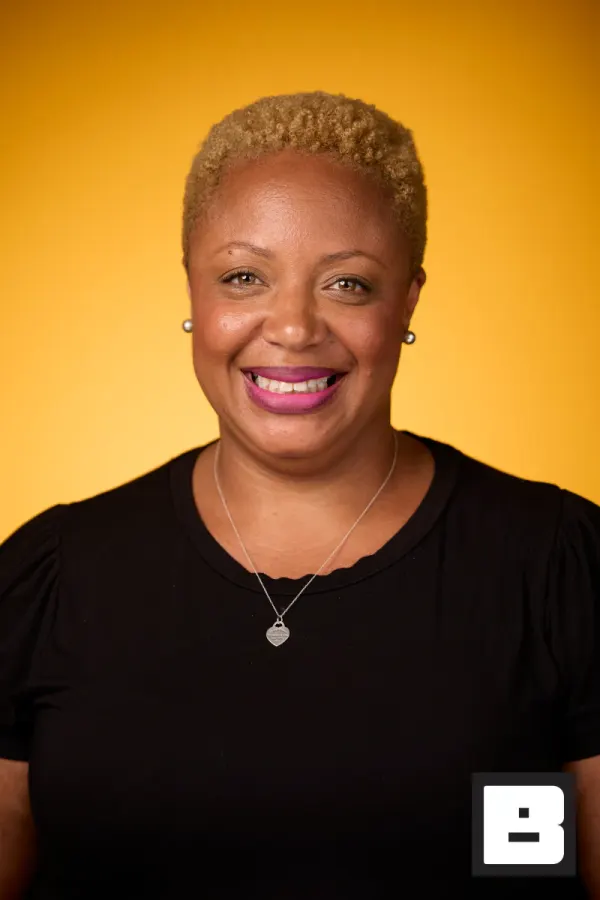
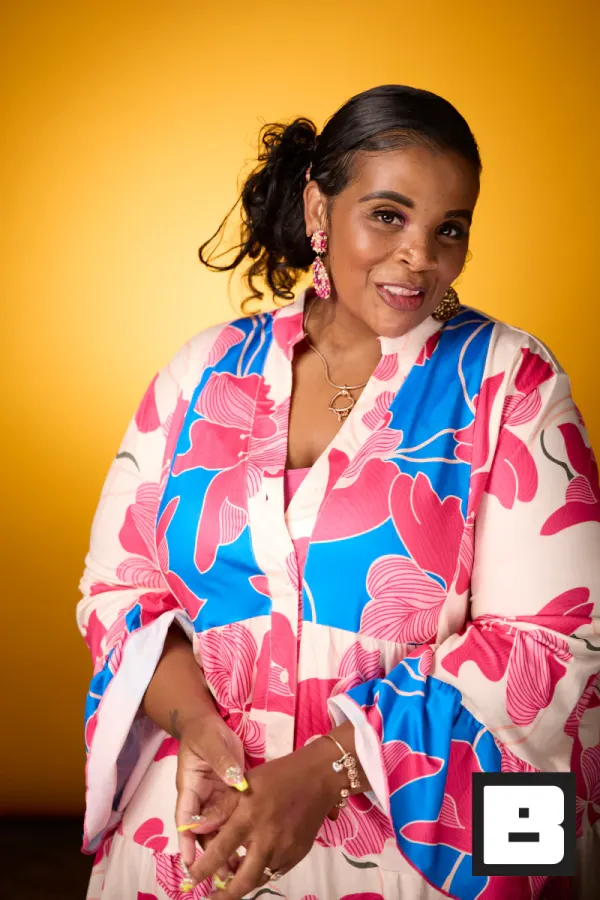
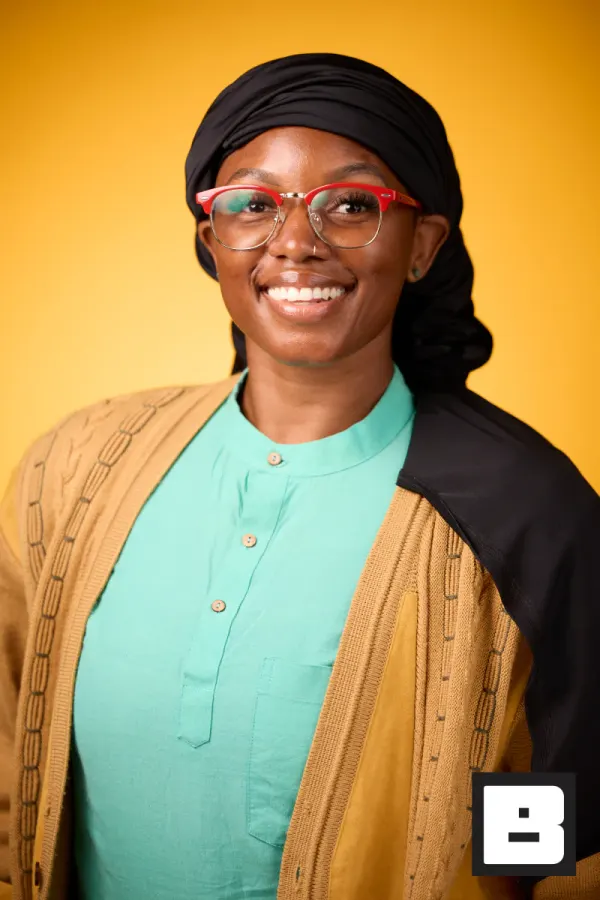
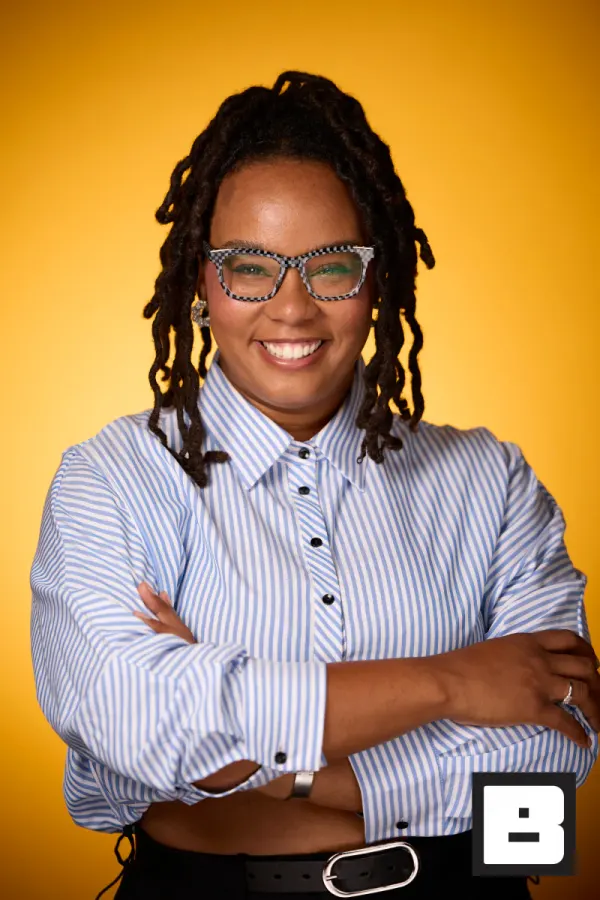
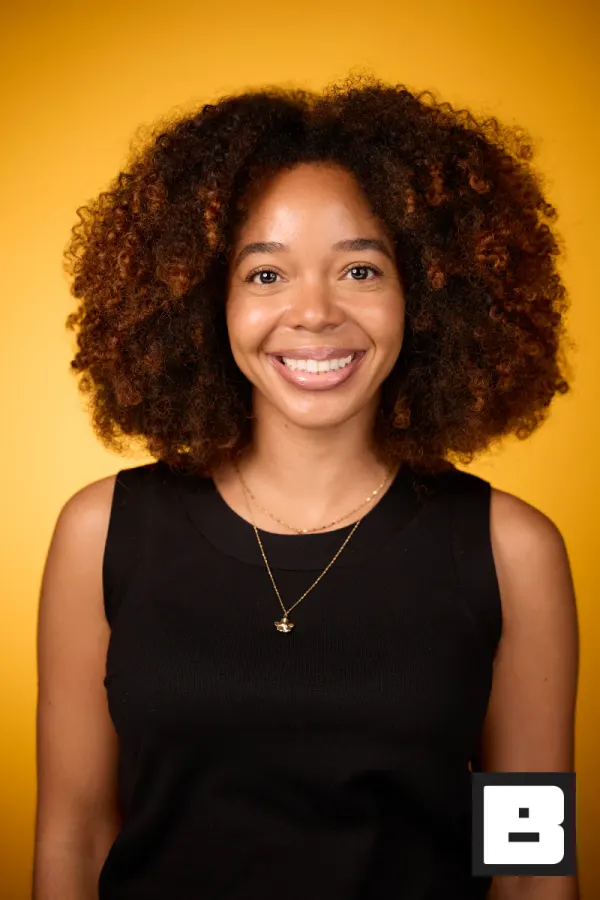

P&G, Cincinnati. Shot by Mammoth, the agency that runs its events on BrandStudio.
From your desk to their phone.
The conference end to end — the same three beats every event runs on.
Build the event on the web
Create the event, drop in the sponsor's brand kit, invite the crew. Every device downstream picks up the setup from there.
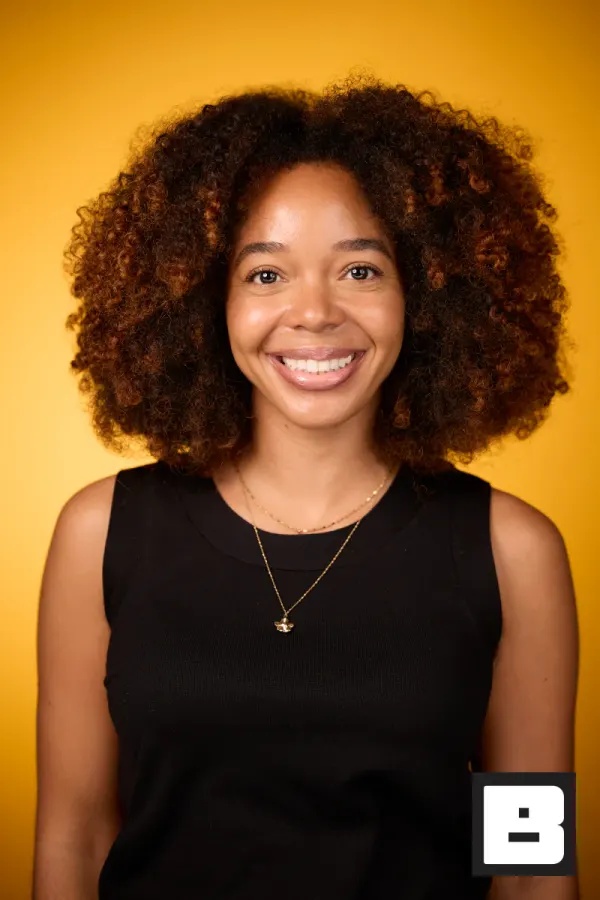

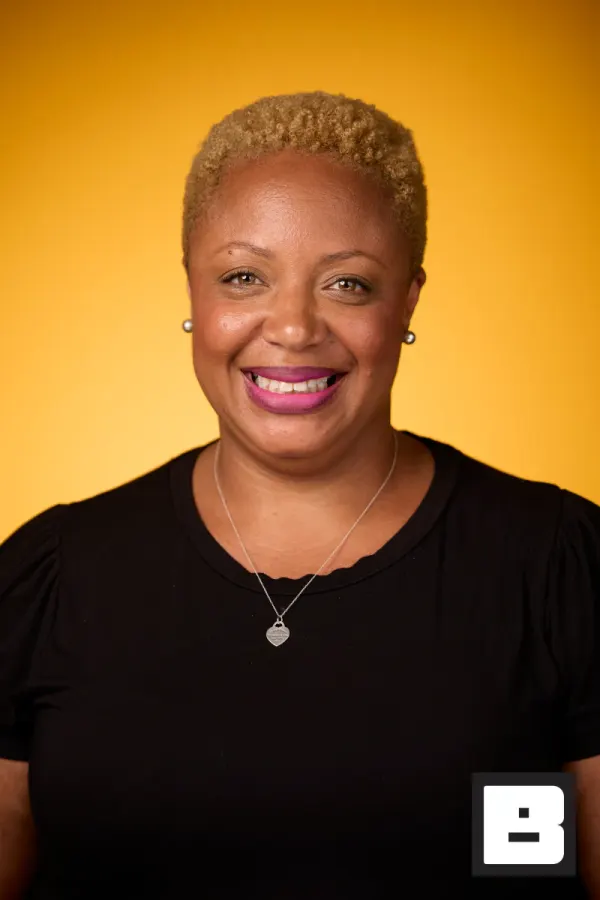
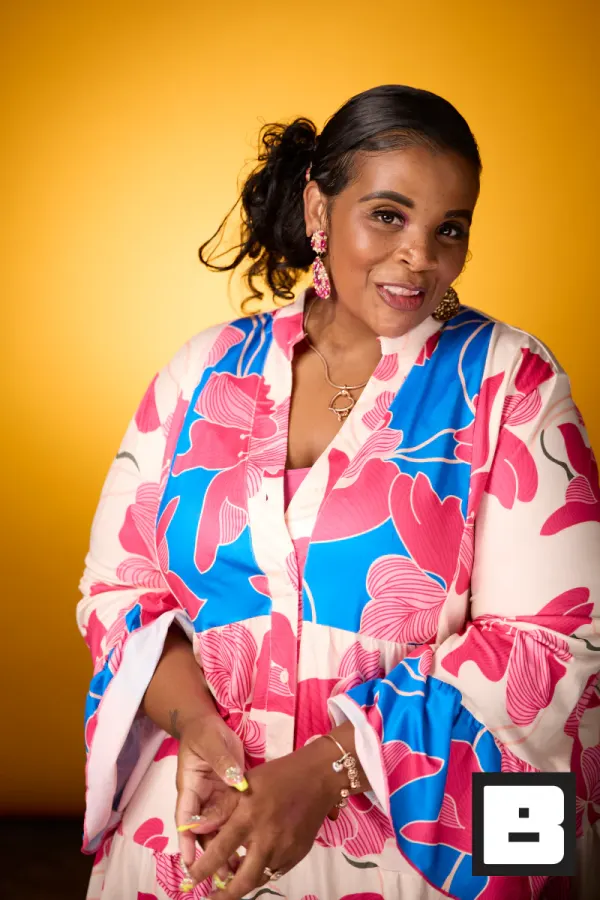
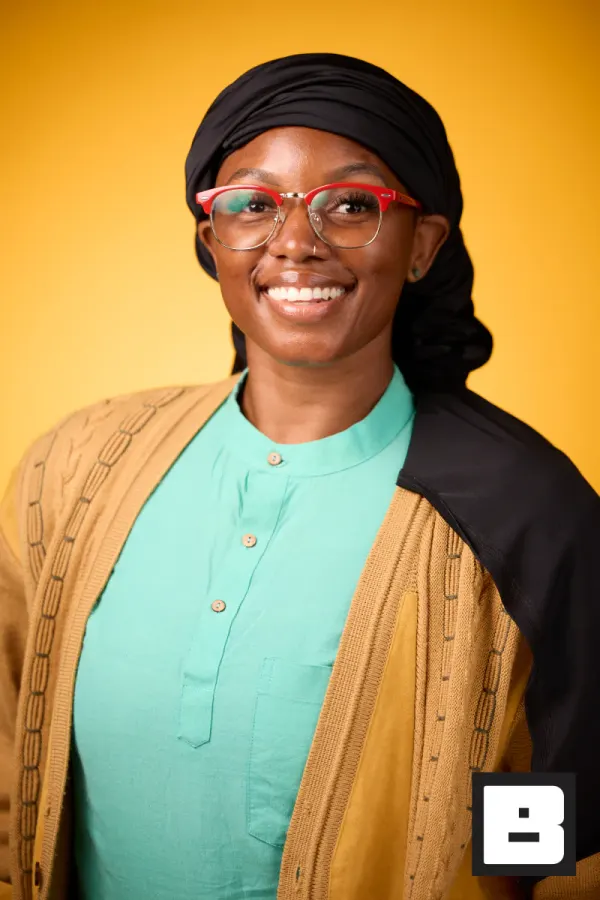
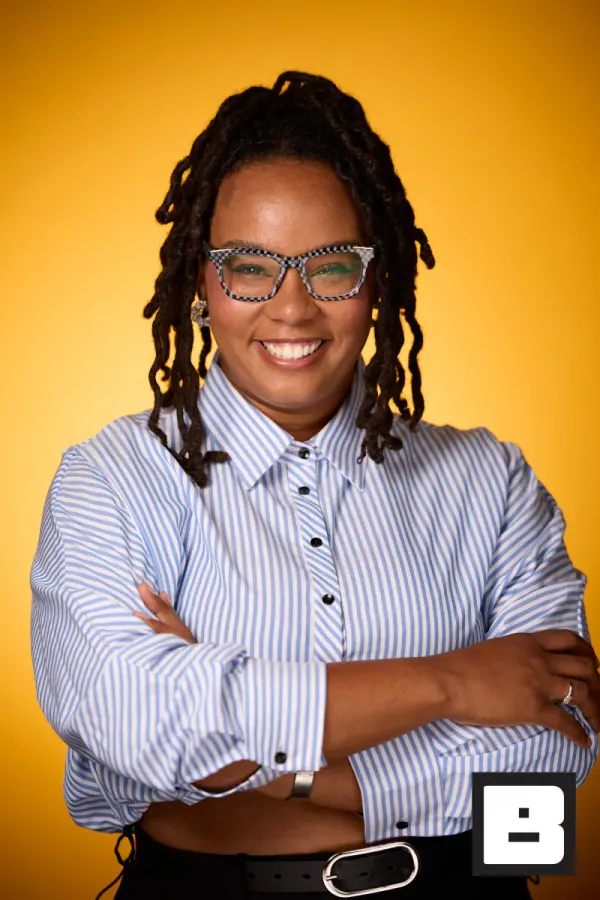
Scan the badge, shoot the frame
An iPad at the headshot lounge with a camera tethered to it. Scan the attendee's badge — they're registered and shooting, with no form to fill.
Saved to photosIt's already on their phone
A branded text lands before they've left the lounge. They tap, see themselves, and share — no app, no account, no waiting for Monday.
Real frames from P&G Confidence Lab at Black Tech Week
You know how day two usually goes.
Thousands of badges through the door, and the sponsor who paid for it wants proof the booth was worth it.
A dozen photographers shoot all day. Then the photos trickle out Monday — in a generic folder, with nobody’s logo on them.
By the time attendees see their photos, the conference is over and the moment to post has passed.
Set it up once on Monday.
We’ve run conferences. You get a three-step plan and we stay out of the frame.
Capture
Your photographers cover keynotes, the headshot lounge, and networking on any device — tethered camera, iPhone, or iPad. Edit at night in Capture One or Lightroom if you want.
BrandStudio brands + delivers
Every photo lands in one gallery on your domain, your sponsor’s logo applied automatically. Face Match finds each attendee and sends their personal gallery by SMS.
You review and approve
You see every photo hit the gallery and the lobby screens in real time. Attendees find their photos in the morning. You look like the producer who ran a flawless show.
BrandStudio never shows up in the link, the gallery, or the photo. Attendees only ever see your conference brand.
Three days, one gallery, every attendee found.
Here’s the conference as it actually runs — and which tool is on stage at each moment.
- Day 0 · 4 PM
Setup
Event created, the sponsor’s brand kit applied, crew invited. Every device — tethered rigs, iPhones, the night editor’s Mac — points at one event.
You see: One event, one brand, whole crew connected. - Day 1 · 8 AM
Registration
Attendees check in; a quick selfie enrolls them for their photos. Ten seconds, done — nobody has to ask “where do the photos go?” all week.
Guest sees: One selfie at the door. - Day 1 · 9 AM
Keynote
Photographers roam; every frame hits the gallery as it’s shot — during the talk, not after import.
You see: Photos landing live while the speaker’s still on stage. - Day 1 · 12 PM
Headshot lounge
The line moves because delivery is automatic — shoot, next; shoot, next. Each attendee’s headshot texts itself to them.
Guest sees: A pro headshot on their phone before lunch ends. - Day 1 · all day
The lobby screens
The best of the morning, live, with the sponsor’s logo on every frame. The sponsor watches their brand on stage all day.
- Day 1 · 10 PM
The night edit
Your editor culls in Lightroom; exports drop into a folder; the folder publishes itself — branded, sorted, live.
You see: Edited selects live in the gallery before midnight. - Day 2 · 7 AM
The morning text
Every enrolled attendee wakes up to their personal gallery — every photo they appear in, found overnight. Your conference is in their feeds before the day-two keynote.
Guest sees: Their own gallery, no searching. - Day 3 · close
The wrap
The numbers on one screen: photos by source, deliveries, views, downloads, shares. Export the guest and photo CSVs for the sponsor recap.
You see: The counts, ready for the recap deck.
Your sponsors see their logo on every photo that gets shared.
Attendees are already your customers and partners. They leave with branded headshots and candids they’re proud to post — and every share carries your conference and sponsor brand into their network.
- Every attendee leaves with their own photos, found by face — no app, no folder to dig through.
- Sponsor logos on every gallery page, every photo, every lobby screen.
- The proof it worked is already in everyone’s LinkedIn feed by Monday.
How it actually works.
One on-brand gallery for your entire conference
Every photo from every photographer, every session, every day — organized in one branded gallery on your domain. Attendees browse by folder or find themselves with a selfie. Your brand on every page.
- Custom domain with your logo and colors
- Folders by day, room, or photographer
- High-res downloads for attendees and marketing
Every attendee gets their own photos
Attendees register with a selfie and get a personal gallery of every photo they appear in. Keynote candids, networking moments, headshots — all in one place, delivered via SMS.
- One selfie enrollment, all photos matched automatically
- Personal gallery link delivered via SMS or email
- Works across all sessions, all days, all photographers
Photo ops attendees are excited to share
Your attendees are already customers and partners. Give them branded headshots, group photos, and candid moments they're proud to post on LinkedIn. Every share puts your conference brand in their network.
- Branded headshot lounges with instant delivery
- Photo booth activations for keynotes and networking
- Every photo carries your conference branding
Edit at night. Attendees find their photos in the morning.
Your photographers cover the day. Edit in Capture One or Lightroom that night. Upload to the Watch Folder and every photo hits the on-brand gallery automatically. Face recognition matches attendees overnight.
- Watch Folder picks up exports from any editing app
- Branding applied automatically on upload
- Face recognition matches photos to registered attendees
Badge scanning — they already wear it, just scan it
Every attendee has a badge. Scan it and their info is captured — no forms, no asking for emails. They're registered, their photos are tied to them, and delivery is automatic.
- vFairs roster sync, plus early Cvent, Eventbrite & Expo Logic integrations (CSV for the rest)
- No typing, no repeat questions — just scan and shoot
- Guest record and session started in one scan
Photos hit the lobby screens while the session is still running
Photos from the headshot lounge, keynote stage, and networking events appear on screens around the venue in real time. A sponsor slide can play between photos.
- A separate slideshow per room or zone
- A sponsor slide every few photos, if you want one
- Open the slideshow link in a browser on any screen
Suggested tools for conferences
Edit-to-gallery workflow with face matching and live slideshows.
Conference photography questions
How do attendees get their conference photos?
They register with one selfie and get a personal gallery of every photo they appear in — keynote candids, networking, headshots — delivered by SMS or email. No app to download, no scrolling a thousand-photo folder.
Whose branding is on the gallery — yours or BrandStudio's?
Your conference brand, on your own domain. Every page, every photo carries your logo, colors, and sponsor branding. BrandStudio never shows. Attendees only see the event they came for.
Can my photographers edit in Lightroom or Capture One first?
Yes. Shoot the day, edit that night, and export to the Watch Folder. Every photo hits the on-brand gallery automatically, branding applied on upload, and face recognition matches attendees overnight so they find their photos in the morning.
Do you integrate with our registration system?
Badge scanning connects directly to vFairs, with early Cvent, Eventbrite, and Expo Logic integrations and CSV import for everything else. Scan a badge and the attendee is registered and their session started in one tap, so every photo from that sitting is tied to them.
Can photos show on screens around the venue during the event?
Yes. Photos from the headshot lounge, keynote stage, and networking events appear on lobby and concourse screens in real time, with a sponsor slide in the rotation if you want one. Just open a browser tab on any screen.
Can multiple photographers cover different sessions at once?
Yes. Give each photographer or room its own folder and every photo syncs to the same branded gallery in real time. Face recognition matches attendees across all sessions, all days, all photographers.
Your sponsors will ask how you did it.
Every attendee leaves with their photos, on your sponsor’s brand. The lobby screens, the LinkedIn posts, the numbers for the recap — handled. You just run the show.