Six client events this weekend.One way to run them all.
On-brand galleries for every client, and Face Match delivers photos to their attendees in real time, while the event still has its momentum.
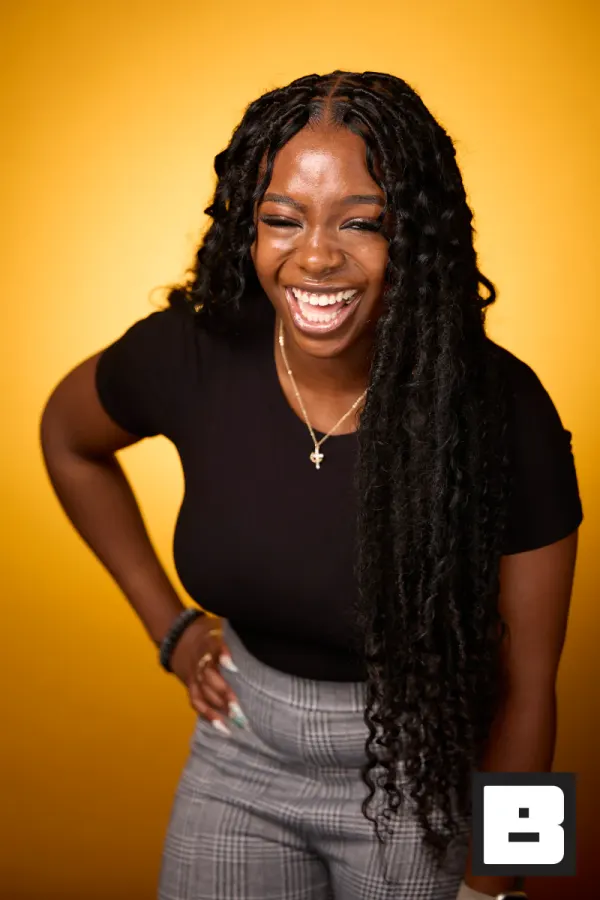
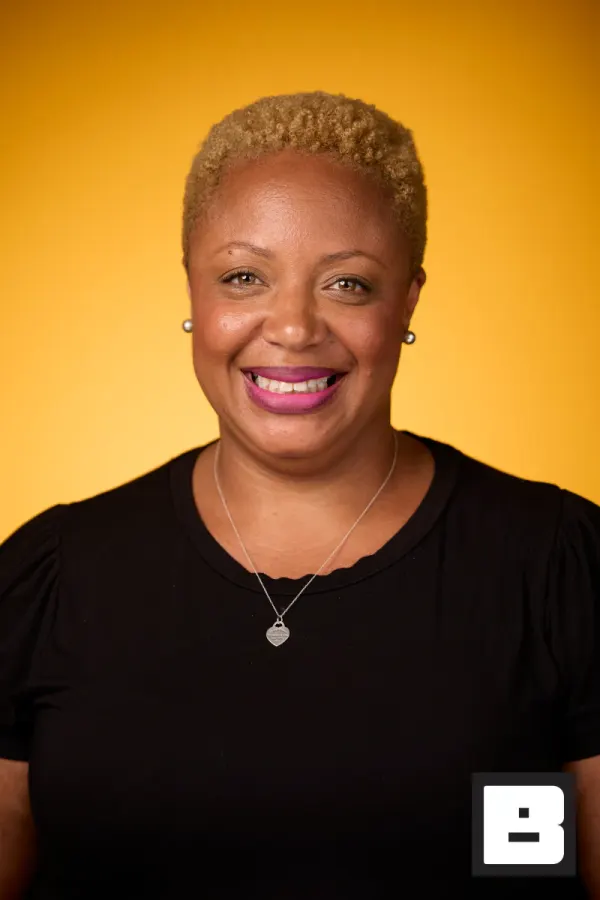
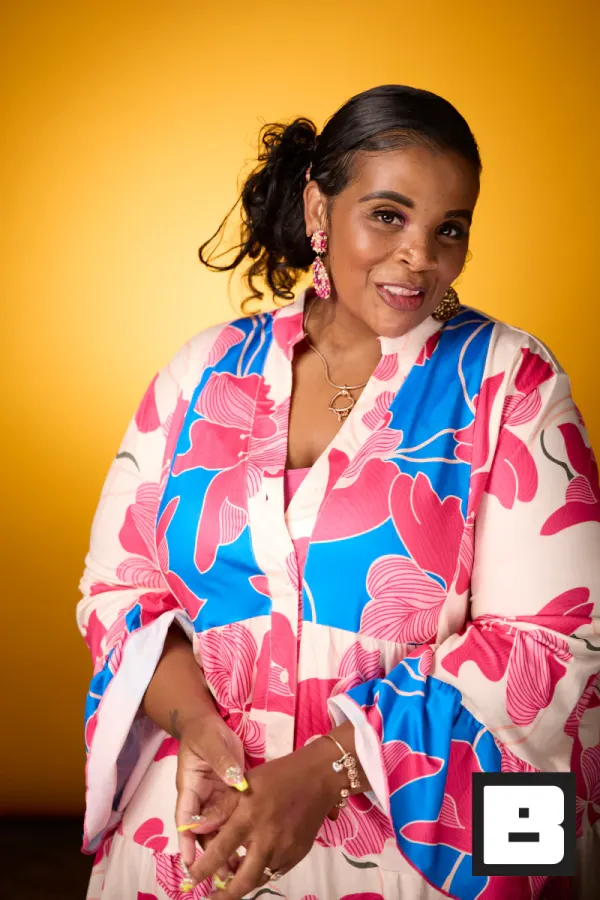
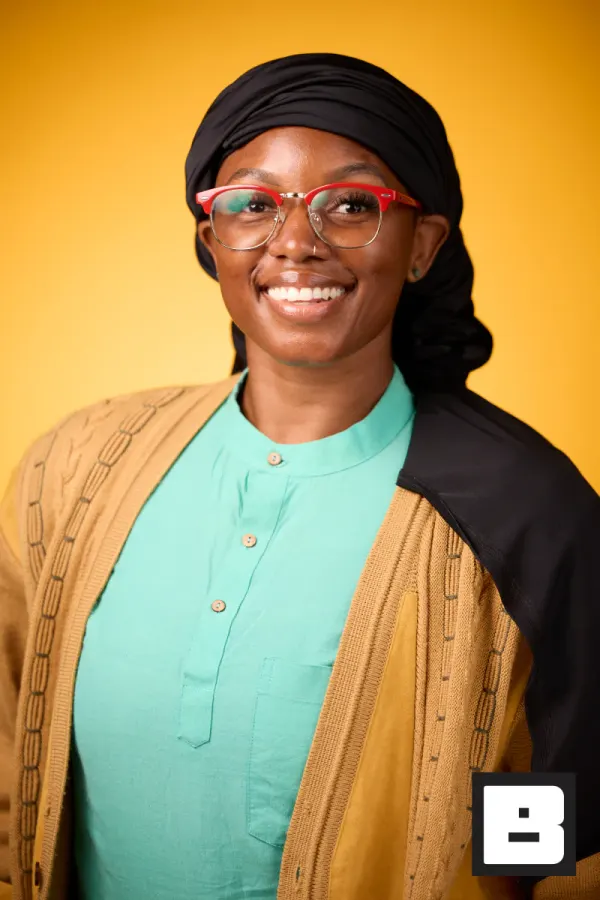
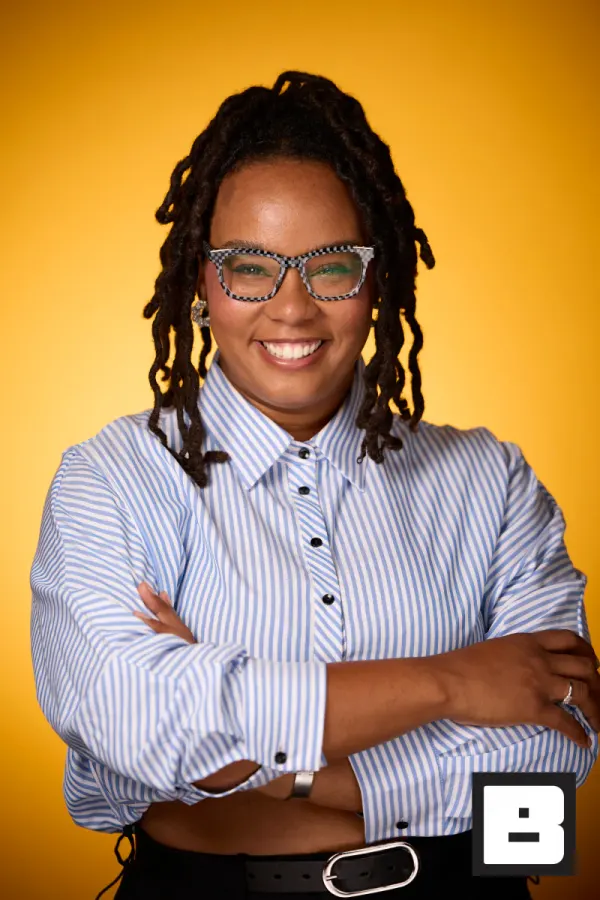
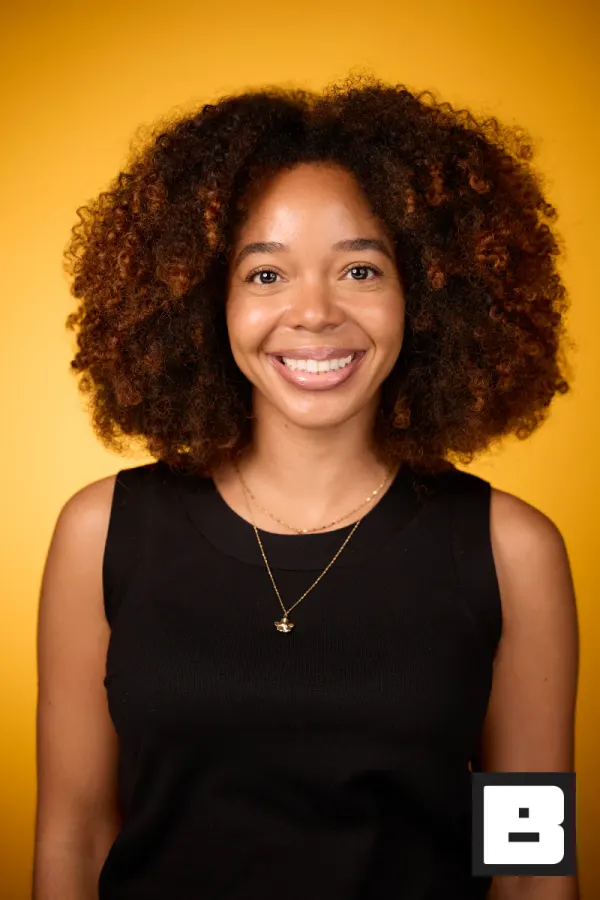
P&G, Cincinnati. Shot by Mammoth, the agency that runs its events on BrandStudio.
Six clients this weekend. One place to run them.
Every event branded as its own client, none of them as you.
Set up all six from one screen
A brand kit per client, an event per activation, and crew access per job. No spreadsheet tracking which login goes where.
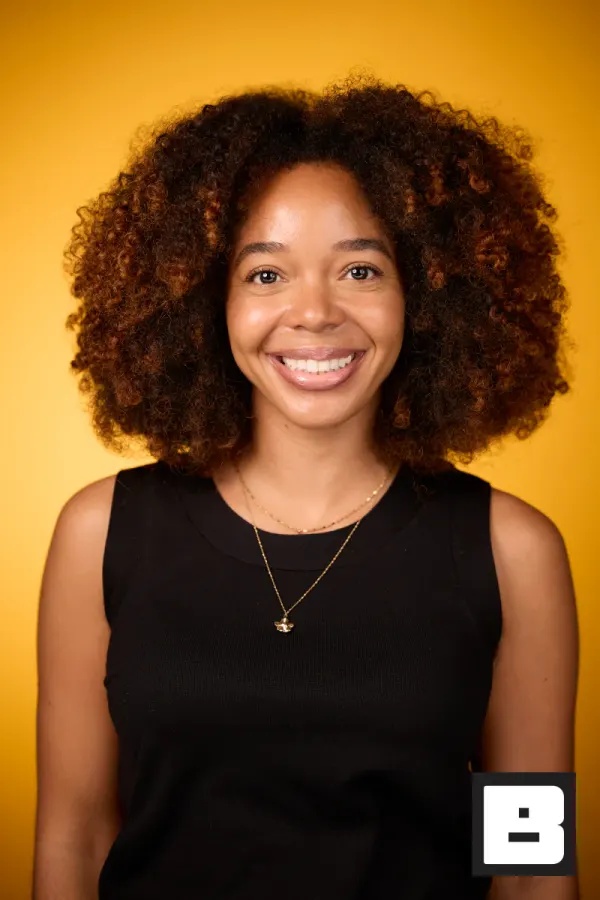
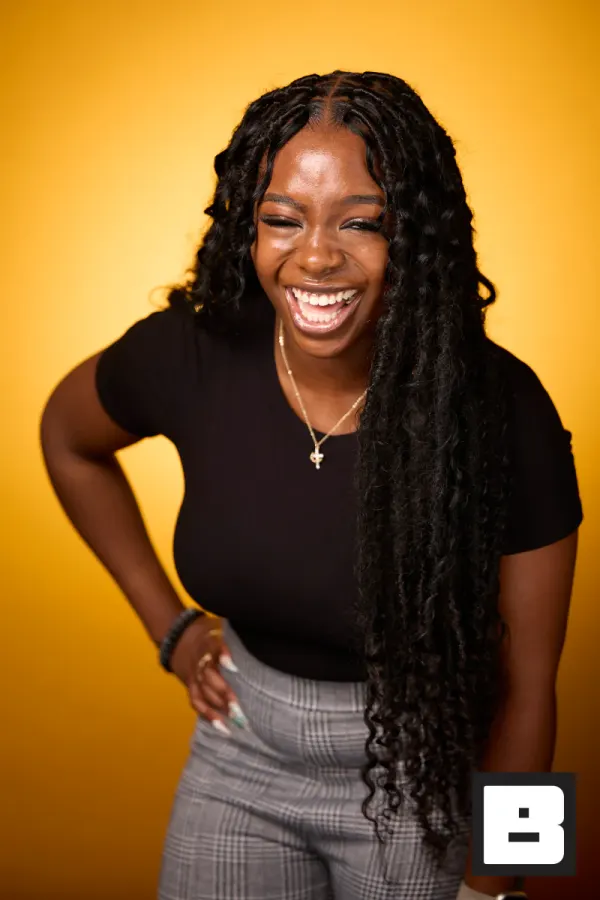
Crews arrive to configured devices
Whoever is working the job opens the app and the right event is already there, wearing the right client’s brand.
Saved to photosEach client looks like the hero
Guests get photos on the client’s brand and the client gets numbers to report. You stay invisible, which is the job.
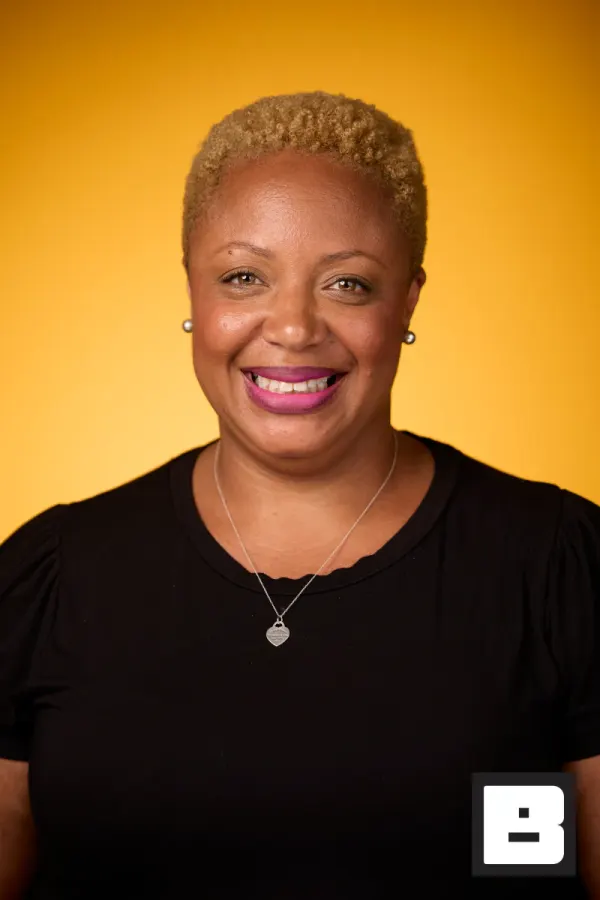
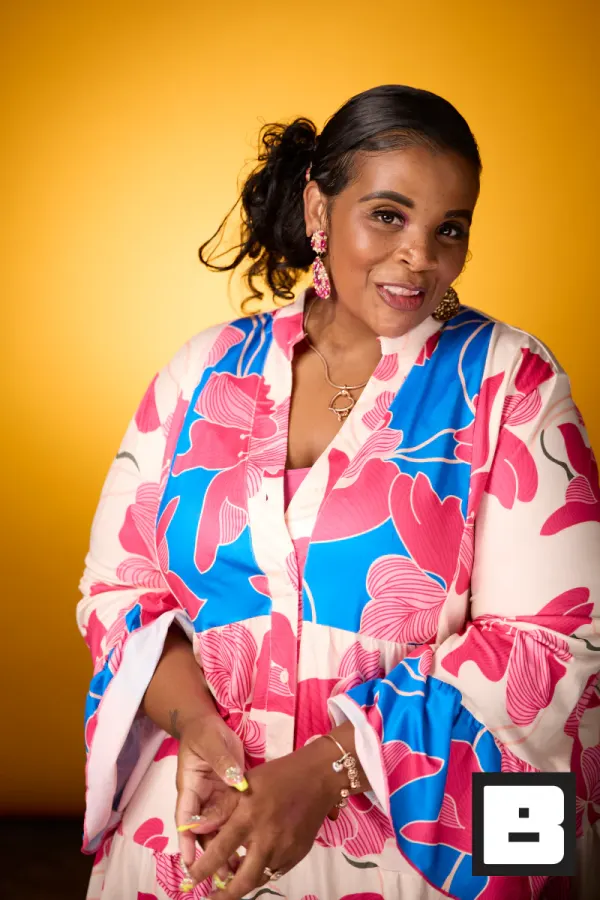
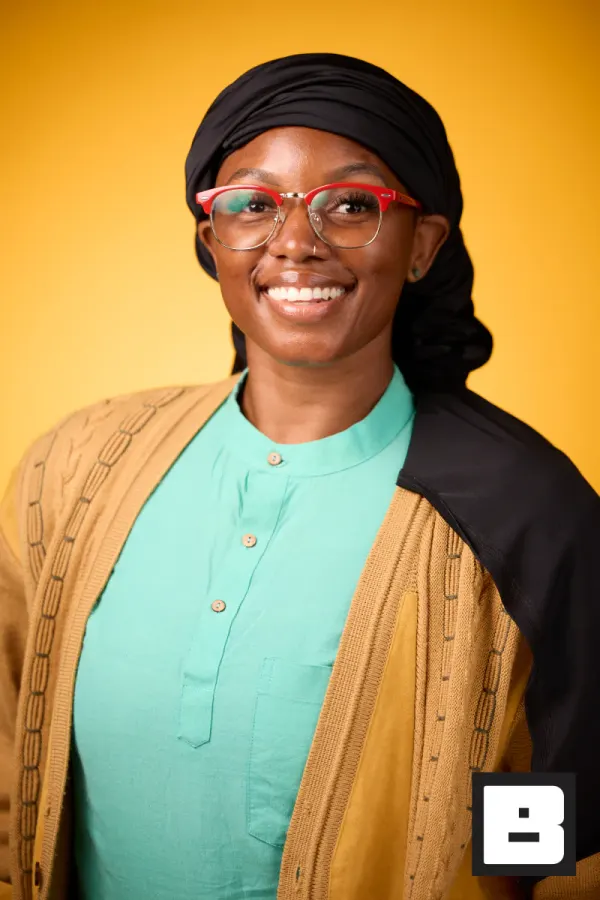
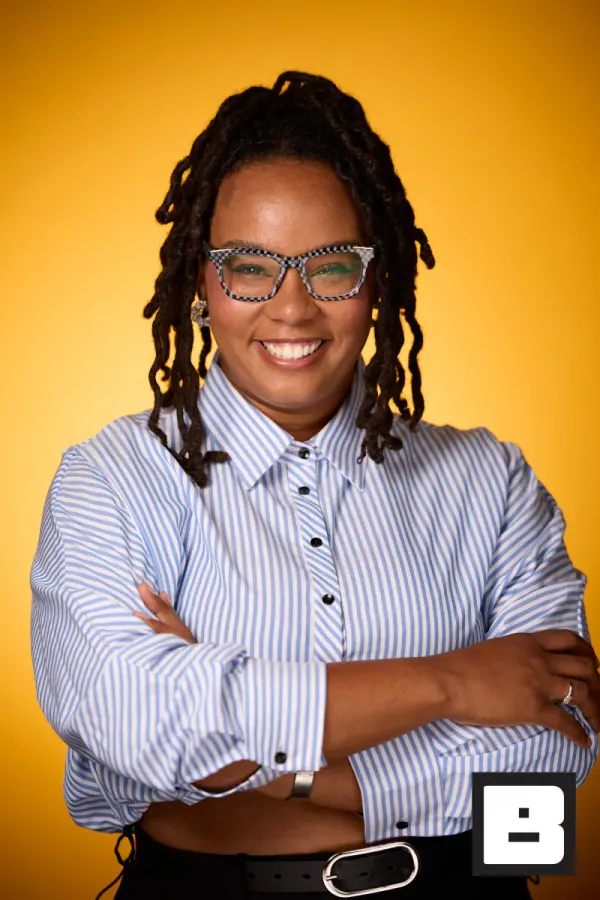
Real frames from P&G Confidence Lab at Black Tech Week
Sound familiar?
Every photographer works differently, so you spend more time coordinating than producing — and each client gets a different experience.
Six clients means six logos, six logins, and six chances for a booth to go out wearing the wrong brand.
The client wrap-up takes longer than the event — you’re stitching numbers from three tools into a spreadsheet the night before the call.
One setup, every client, every event.
Mammoth, our own events agency, runs its client events on BrandStudio. Three steps, and we stay out of the frame.
Capture
Set up a brand per client, give each crew member the right role, and your team shoots into one branded gallery per event from iPhone, iPad, or a tethered Canon.
BrandStudio brands + delivers
Every photo lands on the right client’s brand and domain automatically. Face Match finds each guest and texts their personal gallery during the event — no manual sorting, ever.
You watch it and report
Each event shows uploads, matches, and delivery as they happen. When it wraps, export the numbers and the guest list as CSV for the client wrap-up.
Turn off the “Powered by BrandStudio” line and each client’s guests see only that client’s brand on the gallery and photos. Texts carry the event’s name.
One setup. Twelve clients. Nobody calls you on a Saturday.
What the year looks like when every event runs the same way without you standing over it.
- Onboarding
Brand kits, once
Each client gets a brand: logo, colours, overlays, domain. Set once, and every future event for that client inherits it.
You see: Twelve brands, zero per-event setup. - Two weeks out
Hand it to the crew
You assign the event to whoever is working it. They open the app and it is already branded correctly — there is nothing for them to get wrong.
You see: No brand briefing. No wrong logo. - Event night
You are not there
The crew shoots. Photos land branded, guests get matched and texted. You are at a different event, or asleep.
Guest sees: Their photos, on the client’s brand. - Next morning
The client email
They ask how it went. You send numbers instead of adjectives: delivered, viewed, downloaded, shared.
You see: Numbers you did not count by hand. - Renewal
The reason they re-sign
Their guests remember the photos and their brand was on every one. That is the line item nobody questions.
Every client thinks you built the whole thing for them.
Each client’s guests leave with photos on that client’s brand, delivered the same night, with real numbers to show the photos went out. No client ever sees the others — or you juggling six at once. They just see a producer who nailed their event. That’s how a one-off becomes a retainer.
- Every guest gets their own photos, on the right client’s brand, found by face.
- Live upload and delivery counts mean you answer "how’s it going?" before the client asks.
- Views, downloads, and shares per event turn "thanks" into "what’s the next one?"
How it actually works.
A brand per client. Nobody has to police it.
Set up the logo, colors, and overlays once per client. No matter which photographer shoots the event, the photos and gallery come out on that client’s brand.
- One brand per client, set once
- Every gallery on the right client’s logo and colors
- Sessions like "Keynote" and "Awards" organize photos for you
Know how the event is going without texting your crew
Uploads, face matches, and delivery update as they happen, and one stations page shows every capture device across all your live events. You find out a booth is down from the screen, not from the client.
- Which capture devices are online and uploading
- Upload, match, and delivery counts as they happen
- Role-based permissions for your whole team
Every guest gets the right photos — automatically
No matter how many photographers are shooting, Face Match identifies who’s in each photo and texts each guest their personal gallery during the event. No sorting, no manual delivery, no follow-up from your team.
- One selfie matches every photo a guest appears in
- Personal gallery delivered by SMS or QR code
- Works across every shooter at the event
The wrap-up numbers are already counted
Gallery views, downloads, shares, and text and email delivery rates are tracked per event. Export them as CSV with the guest list and hand the client real numbers.
- Views, downloads, shares, and delivery per event
- Guest CSV with contacts, consent, photo count, and gallery link
- Rank a client’s events side by side
Suggested tools for event agencies
Run branded photo ops across multiple clients and events.
Event agency questions
How do I keep branding consistent across different clients and photographers?
Set up a brand per client with its logo, colors, and overlays, and put each event under the right brand. Whoever shoots the event, the photos, gallery, and texts come out on that client’s brand.
Can I see how an event is going without texting my shooters?
Yes. Each event shows uploads, face matches, and delivery as they happen, and one stations page shows every capture device across all your live events: online or not, battery, camera connected. There is no per-photographer scorecard.
How do guests get the right photos when several photographers are shooting?
Everyone captures into the same branded gallery, and Face Match identifies who’s in each photo and delivers their gallery link by SMS during the event. Sessions like "Keynote" and "Awards" keep photos organized automatically.
What numbers can I give the client after the event?
Gallery views, photo views, downloads, shares, and text and email delivery rates are tracked per event. Export them as CSV along with the guest list, photos, sessions, and prints. There is no PDF report; the CSVs are what you send or drop into your own deck.
Can I control what each team member can access?
Yes. Roles run from owner and admin through event manager, photographer lead, photographer, and assistant, plus client and brand roles for the people you work for. Everyone works in one account with the access their role allows.
Does running more events mean more admin?
Less than you would think. Each client’s brand is set once and every new event under it inherits the logo, colors, and overlays. Delivery and the numbers come from the same place as the photos.
Run more events without more overhead.
Every event stays on the right client’s brand, every guest gets their photos, and every client gets a reason to rebook.