Ask guests how it went, after the event.
When guests come back to their gallery for their photos, a short survey asks what they thought: stars, a 0 to 10 score, or your own questions.
My Photos

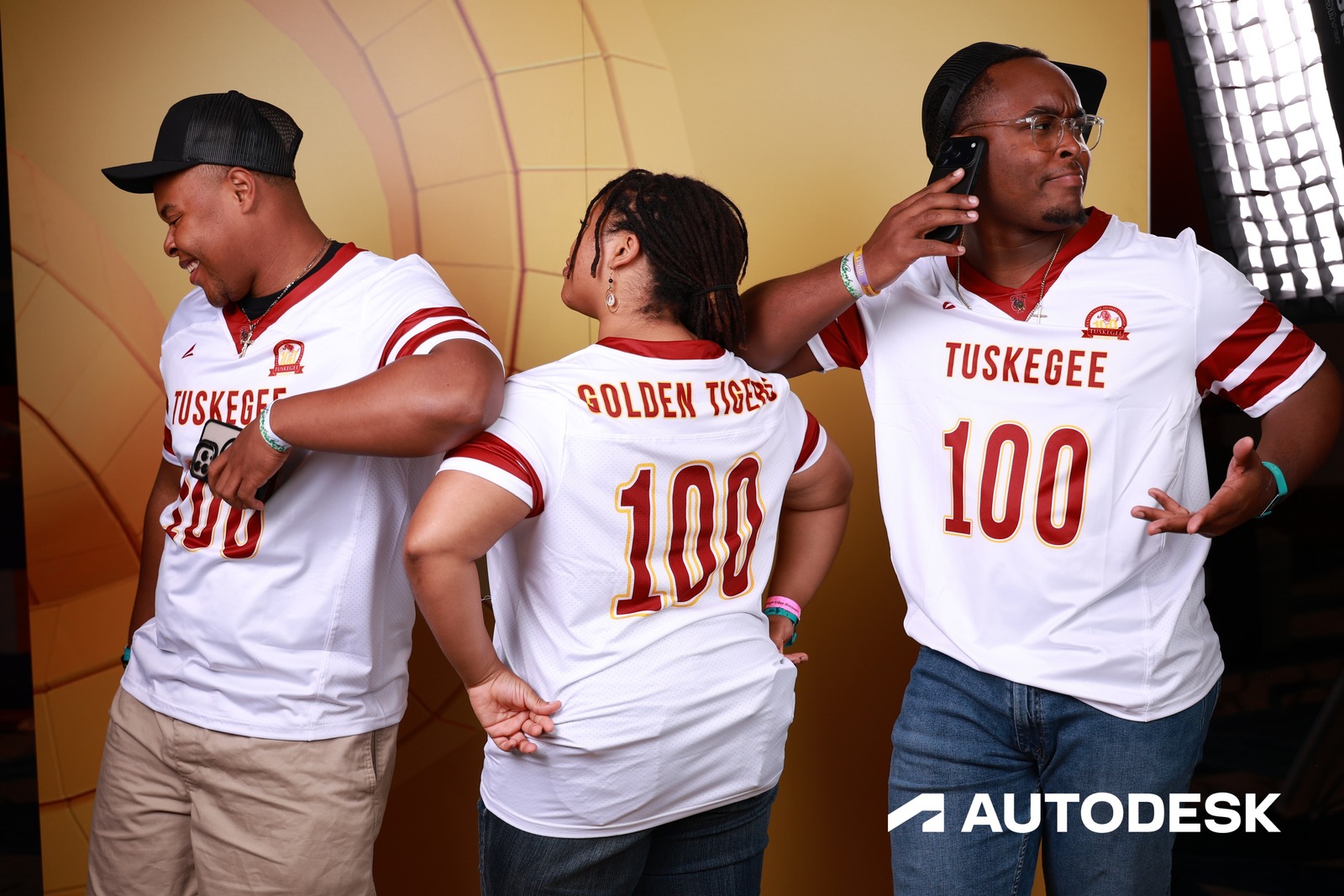
The gallery and the survey card are rebuilt in HTML from the real ones, with a frame from AGC Annual Convention (Autodesk, 2,047 photos). The three questions are samples — each event writes its own.
Higher response rates, zero follow-up emails
The survey appears while guests are browsing their photos and reliving the event. That timing is why people actually respond.
- Appears in each guest’s personal gallery, after their photos load
- Dismissible with one tap — never a wall
- Asks once; after they submit, that browser isn’t asked again






Ask what matters, skip the rest
NPS, star ratings, multiple choice, free text — mix and match to get the answers you need. No generic templates.
- NPS scoring built in
- Star ratings, multiple choice, and open text
- Required or optional, per question
Every response tied to a real person
Feedback links back to the guest’s record — the same guest whose photos, delivery status, and consent you already have. You know who said what.
- Responses tied to guest records
- Answers next to the guest’s photos and delivery history
- One profile, all the context
Proof your clients can see
A results dashboard with scores, distributions, and written feedback — open it while the event is still running and show the client.
- Results dashboard in the portal
- NPS promoter/detractor breakdowns
- Recent written answers at a glance
Stop chasing
responses.
Collect feedback where guests already are — right in the gallery, while the event is still fresh.
Common questions
Why run surveys in the gallery instead of sending them via email?
Response rates. Guests are already engaged when they're looking at their photos — that's the peak of post-event attention, and a short in-gallery survey rides that moment. An email the next day has to win their attention back cold. You survey when guests actually want to talk about the event, not days later when they've moved on.
What question types does Surveys support?
NPS (0–10), star rating, multiple choice, and open text. Mark each question required or optional and put them in whatever order works — short surveys get finished, so the tool keeps you honest about length.
When does the survey appear — right away or after downloads?
In the guest's personal gallery, after their photos are in front of them. That's the moment of peak attention — they're reliving the event, not fielding a cold email two days later. It never blocks access: one tap dismisses it, and once a guest submits, that browser doesn't ask again.
Where do survey responses end up for analysis?
On the survey results dashboard in the portal: response counts, NPS promoter/detractor breakdowns, star-rating averages, choice distributions, and recent written answers. Responses from a guest's personal gallery are linked to their guest record, so you see which attendees said what.